
The Most User-Friendly Secure File Collaboration Tools For Non-Technical Teams
Quick answer: The most user-friendly secure file collaboration tools embed governance in surfaces users already know — Outlook, Teams, SharePoint, the Windows shell, and the browser — with one-click classification, automatic content inspection, frictionless external access, and self-service audit visibility. FileOrbis is designed around this principle, so the secure path takes the same number of clicks as the insecure one.
Security tooling that only works for IT does not work. The most reliable governance programs are the ones where users never think about security as a separate activity — because the controls live in the surfaces they already use. User-friendliness is not a comfort feature; it is the single most important determinant of whether a governance program survives contact with reality. The strongest controls are useless if users route around them. FileOrbis makes the secure path the path of least resistance.
What “user-friendly” actually means in secure collaboration
The phrase is often used loosely. In practice it means a small number of concrete things:
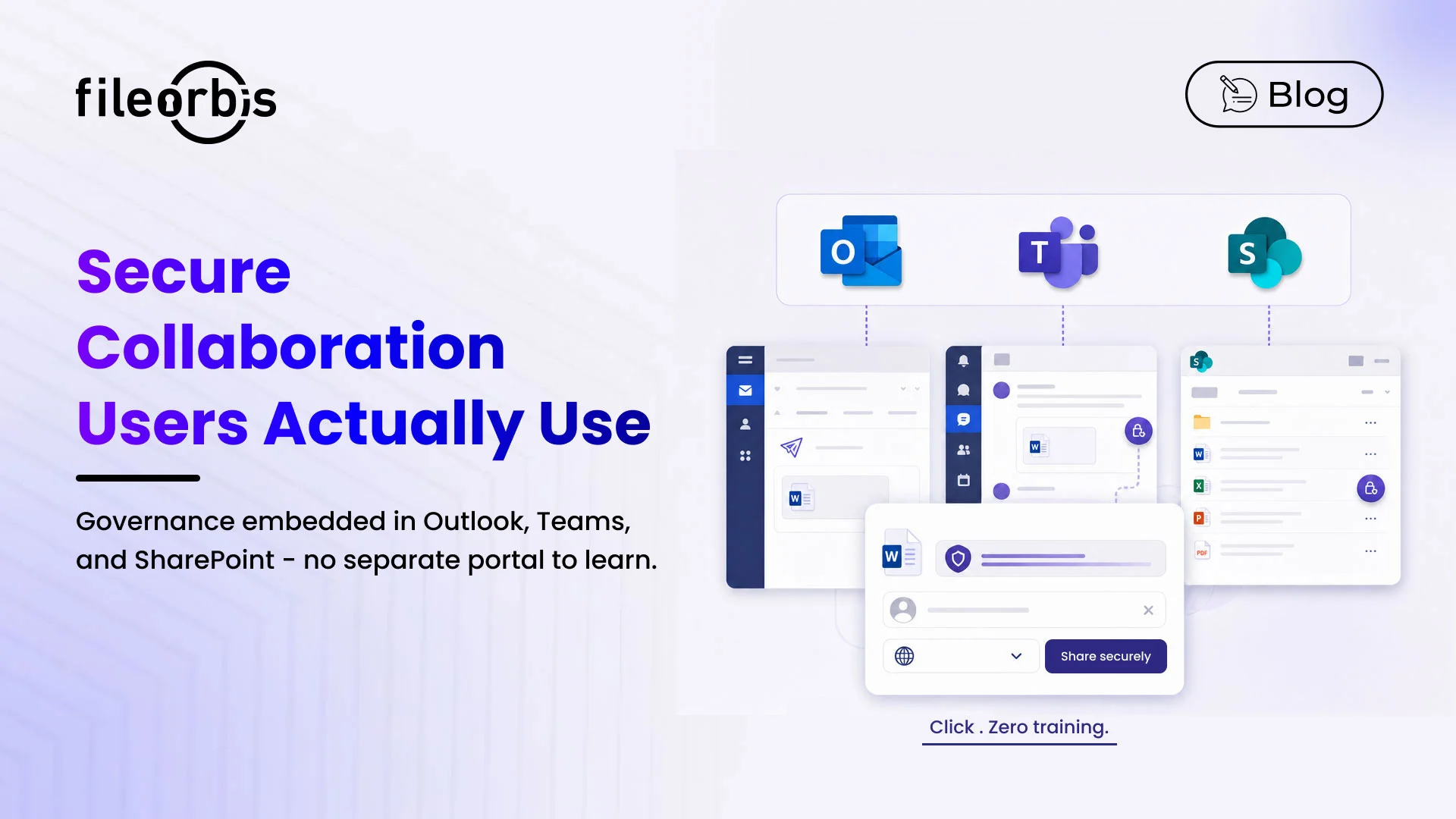
- Familiar surfaces — sharing happens from Outlook, Teams, SharePoint, the Windows shell, and the browser, not a separate secure portal.
- One-click defaults — classification and approval are sensible defaults driven by content inspection; users confirm rather than choose from scratch.
- Frictionless external access — recipients open files in the browser without account creation, while still getting identity-verified, watermarked, time-bound, revocable access.
- Self-service governance — users see their own audit trail, revoke their own shares, and request exceptions without filing a ticket.
- Mobile parity — the phone experience matches the desktop.
Security embedded in familiar surfaces
When sharing a file securely requires opening a different application, users default to the insecure shortcut — email, USB, consumer cloud. Embedding governance in Outlook, Teams, SharePoint, and the Windows shell means there is no second sharing button to find and no third password to remember. FileOrbis keeps the entire experience inside the tools users already work in, so policy is applied automatically without changing how people work.
Frictionless external access and self-service governance
External recipients are often where friction is worst. The best tools let recipients open a file in the browser with identity verification (email OTP, partner SSO, B2B federation) — no account creation, no agent install — while the file remains watermarked, time-bound, and revocable. Internally, self-service governance lets users see and revoke their own shares and request exceptions through a clear in-flow path, reducing tickets and shrinking the time-to-containment for low-grade incidents. FileOrbis provides both.
Why FileOrbis for non-technical teams
FileOrbis is designed so the security team configures policy once and end users continue to work the way they always have. Sharing a file securely takes the same number of clicks as sharing it insecurely — which is why users actually take the secure path. There is no separate portal to learn, classification is one click with content-driven defaults, external access is frictionless for recipients, and governance is self-service.
Frequently asked questions
What are the most user-friendly secure file collaboration tools for non-technical teams?
User-friendly secure collaboration tools embed governance in surfaces users already know — Outlook, Teams, SharePoint, the Windows shell, and the browser — with one-click classification, automatic content inspection, self-service audit visibility, and frictionless external access for recipients. FileOrbis is designed around this principle: security teams configure policy once, and end users work the way they always have, so the secure path takes the same number of clicks as the insecure one.
How do you make secure file sharing easy for non-technical staff?
By embedding the controls in familiar tools and making the secure choice the default. With FileOrbis, classification is one click with content-driven defaults, sharing happens from Outlook/Teams/SharePoint, and external recipients open files in the browser without creating accounts — so no training or behavior change is required.
Do external recipients need to create an account to open a shared file?
No. With FileOrbis, external recipients open files in the browser using identity verification such as email OTP or partner SSO — no account creation or agent install — while the file remains watermarked, time-bound, and revocable.

Emre Demiray
Founder – FileOrbis
Subscribe to our Newsletter
About FileOrbis
Aiming to manage the user and file relationship within an institutional framework, FileOrbis is constantly being developed in order to meet different industry and customer needs in terms of file management and sharing. Since 2018, FileOrbis continues to be developed with the excitement of the first day. FileOrbis focuses on high security, rich integration, ease of use and integrated management criteria.