
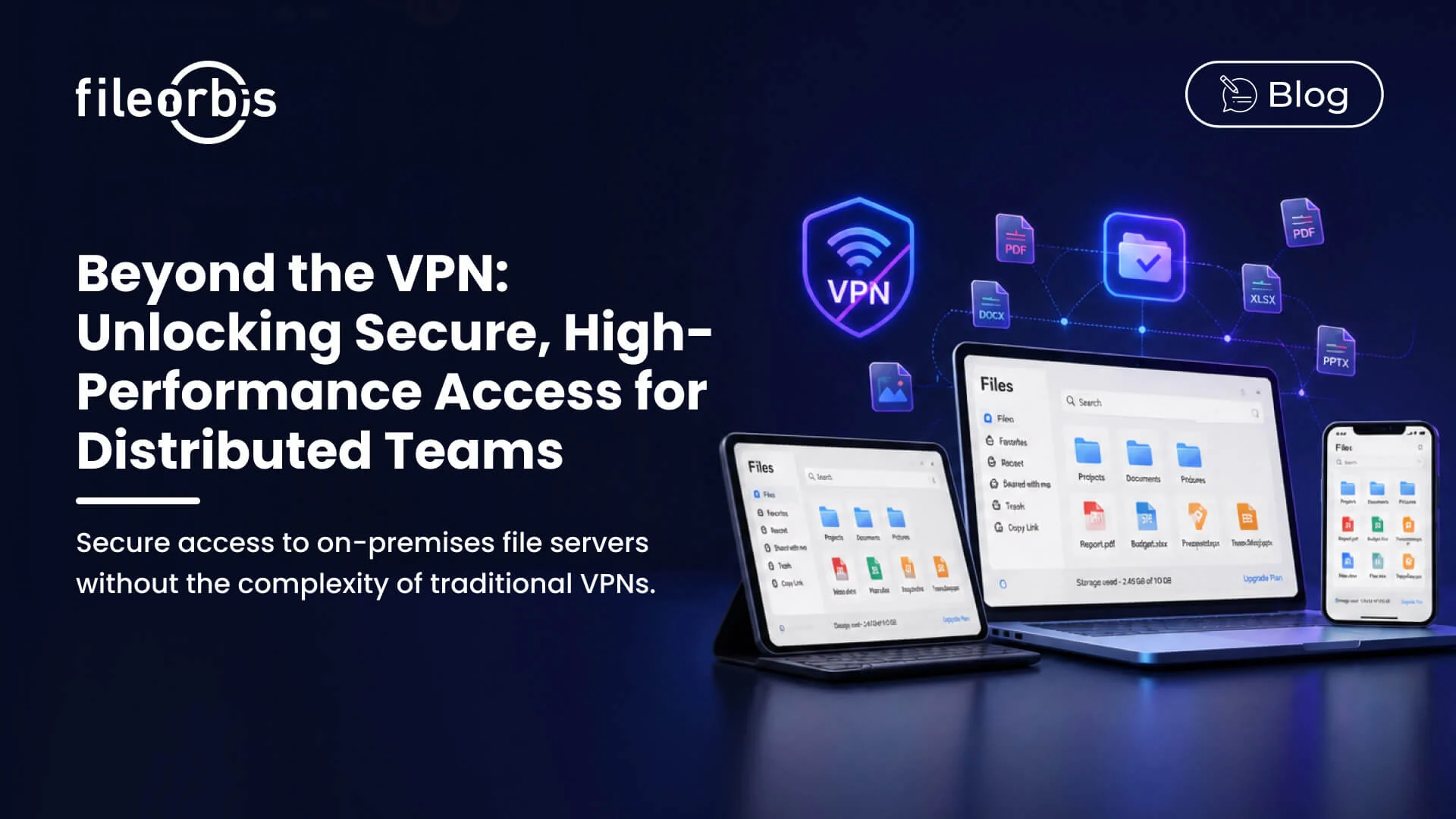
Beyond the VPN: Unlocking Secure, High-Performance Access for Distributed Teams
The premise that employees need a VPN to access on-premises file servers was already strained before large-scale remote work became standard. Today, it cre-ates a persistent operational burden: VPN clients require maintenance, VPN connections introduce latency, and VPN capacity must be scaled to accommo-date peak concurrent usage. When these friction points accumulate, users find alternatives — none of which are under organizational control.
FileOrbis eliminates the VPN dependency for file server access without relaxing security requirements. Employees access on-premises file servers through File-Orbis’s secure access layer, from any device and any location, with the same governance controls that apply in the office.
The VPN + File Server Architecture: Where It Fails
Organizations running VPN-dependent file access typically experience several recurring problems:
Performance at Scale VPN throughput becomes a constraint when large numbers of remote users need to transfer large files simultaneously. Video files, design assets, large datasets, and document archives are routinely associated with degraded performance over VPN-connected file server access.
Client Management Overhead Every remote device requires a functioning, up-to-date VPN client. Version mismatches, expired certificates, and config-uration drift create a continuous helpdesk burden. For organizations with a significant contractor or BYOD population, managing VPN clients on non-organization-issued devices is impractical.
Coarse Access Granularity VPN access grants broad network-level connec-tivity. A user on a VPN can potentially browse and attempt to access any network resource, not just the file shares they are authorized to use. Fine-grained, file-system-level access control must be managed separately within the file server itself.
No Native Collaboration Features File servers accessed over VPN provide no sharing, notification, approval, or collaboration capabilities. These functions are added through separate tools — email, messaging applications, and ad-hoc link generation — each introducing additional governance gaps.
FileOrbis Remote Access Architecture
FileOrbis deploys a secure access gateway between end-user devices and your on-premises file infrastructure. This gateway authenticates users, enforces access policies, mediates file transfers, and logs all activity — without requiring VPN connectivity on the client device.
Browser-Based or Native Client Access
Users access their file server content through a web browser or a lightweight FileOrbis desktop and mobile client. Both interfaces provide full file manage-ment capability: folder navigation, file upload and download, search, sharing, and collaboration features.
The browser interface requires zero installation and is compatible with any mod-ern browser on any operating system. The native clients offer enhanced features for offline access, background synchronization, and deep operating system inte-gration — but they are optional, not prerequisites.
Identity-Verified, MFA-Protected Access
Every FileOrbis access session requires authentication. Integration with Ac-tive Directory, LDAP, SAML 2.0, and OpenID Connect allows organizations to enforce their existing identity and authentication policies, including:
- Multi-factor authentication requirements for all remote access
- Conditional access policies based on device trust status, network location, or time of day
- Single sign-on integration with corporate identity providers
- Session timeout enforcement for inactive users
Granular, Identity-Based Access Control
Access permissions in FileOrbis are defined per user and per group, at the folder and file level, against the same directory groups used for on-premises network access. Changes to directory group membership — new hires, role changes, departures — are reflected in FileOrbis access policies automatically through directory synchronization.
Permissions can be extended with additional constraints not available in stan-dard file server access:
- Time-bound access that expires after a defined period
- Device-restricted access that permits access only from enrolled and trusted devices
- IP-restricted access that limits connections to defined network ranges
- Read-only enforcement for specific file categories regardless of the user’s underlying directory permissions
Intelligent Bandwidth Management and Caching
For users in locations with limited connectivity, FileOrbis’s bandwidth manage-ment capabilities ensure a usable experience:
Smart Caching: Frequently accessed files are cached locally, reducing round-trip transfer time for files that are routinely needed.
Adaptive Streaming: Large file transfers are managed with adaptive throt-tling that respects available bandwidth and prioritizes user-interactive opera-tions over background sync.
Selective Sync: Users can designate specific folders for local synchronization, ensuring that their most-needed content is available offline without synchroniz-ing the entire file estate to every device.
Activity Monitoring for Remote Access
Every remote access event — file open, download, upload, share, permission change — is logged in the centralized FileOrbis audit trail. For security opera-tions teams, this provides:
- Real-time dashboards showing active remote sessions and their locations
- Anomaly alerts for access patterns that deviate from established user base-lines
- Geographic access analysis identifying access from unexpected locations
- Comprehensive incident investigation capability with full event-level detail
Subscribe to our Newsletter
About FileOrbis
Aiming to manage the user and file relationship within an institutional framework, FileOrbis is constantly being developed in order to meet different industry and customer needs in terms of file management and sharing. Since 2018, FileOrbis continues to be developed with the excitement of the first day. FileOrbis focuses on high security, rich integration, ease of use and integrated management criteria.