
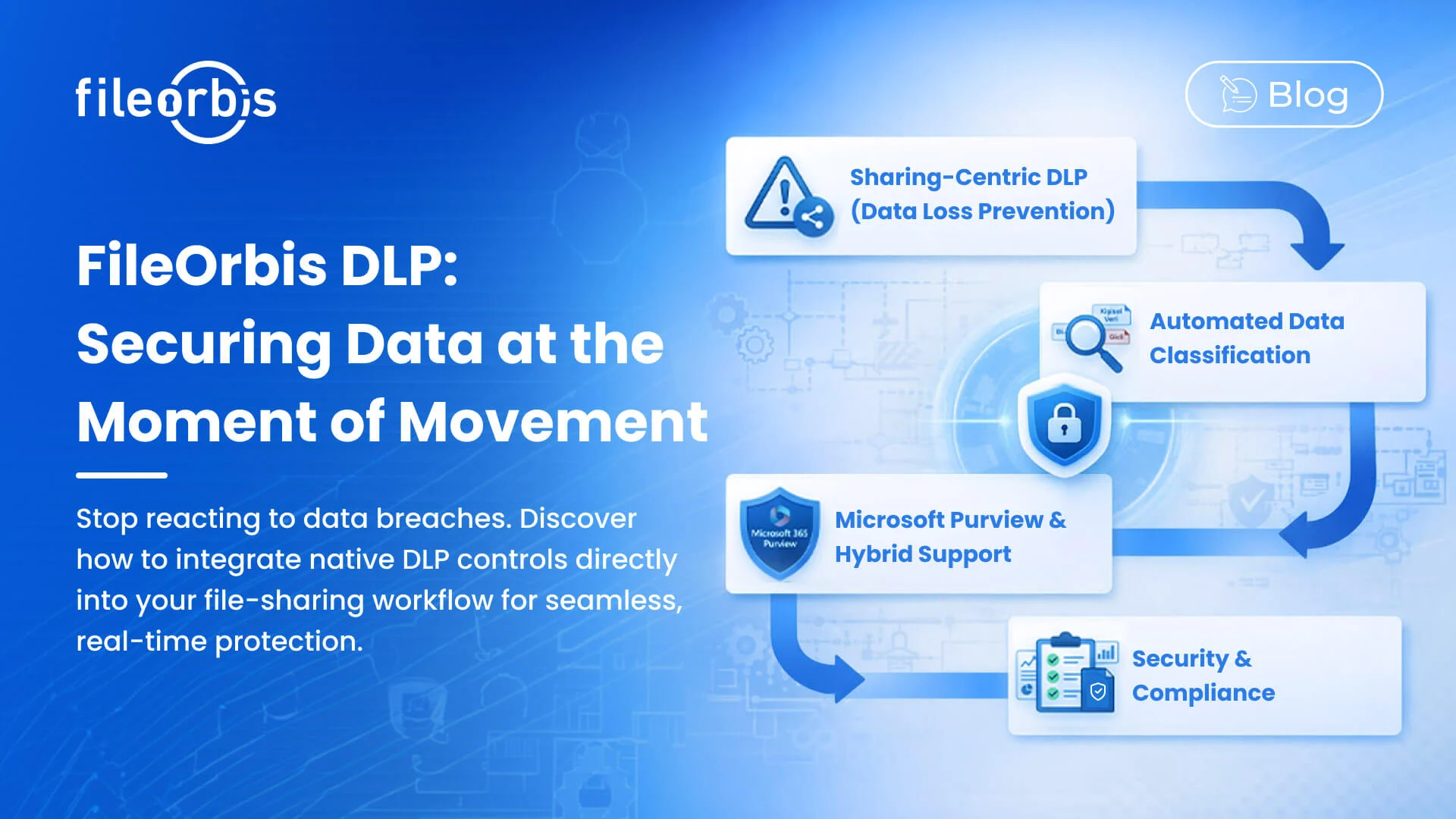
Data Loss Prevention at the File Sharing Layer: FileOrbis DLP
Data loss prevention is most effective when it operates at the exact moment a data movement decision is made. For enterprise file environments, that moment is the sharing event — when a user decides to send a file to a colleague, upload it to a portal, or generate an external link. FileOrbis positions DLP controls at precisely this point, making prevention native to the sharing workflow rather than a separate enforcement system operating after the fact.
Understanding Where Enterprise DLP Breaks Down
Most enterprise DLP implementations operate at the network perimeter or within endpoint agents. They inspect traffic as it leaves the organization and block transfers that violate policy. This architecture has two fundamental limi-tations in the context of file governance:
Reactive Enforcement: By the time a DLP network agent detects a policy violation, the user has already attempted the transfer. The experience is dis-ruptive, the block is often opaque to the user, and the underlying decision — why this content was being shared and whether it was appropriate — is not captured.
Classification Dependency: Network DLP operates on metadata, file exten-sion, and pattern matching. Without deep content understanding and persistent classification labels attached to files, DLP rules produce high rates of false pos-itives — blocking legitimate work — and false negatives — missing sensitive content that doesn’t match expected patterns.
FileOrbis addresses both limitations by combining content-aware classification with policy enforcement that is native to the file sharing workflow.
How FileOrbis DLP Works
Persistent Content Classification
When a file enters the FileOrbis environment — whether uploaded directly, synced from SharePoint, or accessed from an on-premises file server — it is analyzed for sensitive content patterns. Classification is applied persistently to the file, not just to a specific sharing event.
Detectable content categories include:
- Personal identifiers: National ID numbers, passport numbers, tax iden-tification numbers, social security equivalents across multiple jurisdictions
- Financial data: IBAN codes, credit card numbers (PAN), bank account identifiers
- Health information: Diagnostic codes, patient identifiers, prescription-related terms
- Legal and contractual terms: Confidentiality clauses, attorney-client privilege markers, non-disclosure language
- Custom organizational patterns: Proprietary project codes, internal classification terms, product names under development
Custom pattern libraries can be defined per organization, allowing classification logic to reflect the specific sensitivity profile of your industry and business.
Policy-Based Enforcement at the Point of Sharing
Once a file is classified, policies determine what actions are permitted based on that classification. Policies in FileOrbis are defined by administrators and enforced silently at the sharing layer:
Block: Classified files in certain categories cannot be shared externally under any circumstances. Attempts to do so generate an alert and an audit record.
Route for Approval: Files in medium-sensitivity categories can be shared externally, but only after a documented approval event.
Apply Link Controls Automatically: When external sharing is permitted, FileOrbis automatically applies the maximum link controls appropriate for the document’s classification — expiration periods, view-only restrictions, or pass-word requirements — without requiring the user to configure them manually.
Alert and Permit: For monitoring purposes, a sharing event can be permitted while generating a real-time alert to the compliance team, allowing them to review the context and intervene if needed.
Watermark and Permit: Documents shared externally are dynamically wa-termarked with the recipient’s identity and access timestamp, deterring unau-thorized redistribution.
Real-Time Alerting and Incident Response
When a DLP policy is triggered — whether resulting in a block, an approval route, or an alert — FileOrbis dispatches real-time notifications to designated administrators or compliance officers. Alerts include:
- The identity of the user who initiated the sharing event
- The file name, classification label, and detected sensitive content category
- The intended recipient (if known) and the sharing method
- A direct link to the relevant audit record
Compliance teams can investigate directly from the alert notification, review the full sharing context, and take immediate action — revoking access, esca-lating the incident, or documenting a justified exception — without navigating separate systems.
DLP Reporting and Compliance Evidence
FileOrbis generates structured DLP reports that document:
- Total DLP events within a defined period, categorized by policy type and outcome
- Trends in sensitive content sharing behavior across departments and user groups
- Exception records — approved sharing events that bypassed standard pol-icy controls — with approver identities and justifications
- Blocked event summaries suitable for inclusion in regulatory audit submis-sions
These reports serve both as operational dashboards for compliance teams and as evidence artifacts for external audits and regulatory examinations.
Deployment Models for DLP
FileOrbis DLP functions identically across all supported deployment models:
On-Premises: All classification processing and policy enforcement occurs within your own data center. No file content is transmitted to external services for analysis.
Hybrid: M365-hosted content and on-premises file stores are governed un-der a unified DLP policy framework. Classification labels applied to files in SharePoint are recognized when those files are accessed through connected on-premises paths, and vice versa.
Private Cloud: FileOrbis is deployed on infrastructure you own or lease, with full administrative control over the classification engine and policy database.
In all configurations, the DLP engine operates within your defined perimeter. Sensitive content patterns are matched locally — FileOrbis does not require access to a cloud-hosted classification service to enforce DLP policies.
Subscribe to our Newsletter
About FileOrbis
Aiming to manage the user and file relationship within an institutional framework, FileOrbis is constantly being developed in order to meet different industry and customer needs in terms of file management and sharing. Since 2018, FileOrbis continues to be developed with the excitement of the first day. FileOrbis focuses on high security, rich integration, ease of use and integrated management criteria.