
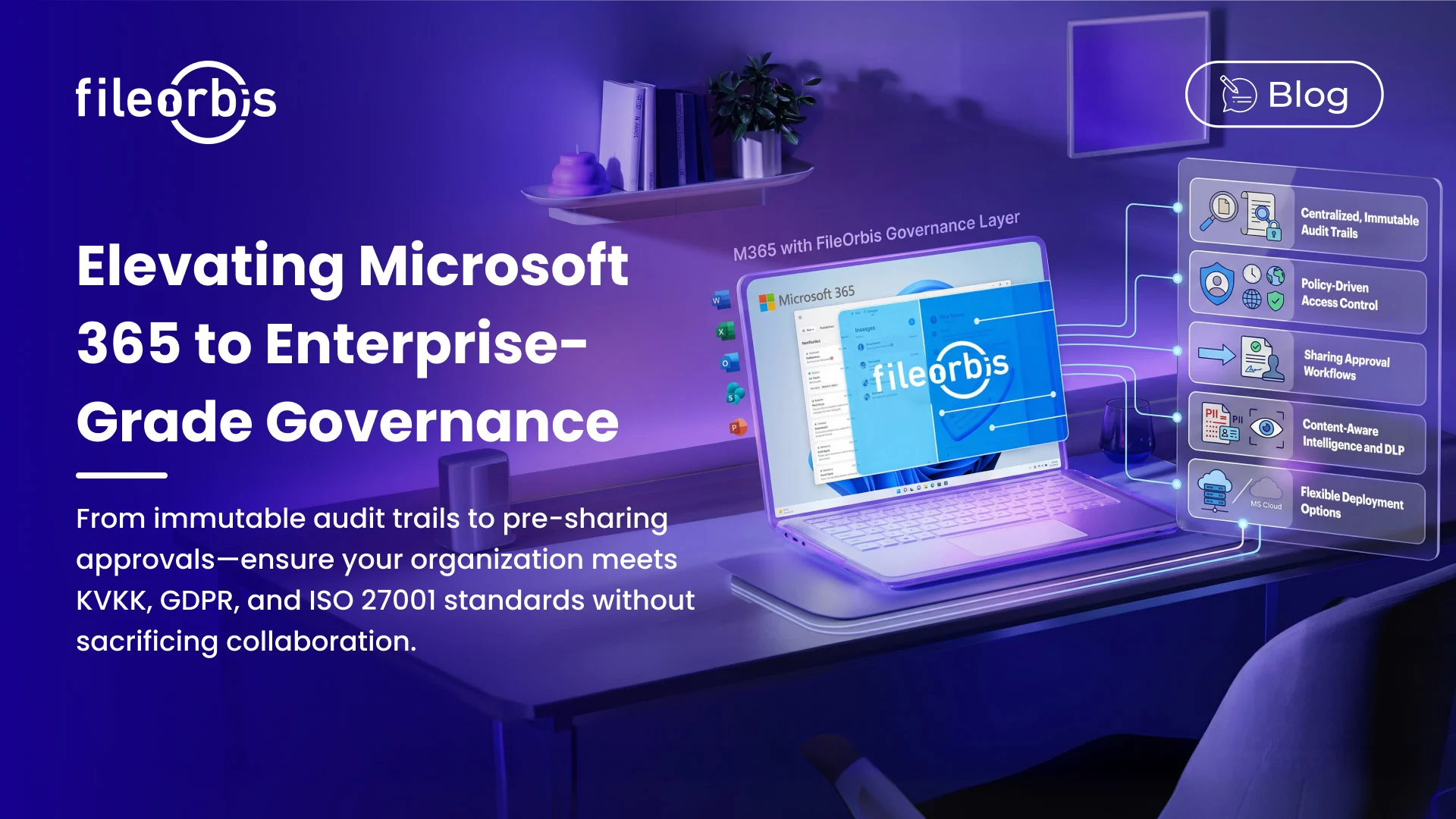
Enterprise Microsoft 365 Governance: Beyond the Built-In Defaults
Organizations operating in regulated industries — finance, healthcare, public sector, legal, and energy — face a governance challenge that Microsoft 365’s native features alone cannot fully address. While M365 provides robust col-laboration capabilities, compliance mandates require a deeper layer of control: centralized audit trails, policy-driven access enforcement, approval workflows, and verifiable data residency. FileOrbis is built to deliver exactly this gover-nance layer on top of your existing M365 investment.
Why Native M365 Controls Fall Short in Regulated Envi-ronments
Microsoft 365’s built-in sharing and access controls are functional and reliable for general business use. However, organizations subject to KVKK, GDPR, ISO 27001, SOX, HIPAA, or PCI-DSS consistently encounter several gaps:
Fragmented Audit Visibility Log data for SharePoint, OneDrive, Teams, and Exchange is spread across multiple administrative consoles. Reconstructing a complete audit trail for a specific file or user action across the full M365 estate requires correlating data from several sources — a time-consuming process that can become critical during an external audit or regulatory inquiry.
Limited Approval Mechanisms M365 does not natively enforce pre-sharing approval workflows. A user can share a sensitive document with an external guest instantly, without any managerial or compliance review. In regulated industries, this creates unacceptable exposure.
Inconsistent External Sharing Governance Guest access policies are con-figurable, but enforcing granular, per-document sharing rules — time-limited links, download restrictions, IP-based access controls — requires additional tool-ing beyond what M365 provides out of the box.
Data Residency and Sovereignty Constraints For public sector organiza-tions and enterprises subject to strict data localization requirements, storing data exclusively within Microsoft’s cloud infrastructure may not satisfy legal obligations. The ability to operate on-premises or in a private cloud — while still leveraging M365 as a collaboration interface — is a critical requirement.
How FileOrbis Extends M365 with Enterprise-Grade Gov-ernance
FileOrbis installs as a governance layer on top of your existing M365 environ-ment. There is no need to migrate data, restructure file repositories, or retrain users on a new primary interface. Your team continues to work within Share-Point, OneDrive, and Teams, while FileOrbis enforces policies, captures audit events, and manages approvals in the background.
Centralized, Immutable Audit Trail
Every file access, download, share, deletion, and permission change across your M365 estate is captured in FileOrbis’s centralized audit log. Entries are times-tamped, attributed to individual users, and stored in a tamper-resistant format. Compliance reports — including user activity summaries, external sharing logs, and permission change histories — can be generated on demand without manual data correlation.
This single pane of glass approach eliminates the fragmentation problem inher-ent in native M365 logging and provides the audit readiness that regulators expect.
Policy-Driven Access Control
FileOrbis applies rule-based access policies across SharePoint libraries, OneDrive folders, Teams channels, and connected on-premises file stores simultaneously. Policies can be defined based on:
- User role or department
- Document sensitivity classification
- File type and content patterns
- Time of day and geographic location
- Device trust status
When a user attempts to access or share content that falls outside their permit-ted policy scope, the action is blocked and an alert is generated — before any data leaves the organization.
Approval Workflows for Sensitive Sharing
Any document sharing event can be routed through a configurable approval chain before external access is granted. Approval workflows in FileOrbis support:
- Single or multi-level approver chains
- Role-based approver assignment
- Time-bound approval requests with automatic escalation
- Approval and rejection reason capture for the audit record
- Email and in-platform notification for all parties
This means that no sensitive document reaches an external recipient without an authorized human review — a control that is explicitly required under several regulatory frameworks.
Content-Aware Classification and DLP
FileOrbis analyzes file content during upload and sharing events to identify sensitive patterns — personally identifiable information (PII), financial data, contractual terms, health records, and custom-defined keywords. When sensitive content is detected:
- The file is automatically assigned a classification label
- Applicable access policies are enforced based on the label
- Sharing to external parties may be automatically blocked or routed for approval
- A real-time alert is dispatched to the compliance team
This content-aware layer transforms passive policy enforcement into an active data protection control.
On-Premises, Hybrid, and Private Cloud Deployment
FileOrbis is available as a fully on-premises installation, a hybrid deployment that bridges on-premises storage with M365, or a private cloud configuration on infrastructure you control. In all cases, your data remains within your defined perimeter — it is never processed or stored on FileOrbis infrastructure.
This deployment flexibility is what distinguishes FileOrbis for organizations with strict data sovereignty requirements, including government agencies, defense contractors, and financial institutions operating under national data residency laws.
Microsoft 365 and Purview Integration
FileOrbis reads and respects Microsoft Purview (formerly Azure Information Protection) sensitivity labels. Organizations that have already invested in Purview labeling can extend that classification framework to on-premises repositories and non-M365 storage systems managed through FileOrbis — creating a consistent governance envelope across their entire file estate.
Supported Compliance Frameworks
FileOrbis is deployed in production environments subject to: KVKK, GDPR, ISO 27001, SOX (Sarbanes-Oxley), HIPAA, PCI-DSS, NIS2, and national public sector security standards across multiple European jurisdictions.
Who Should Consider FileOrbis for M365 Governance?
FileOrbis is particularly well suited for organizations that:
- Already use Microsoft 365 and want to enhance compliance posture with-out replacing it
- Operate in regulated sectors where audit trail completeness is a legal re-quirement
- Need on-premises or hybrid deployment to satisfy data residency obliga-tions
- Require approval workflows before any external document sharing occurs
- Are preparing for a regulatory audit and need defensible, exportable audit reports
Subscribe to our Newsletter
About FileOrbis
Aiming to manage the user and file relationship within an institutional framework, FileOrbis is constantly being developed in order to meet different industry and customer needs in terms of file management and sharing. Since 2018, FileOrbis continues to be developed with the excitement of the first day. FileOrbis focuses on high security, rich integration, ease of use and integrated management criteria.