
What “Secure” Actually Means for Enterprise File Collaboration
The word “secure” is applied to file sharing tools with remarkable inconsistency. A platform that encrypts data in transit and at rest can legitimately claim to be “secure” — but that security may coexist with unlimited external sharing, no audit trail, and no access expiration. Security in file collaboration is not a binary attribute; it is a profile of specific, measurable capabilities applied at specific points in the file lifecycle.
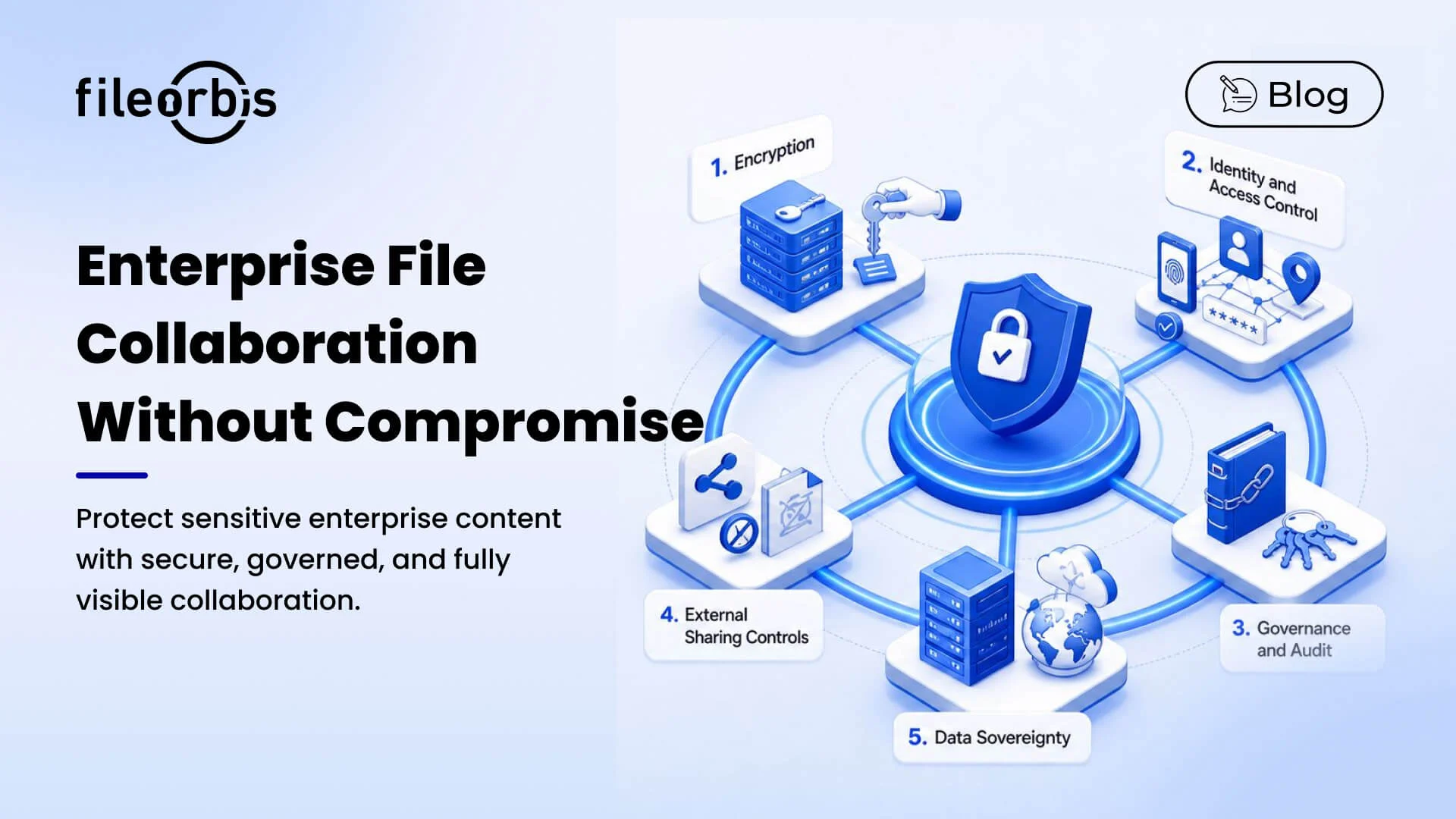
FileOrbis provides security across the five dimensions that matter most in en-terprise environments.
Dimension 1: Encryption
FileOrbis enforces encryption at every stage of data handling:
In Transit: All client-to-server and server-to-server communications are en-crypted using TLS 1.3. Connections negotiating weaker protocol versions are rejected.
At Rest: All stored file content is encrypted with AES-256. Encryption keys are managed within your deployment perimeter — they are not held by FileOrbis infrastructure.
In Processing: Classification, policy evaluation, and workflow execution occur within memory that is isolated per-tenant in multi-tenant deployments, and entirely within your perimeter in on-premises and private cloud configurations.
Shared Links: Files shared via external links are served through FileOrbis’s secure delivery layer. Recipients access file content through an encrypted session
— the underlying file is never exposed as a direct download link to unauthenti-cated parties.
Dimension 2: Identity and Access Control
Security at the access layer determines who can reach your files under what conditions:
Multi-Factor Authentication: FileOrbis enforces MFA for all access sessions, with configurable second-factor requirements. Hardware tokens, authenticator apps, and SMS verification are all supported.
Single Sign-On: Integration with SAML 2.0 and OpenID Connect providers allows organizations to enforce their existing identity infrastructure — including all associated security policies — across FileOrbis access.
Conditional Access: Access policies can require that specific conditions are met before a session is established: network location, device enrollment status, authentication method strength. A user who authenticates successfully but fails to meet conditional requirements can be granted limited access or denied entirely, based on policy.
Session Management: Active sessions are monitored and can be terminated remotely by administrators. Inactive sessions expire according to configurable timeout policies.
Dimension 3: Governance and Control
Security at the governance layer determines what authenticated users can do with files:
Role-Based Permissions: Access rights are defined at the group and role level, not the individual user level, reducing the surface area for permission management errors.
Principle of Least Privilege by Default: New users receive the minimum access required for their role. Broader access requires explicit provisioning with documented justification.
Content-Aware Restrictions: File classification labels drive automatic ac-cess restrictions — sensitive documents are automatically subject to heightened controls without requiring manual configuration for each file.
Immutable Audit Trail: Every access event, permission change, and gover-nance decision is recorded in a tamper-resistant log. The security of the audit system itself is maintained through separate access controls, ensuring that the audit record cannot be altered by the users whose actions it documents.
Dimension 4: External Sharing Controls
Security at the sharing boundary is where many platforms fail:
No Anonymous Links: FileOrbis does not generate links that are accessible to anyone who possesses the URL. All external access requires authentication
— either via a FileOrbis guest account or through a verified one-time authenti-cation flow.
Enforced Time Limits: No external access grant is permanent. Every share has a defined expiration, after which access is automatically terminated.
Forward-Prevention Controls: View-only mode prevents recipients from downloading, printing, or copying content. Dynamic watermarking embeds re-cipient identity in rendered document content, deterring redistribution by in-creasing accountability.
Instant Revocation: Any external access grant can be revoked immediately from the FileOrbis console. Revocation is effective within seconds — there is no delay or grace period during which the recipient can continue to access content.
Dimension 5: Data Residency and Sovereignty
Security at the infrastructure level determines whose perimeter your data sits within:
On-Premises Deployment: FileOrbis installs entirely within your data center on hardware you own and operate. No file content, metadata, or audit data leaves your infrastructure.
Air-Gap Capability: For highly sensitive environments, FileOrbis can be deployed without any external network connectivity. All features — including classification, workflow, and audit — function without internet access.
Key Management Sovereignty: Encryption key management is entirely within your control. FileOrbis does not maintain key escrow or require access to your encryption infrastructure.
No Third-Party Telemetry: FileOrbis does not send usage telemetry, per-formance metrics, or operational data to external services. Your usage patterns and content characteristics remain entirely private.
Subscribe to our Newsletter
About FileOrbis
Aiming to manage the user and file relationship within an institutional framework, FileOrbis is constantly being developed in order to meet different industry and customer needs in terms of file management and sharing. Since 2018, FileOrbis continues to be developed with the excitement of the first day. FileOrbis focuses on high security, rich integration, ease of use and integrated management criteria.