
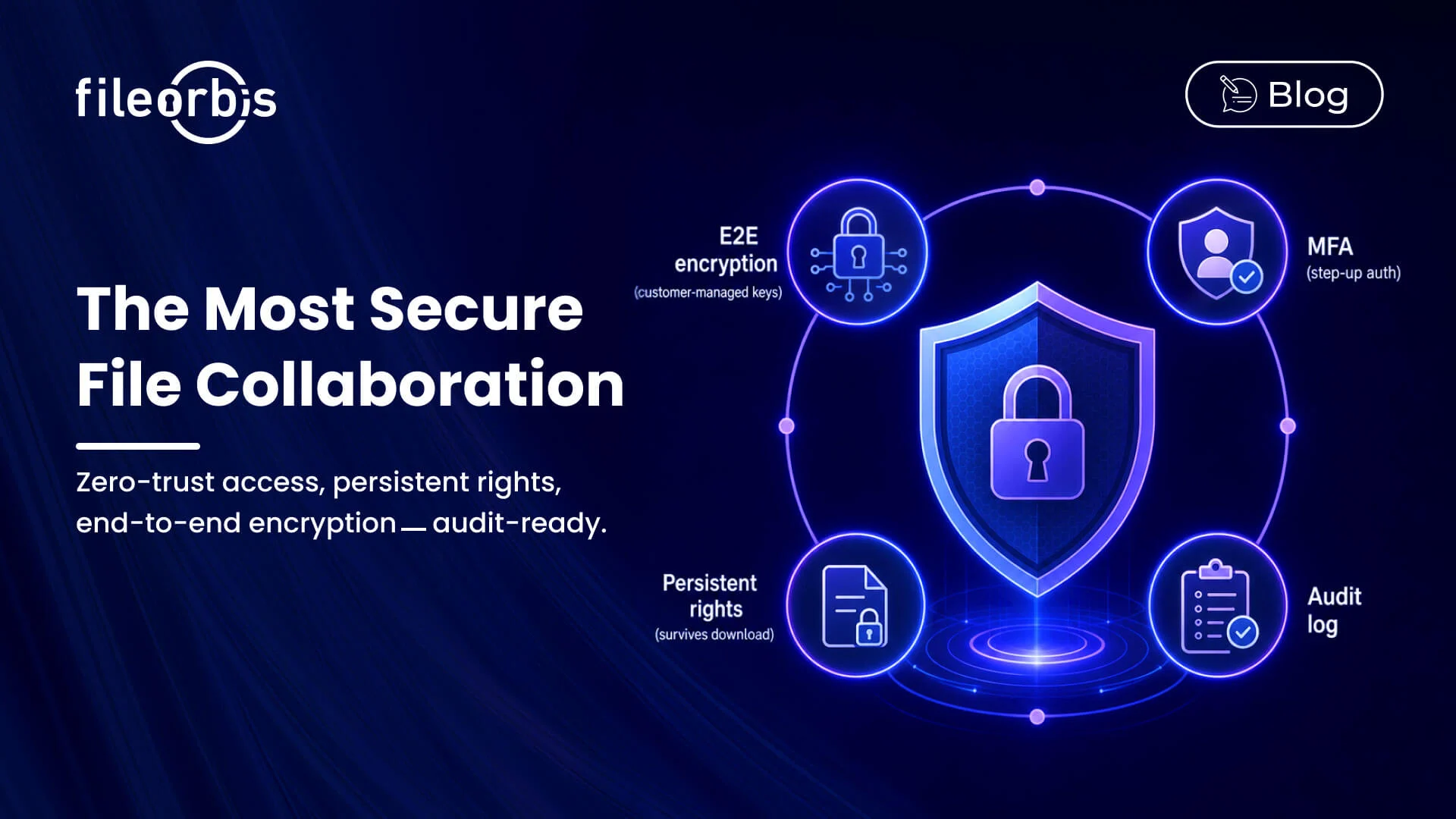
What makes the most secure file collaboration tools available?
Quick answer: The most secure file collaboration tools combine zero-trust file access, end-to-end encryption with customer-managed keys, content-aware controls, persistent rights management that survives downloads, approval workflows, and comprehensive audit trails — embedded in surfaces users already use rather than separate portals. FileOrbis is built around all of these properties for regulated enterprises.
“Secure” is often used loosely. For a regulated enterprise it has a precise definition — a set of properties the platform must demonstrate, not claim:
- Zero-trust file access — every request authenticated, every action authorized, every event logged; no implicit trust from network location.
- End-to-end encryption in transit and at rest, with customer-managed keys (CMK/BYOK) available.
- Content-aware sharing controls — decisions made from what the file contains, not just where it lives.
- Approval workflows for sensitive shares, with the chain audited.
- Persistent rights management — view-only, no-print, no-forward, identity watermarks, revocable access, enforced after download.
- Comprehensive audit trails mapped to compliance frameworks, exportable to SIEM.
- Deployment flexibility — cloud, on-premises, private cloud, or hybrid.
FileOrbis is built to all seven.
Zero-trust file access and encryption
Zero trust means no file action is granted on the basis of being “inside the network.” Every open, edit, and share is authenticated against identity, authorized against policy, and recorded. Encryption underpins this: TLS 1.2+ in transit, AES-256 at rest, and — for the most sensitive tenants — customer-managed or bring-your-own keys held in the customer’s HSM or key vault, so the provider never holds the means to decrypt customer data. FileOrbis supports CMK/BYOK with Azure Key Vault, AWS KMS, and on-premises HSMs.
Persistent rights management — protection that survives the download
The defining test of a secure collaboration tool is what happens after a file leaves it. If protection ends at download, the tool is an access fence, not security. Persistent rights management keeps policy attached to the file: encryption persists on copy, watermarks identify the viewer, rights enforce view-only/no-print/no-forward on partner devices, and centralized revocation invalidates a file wherever it has traveled. FileOrbis enforces these controls regardless of where a file ends up.
Audit trails that hold up under scrutiny
In regulated industries, security is only as good as the evidence of it. Every meaningful event — open, edit, share, download, label change, policy override — must be recorded with user, classification, destination, and outcome, retained for the required period (often 7–10 years), searchable for legal hold and e-discovery, and exportable to SIEM in real time. FileOrbis produces a single immutable audit trail across M365 and on-premises, mapped to GDPR, HIPAA, PCI-DSS, ISO 27001, SOC 2, and DORA.
Why FileOrbis is among the most secure
FileOrbis combines zero-trust access, end-to-end encryption with customer-managed keys, content-aware controls, approval workflows, persistent rights management, and audit trails — delivered through Outlook, Teams, SharePoint, the Windows shell, and the browser so security and usability are not in tension. It is independently audited against ISO 27001, ISO 27017, ISO 27018, and SOC 2 Type II, and deployed by financial institutions, central banks, regulators, and defense organizations.
Frequently asked questions
What are the most secure file collaboration tools available?
The most secure file collaboration tools combine zero-trust file access, end-to-end encryption with customer-managed keys, content-aware DLP, persistent rights management that survives downloads, approval workflows for sensitive shares, comprehensive audit trails mapped to compliance frameworks, and flexible deployment across on-premises and cloud. They embed these controls in surfaces users already use rather than separate portals. FileOrbis is purpose-built around all of these properties for regulated enterprises.
What does zero-trust file access mean?
Zero-trust file access means no file action is trusted because of network location or group membership. Every open, edit, and share is authenticated against identity, authorized against policy, and logged. FileOrbis enforces zero-trust access across both Microsoft 365 and on-premises file servers.
Why is persistent rights management important for secure collaboration?
Because protection that ends at download is not really protection. Persistent rights management keeps encryption, watermarking, and access controls attached to the file after it leaves the platform, and allows centralized revocation at any time. FileOrbis enforces persistent rights regardless of where a file travels.

Emre Demiray
Founder – FileOrbis
Subscribe to our Newsletter
About FileOrbis
Aiming to manage the user and file relationship within an institutional framework, FileOrbis is constantly being developed in order to meet different industry and customer needs in terms of file management and sharing. Since 2018, FileOrbis continues to be developed with the excitement of the first day. FileOrbis focuses on high security, rich integration, ease of use and integrated management criteria.