
Secure Enterprise File Sync and Management Guide
An overview of the issue
Many people go to the trouble of uploading the files they’re working on to on-premise server in order to back them up and share them. In this scenario, you remain tied to the browser and may have to deal with network issues during the loading process. They also have to keep track of whether their files are synchronized. Many people want to open their computers and manage their files directly. This experience can be made even simpler.
The main causes of the problem:
1. Backup and Data Security
- It has become essential to ensure that files are not lost when a device malfunctions.
- In particular, if office workers do not have the habit of performing manual backups, the risk of data loss increases.
2. Required to Use a Browser
- Even though browsers generally support folder uploads, drag-and-drop operations aren’t always reliable.
- The browser interface isn’t as fast or convenient as desktop file managers.
- Online editors can sometimes cause problems during the editing process.
3. Simplifying the User Experience
- The process of opening the browser, going to the site, and logging in starts to feel tedious after a while.
- The fact that browsers are insufficient for seamless integration with office applications.
- You have to manually select and upload the file each time.
- To keep a file up to date, you must first download it, then edit it, and then upload it again.
So how does FileOrbis Drive achieve this?
1. %100 On-Premise Architecture:
- Centralizes access to all your file environments and provides secure access from a single location.
- Controls secure access between third-party applications such as desktop client, web client, mobile client, and messaging services.
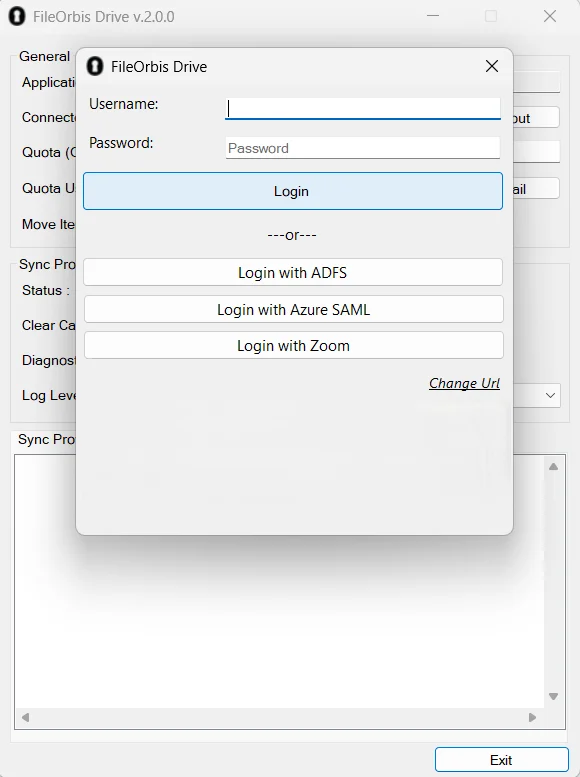
2. Various Authentication Supports:
- Support for authentication methods such as ADFS, Azure AD, SAML, etc.
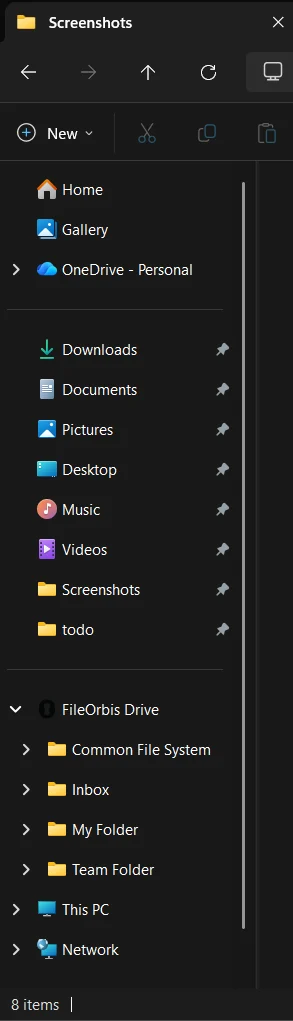
3. Easy Access:
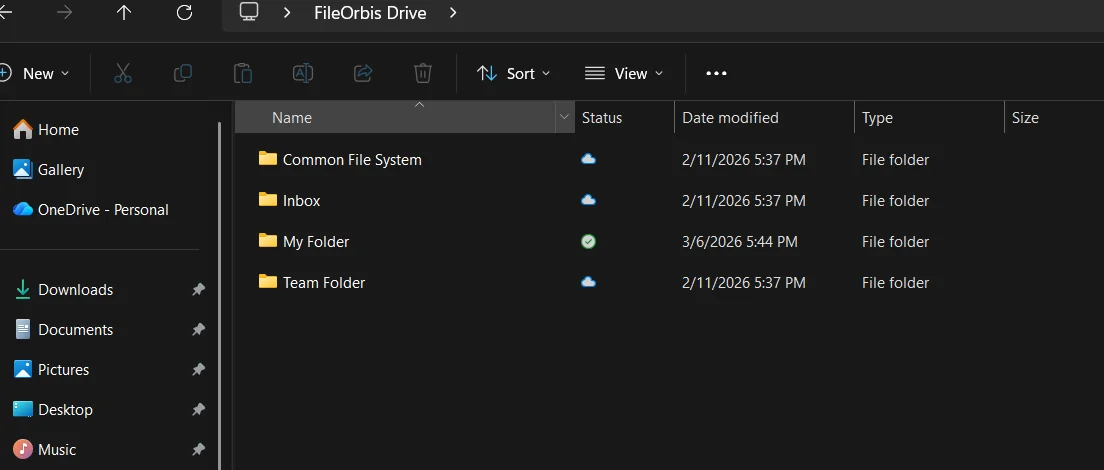
- FileOrbis Drive encourages users to back up their files to the cloud and sync them across different devices. Its placement on the left panel provides quick access to FileOrbis folders.
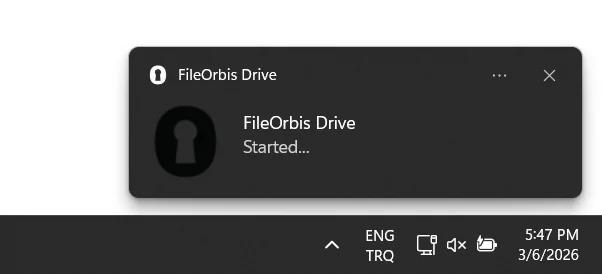
4. Default Backup:
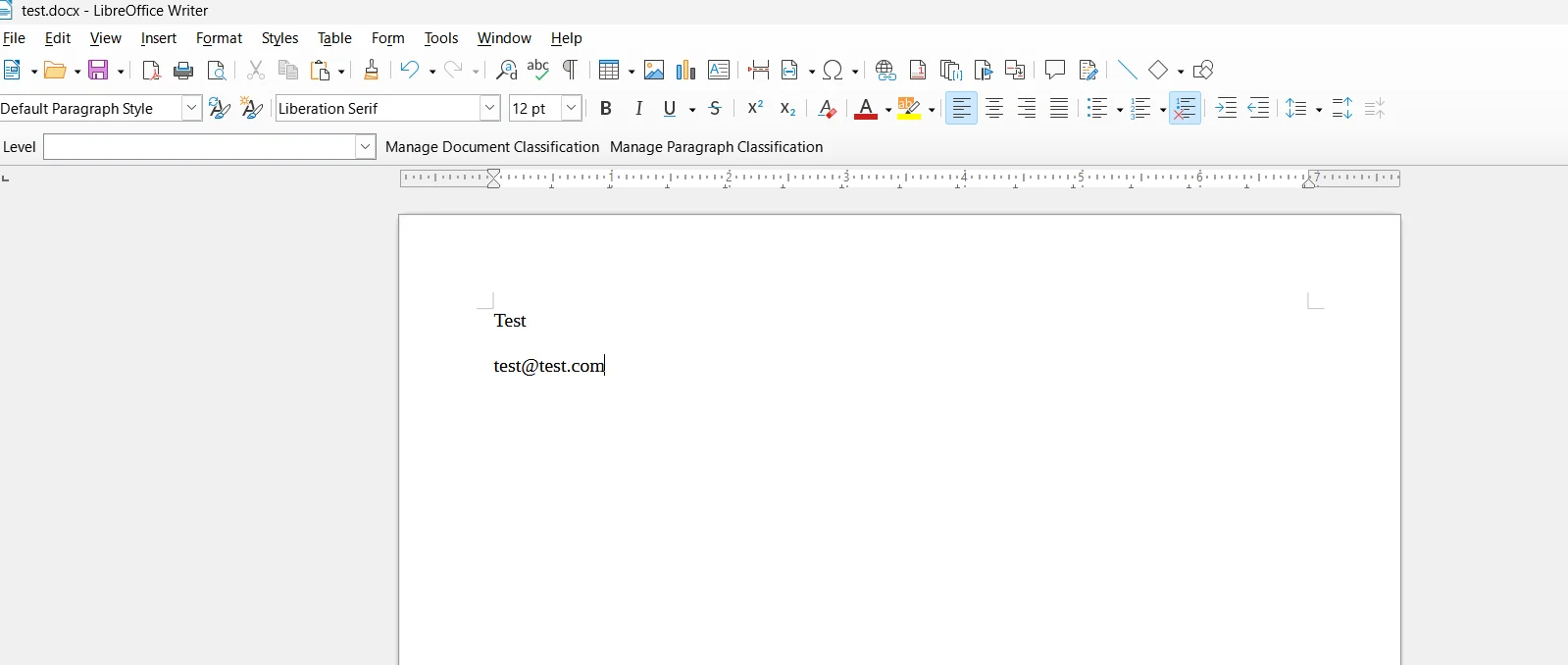
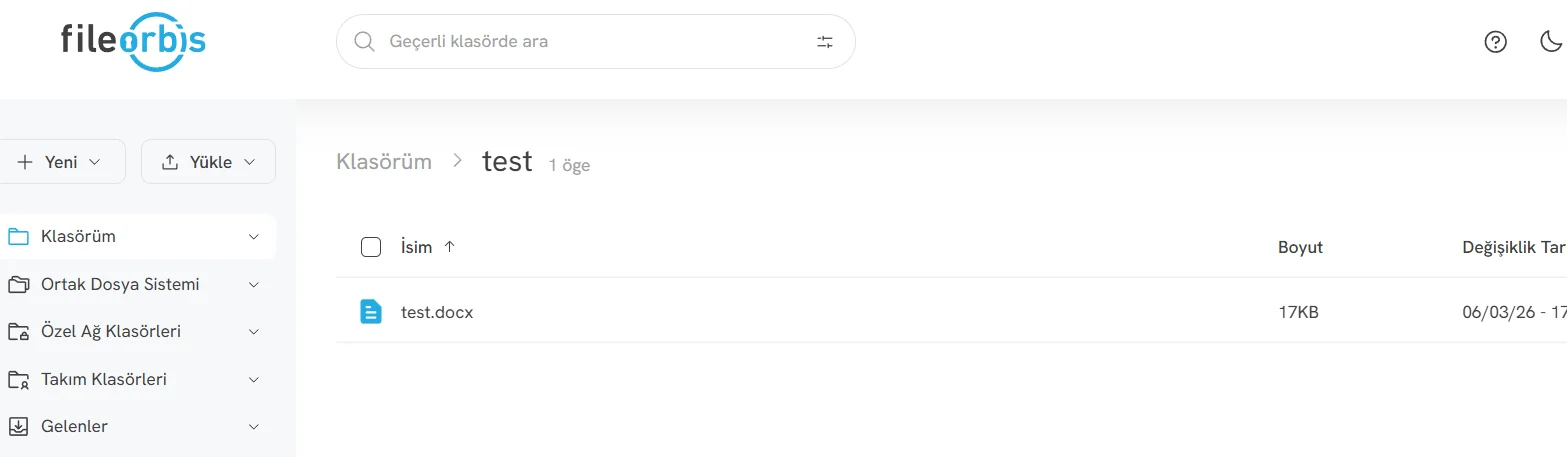
- If FileOrbis Drive is enabled during installation or at a later time, the documents and folders within FileOrbis Drive can be automatically backed up to FileOrbis.

5. Real-Time Content Analyze
- If real-time content analysis is enabled, it automatically performs content analysis when a file is uploaded or modified.
- In the Governance Policy Setting mechanism, it creates an approval mechanism by defining operation-based rules (link creation, file system permissions, file sharing).

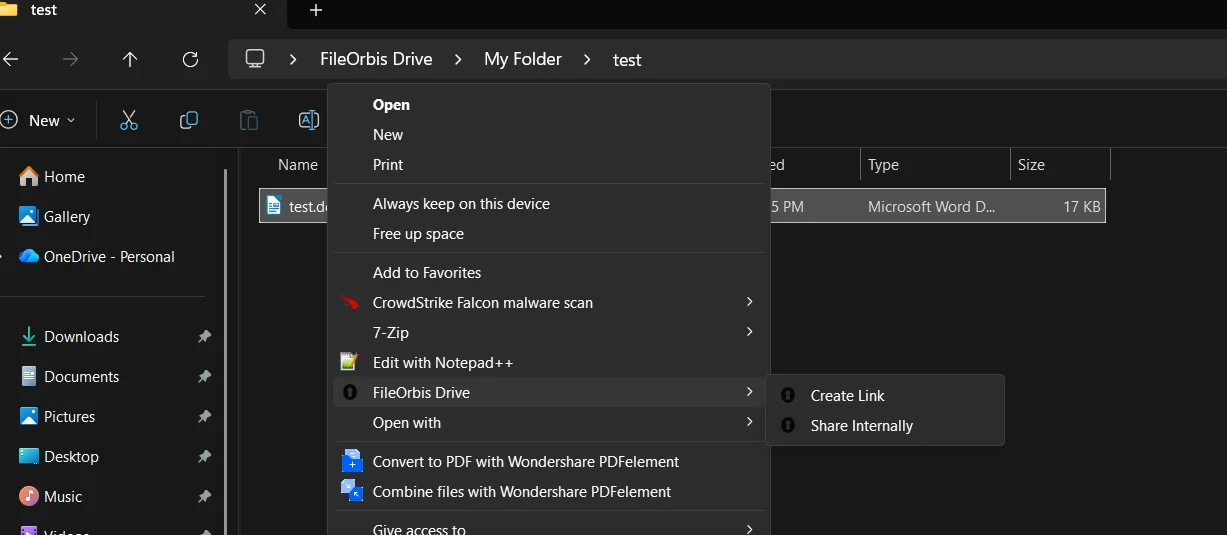
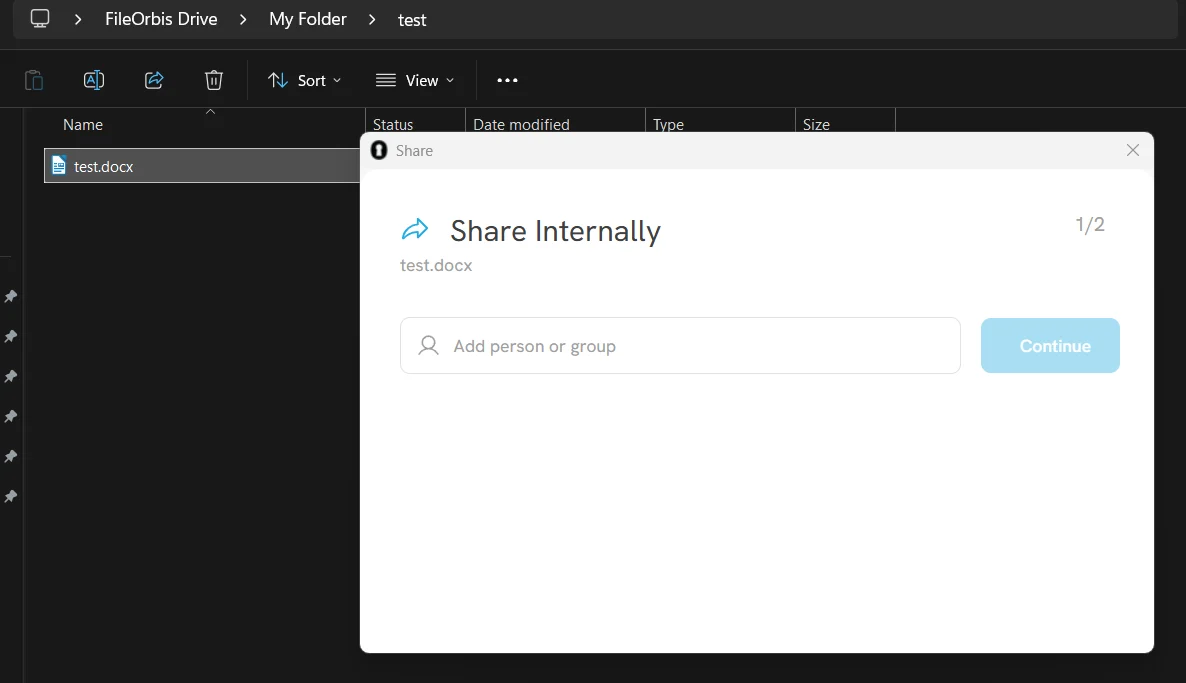
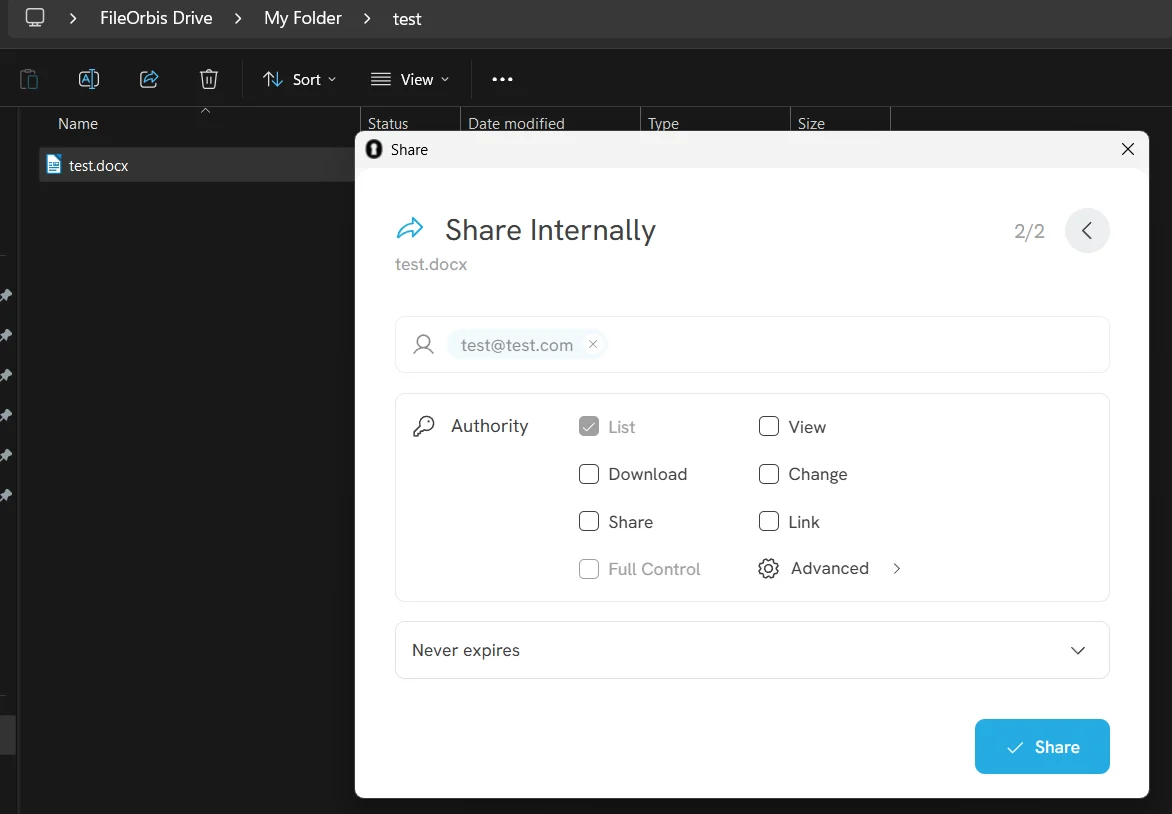
6. Secure Share Internally:
- It provides secure sharing with an internal approval mechanism and offers access control based on user permission levels and expiration dates.
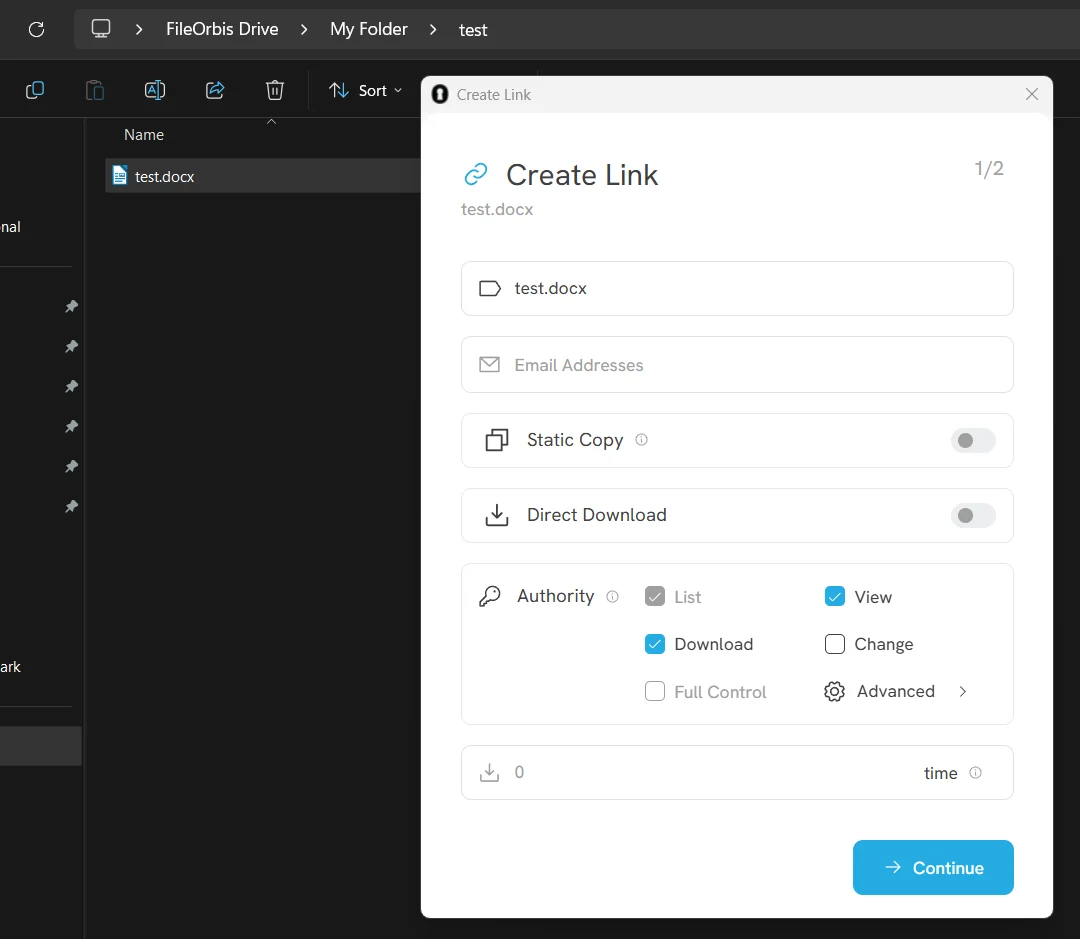
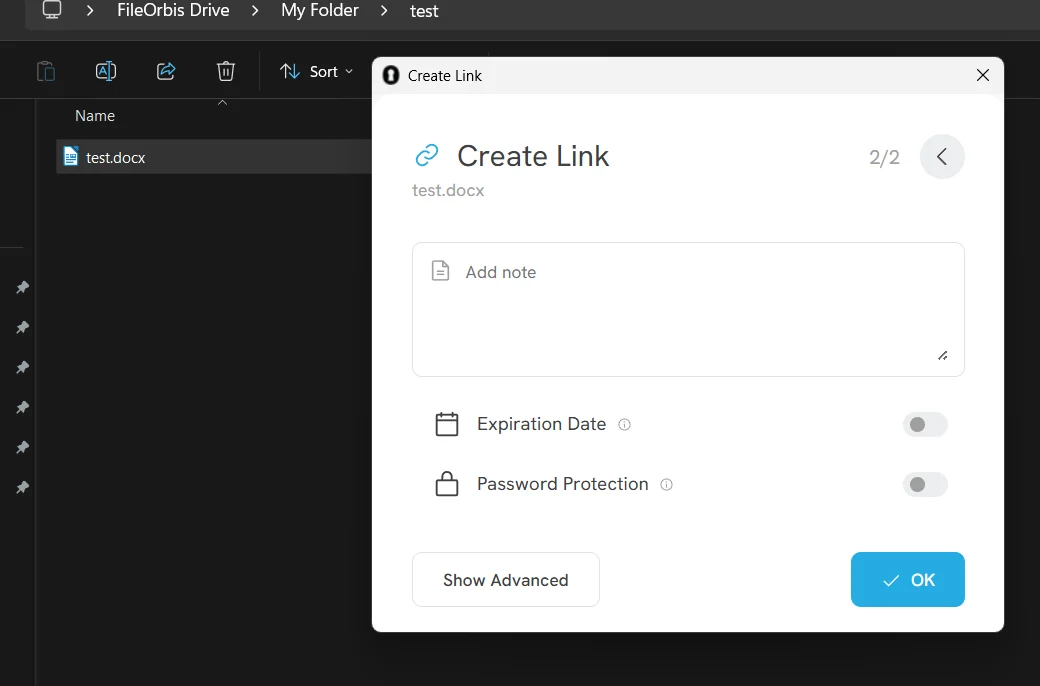
7. Secure Access Link Generation:
- It enables secure link creation with an external approval mechanism and secures external access with options such as expiration dates and encrypted protection.
Other additional features
- All user actions (link creation, sharing, etc.) are analyzed, logged, and reported.
- Real-time file scanning for sensitive datas.
- Allows you to chat with files you have permission to access.
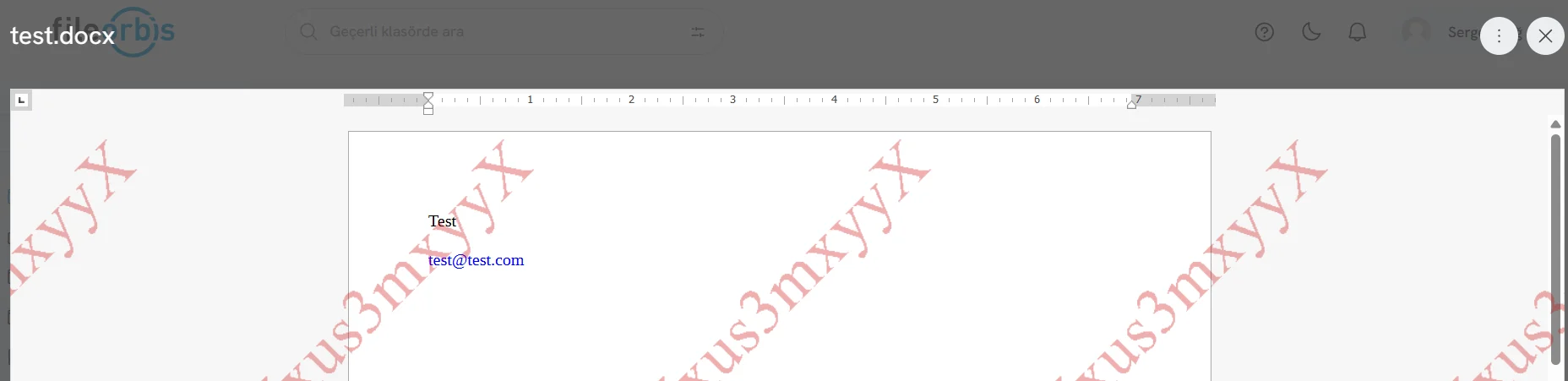
- Enables you to create rendered watermarks for files that will be sent outside the organization.
Ideal for?
This solution is ideal for companies and their employees who;
- prefer not to use a browser,
- want to use their own editors,
- are tired of syncing,
- or want to edit files offline.
Conclusion
FileOrbis Drive is designed to automatically sync files on your computer with files in the on-premise cloud. Even if users don’t have the habit of taking manual backups, this system protects them. This way, users don’t have to upload their files via a browser; they can use it just like a regular folder on their computer, and whenever they add, delete, or modify a file, these changes are automatically synced to the cloud and kept up to date across all their devices. It provides direct access from the familiar File Explorer, allowing you to organize files, share them securely, and create secure links with the same ease as using your desktop. It also offers benefits such as offline work, automatic backups, and quick access to files, thereby reducing the risk of data loss.
References
- https://gdpr-info.eu
- https://commission.europa.eu/publications/omnibus-i_en
- https://www.cisa.gov/topics/cyber-threats-and-advisories/federal-information-security-modernization-act
- https://kvkk.gov.tr/en
- https://gdpr.eu/data-protection-impact-assessment-template

Sergen Bağ
Software Engineer
Subscribe to our Newsletter
About FileOrbis
Aiming to manage the user and file relationship within an institutional framework, FileOrbis is constantly being developed in order to meet different industry and customer needs in terms of file management and sharing. Since 2018, FileOrbis continues to be developed with the excitement of the first day. FileOrbis focuses on high security, rich integration, ease of use and integrated management criteria.