
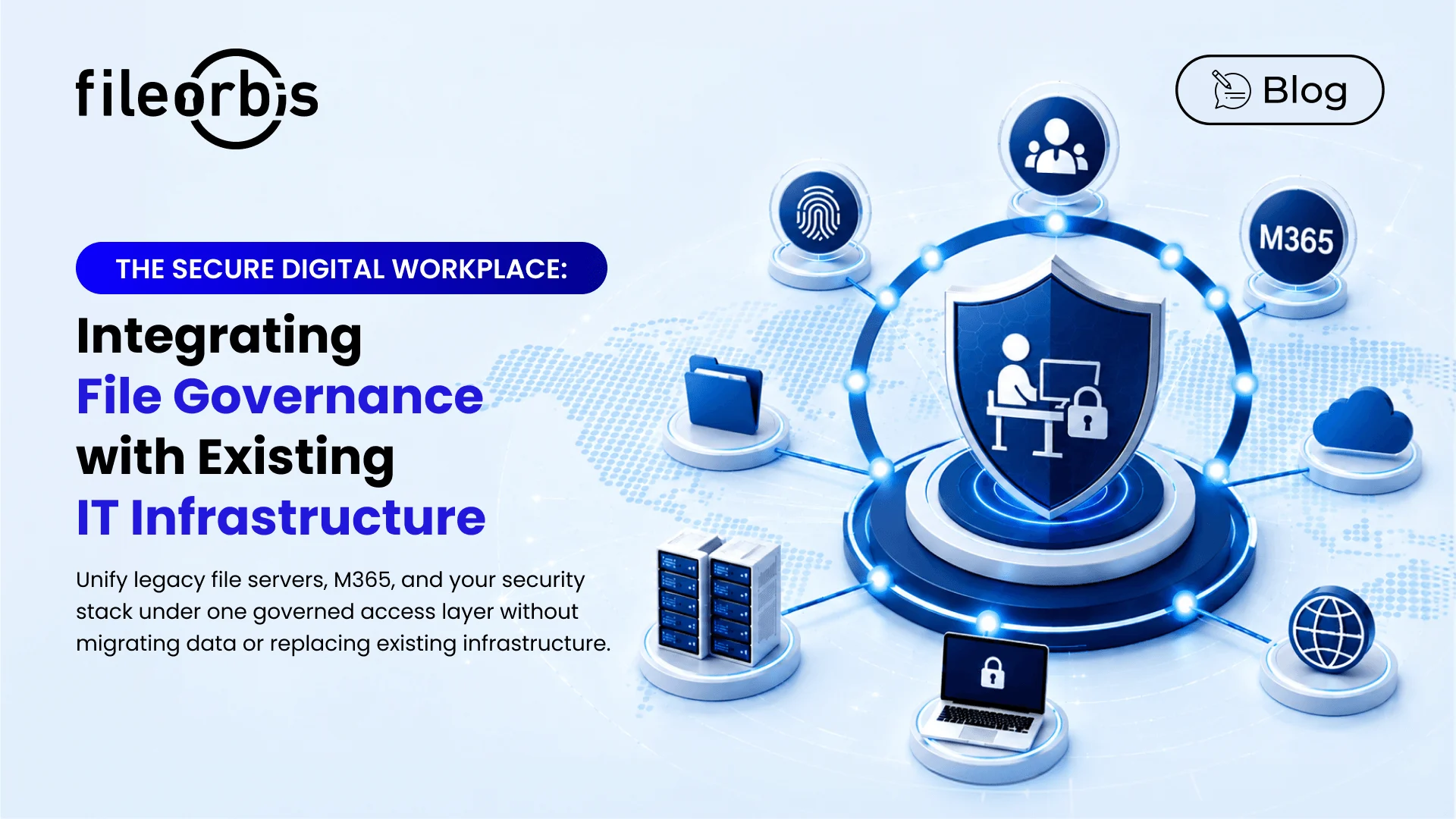
The Secure Digital Workplace: Integrating File Governance with Existing IT Infrastructure
Digital workplace programmes fail on integration far more often than on features. The platform demonstrates well, the pilot succeeds, and then it stalls because it cannot read the identity model, cannot see the legacy file estate, cannot feed the SIEM, and cannot honour the data residency constraint the architecture board set two years ago.
Integration capability is therefore the primary selection criterion, not a secondary one. This guide maps the integration surfaces a secure digital workplace has to cover, states what “integrated” should mean at each one, and gives the questions that expose a shallow integration during evaluation.
What a Secure Digital Workplace Has to Do
Strip away the marketing and the requirement is narrow: give people access to the documents they need, from wherever they work, on whatever device, under enforced policy, with a complete record, without moving the data and without replacing the infrastructure that already exists.
That last clause is the hard part. Enterprises do not get to start from a clean architecture. There are Windows file servers with fifteen years of accumulated permissions, a M365 tenant with its own sharing model, object storage that arrived with a specific application, an identity provider mid-migration, a DLP engine with rules nobody wants to rewrite, and a SIEM that the security operations centre trusts.
A secure digital workplace succeeds when it becomes the governed access layer over that estate. It fails when it becomes an eleventh place to put files.
The Seven Integration Surfaces
- Identity and Access Management
- What Integration Should Mean: SAML 2.0 and OIDC federation with your identity provider, SCIM provisioning and deprovisioning, group and attribute synchronisation, conditional access honoured at the platform, MFA enforced through the IdP rather than duplicated, and support for a distinct external-identity class with stricter defaults.
- Question That Exposes Shallow Integration: When a user’s group membership changes in the directory, how long until effective access in the platform changes, and is the change logged as an access event?
- File and Object Storage
- What Integration Should Mean: Native connectivity to SMB and Windows file servers, NAS, S3-compatible object storage, and archive tiers, with read/write, permission-aware, with no requirement to migrate. The platform indexes and brokers; the storage remains authoritative.
- Question That Exposes Shallow Integration: Can you govern a 200 TB legacy share in place, including classification and read-level audit, without copying it?
- M365 and Collaboration Suites
- What Integration Should Mean: SharePoint and OneDrive as governed repositories, sensitivity label interoperability in both directions, Teams and Outlook as access surfaces, and unified policy so that an external share created in M365 is visible in the same inventory as one created in the platform.
- Question That Exposes Shallow Integration: If a user shares a labelled document externally from SharePoint, does the platform see it, evaluate it against policy, and log it?
- Security Controls
- What Integration Should Mean: DLP inspection in the transfer path, content disarm and reconstruction on ingress, ICAP so existing inspection engines are reused rather than replaced, anti-malware, and HSM or PKCS#11 for key custody where the organisation cannot accept software-held keys.
- Question That Exposes Shallow Integration: Does inspection happen inline and block, or asynchronously and alert?
- Logging and Security Operations
- What Integration Should Mean: Continuous, normalised export of file-level events to SIEM in syslog, CEF or JSON; webhook or API triggers for SOAR playbooks; and event granularity sufficient for detection use cases such as bulk download, first-time access to sensitive repositories, and impossible-travel access patterns.
- Question That Exposes Shallow Integration: Provide the event schema. Which fields are populated for a read event on a governed legacy share?
- Business Applications and Automation
- What Integration Should Mean: A documented REST API with the same policy enforcement as the user interface, WOPI or equivalent for in-place document editing, webhook events for workflow triggers, and connectors or an SDK for ERP, ECM, case management and line-of-business systems.
- Question That Exposes Shallow Integration: Is the API a governed path, or does it bypass classification and audit?
- Endpoint and Network
- What Integration Should Mean: Drive mapping or explorer-integrated access on Windows and macOS, mobile applications with policy-enforced containers, browser access without agent installation for external parties, device posture as a policy attribute, and support for segmented networks including DMZ, one-way transfer and air-gapped topologies.
- Question That Exposes Shallow Integration: Which capabilities are lost when the endpoint has no agent installed?
Integration Maturity Model
Score each surface. The distinction between levels 2 and 3 is where most evaluations should focus.
- Level 0 — Absent: No integration path.
- Practical Consequence: Manual process, shadow channels.
- Level 1 — Import: Data can be brought in.
- Practical Consequence: Migration project, duplicated data, residency exposure.
- Level 2 — Connected: Platform reads and writes to the system.
- Practical Consequence: Works, but policy and audit may not follow the data.
- Level 3 — Governed: Policy evaluated and audit captured on every path through the integration.
- Practical Consequence: Single control plane, unified evidence.
- Level 4 — Bidirectional: Policy and metadata flow both ways; the platform enriches the connected system.
- Practical Consequence: Labels, permissions and events stay consistent estate-wide.
A platform at level 2 across all surfaces will pass a demonstration and fail an audit. Target level 3 on identity, storage, M365, security controls and logging; level 2 is often acceptable for business applications and endpoint.
Deployment Topology Considerations
Integration depth constrains deployment, and deployment constrains sovereignty.
- Fully On-Premises: Every integration terminates inside your perimeter. Required where regulation specifies national residency or where the data is classified. Confirm that no component phones home for licensing, telemetry or classification model updates, or that those calls can be brokered through a controlled proxy.
- Hybrid with Local Data Plane: Control plane may be hosted; data stays on your storage. Confirm which metadata crosses the boundary. Classification output, file names and paths are frequently more sensitive than organisations assume.
- Private Cloud / Sovereign Region: Suits organisations without an on-premises mandate but with jurisdictional constraints. Confirm the region list covers your requirement, including for backups and log retention.
- Air-Gapped: Requires offline licensing, offline update paths, and one-way transfer for the data that must cross. Rare, but non-negotiable where it applies, and a capability few platforms in this category support.
Evaluation Approach
- Map Your Estate First: Enumerate identity providers, storage systems, security controls, logging platforms and line-of-business applications in scope. This list is the requirement specification.
- Test on the Messiest System, Not the Cleanest: The fifteen-year-old file server with nested groups and broken inheritance is the real test.
- Verify Event Flow End to End: Perform a read on a governed legacy share and confirm the event arrives in your SIEM with full attribution.
- Check the API Is a Governed Path: Attempt an action through the API that policy forbids in the UI.
- Confirm Connectivity Requirements in Writing: Which components need egress, to where, and can it be brokered.
- Score Against the Maturity Model and Weight by Regulatory Exposure.
Frequently Asked Questions
What is a secure digital workplace?
A governed access layer that gives people the documents and collaboration capability they need from any location or device, with policy enforced and every access recorded, implemented over existing identity, storage and security infrastructure rather than replacing it.
How should a digital workplace platform integrate with existing IT infrastructure?
At level 3 or above on the surfaces that carry regulatory weight: federated identity with SCIM provisioning, permission-aware in-place access to existing storage, governed M365 repositories with label interoperability, inline DLP/CDR/ICAP inspection, and continuous normalised event export to the SIEM. Anything less means policy or evidence is lost somewhere in the estate.
Do we have to migrate data into the platform?
No, and generally you should not. In-place governance keeps storage authoritative, preserves data residency as a property of your own infrastructure, avoids migration cost and duplication, and importantly covers the legacy shares that a migration project would leave behind as ungoverned shadow channels.
How does a secure digital workplace differ from an intranet or ECM system?
An intranet publishes; an ECM manages records within its own repository. A secure digital workplace governs unstructured data wherever it lives and mediates access to it. The three are complementary, and the workplace layer is often what makes the other two auditable.
Can it work in an air-gapped or segmented environment?
Where the platform supports fully on-premises deployment with offline licensing and updates, yes. Verify explicitly during evaluation, including how classification models are updated and how one-way transfer between segments is handled.

Gamze Karslı
Head of Marketing
Subscribe to our Newsletter
About FileOrbis
Aiming to manage the user and file relationship within an institutional framework, FileOrbis is constantly being developed in order to meet different industry and customer needs in terms of file management and sharing. Since 2018, FileOrbis continues to be developed with the excitement of the first day. FileOrbis focuses on high security, rich integration, ease of use and integrated management criteria.