
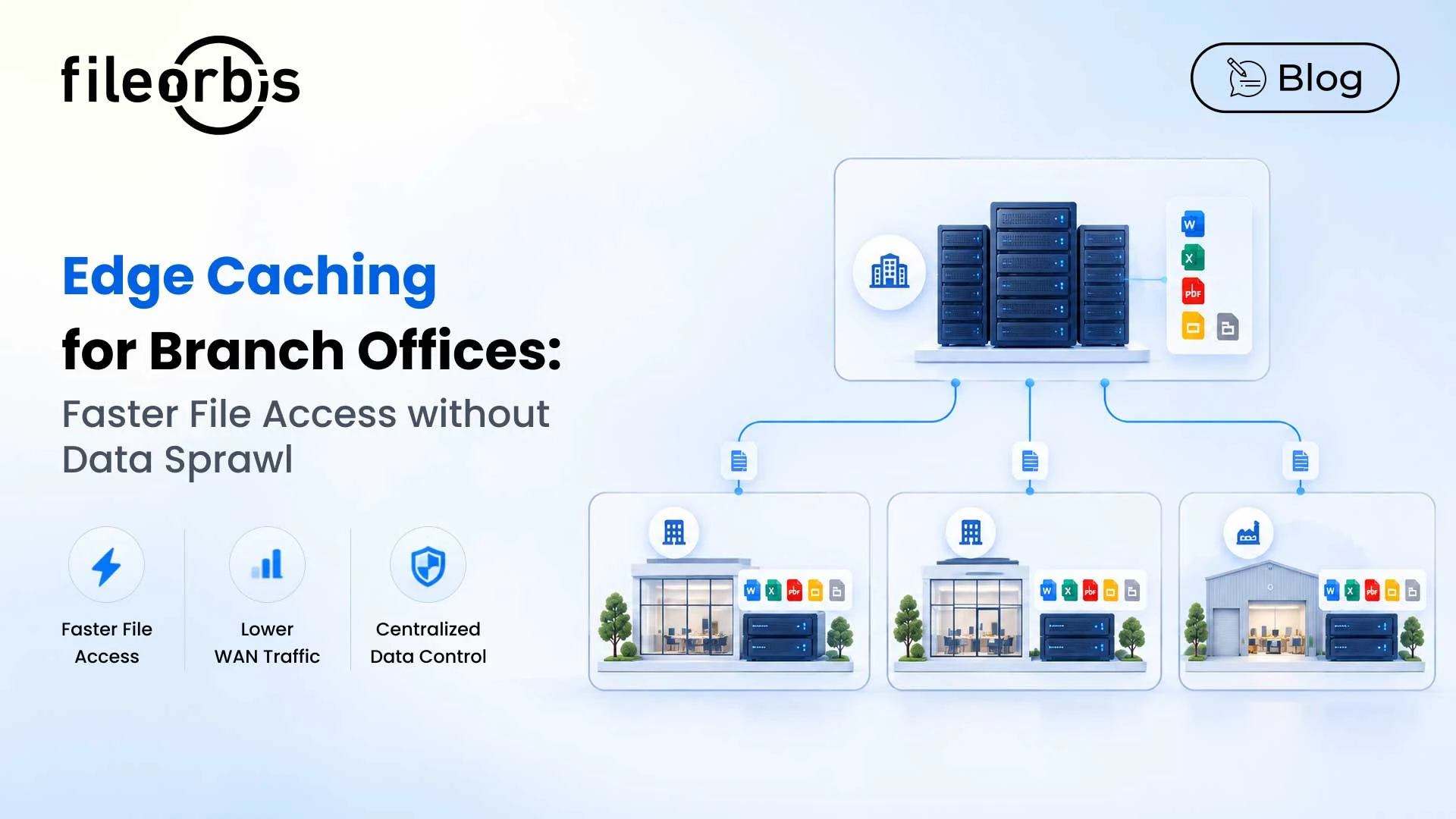
Edge Caching for Branch Offices: Faster File Access without Data Sprawl
Branch offices often rely on centralized file servers to access business-critical documents. However, limited bandwidth, network latency, and large file transfers can slow down daily operations.
Replicating entire file repositories across locations may improve performance, but it introduces storage overhead, data sprawl, and synchronization challenges.
An enterprise file caching solution overcomes these challenges by storing frequently accessed files closer to users and maintaining a central source of truth.
What is Edge Caching for Branch Offices?
Edge caching temporarily stores frequently accessed enterprise files on local cache servers at remote locations.
Instead of retrieving the same document repeatedly from a central data center, users access a locally cached version when available.
Key benefits include:
- Faster file access: Reduce latency for frequently requested documents.
- Controlled synchronization: Keep cached content aligned with the authoritative source.
- Lower bandwidth consumption: Minimize repeated transfers across WAN connections.
- Centralized storage: Avoid full repository replication.
This architecture is particularly valuable for enterprises operating across remote facilities, multiple offices, and geographically distributed teams.
How Does an Enterprise File Caching Solution Work?
An enterprise file caching solution uses local cache nodes to accelerate access while keeping the central repository authoritative.
Cache Population
When a user requests a file, the system checks whether a local copy exists. If not, the file is retrieved from central storage and cached for subsequent requests.
Caching policies may consider file access frequency, storage limits, selected folders, and expiration rules.
Cache Consistency and Synchronization
Cached files should remain consistent with their authoritative versions.
Effective synchronization includes:
- Detecting changes in centrally stored files.
- Managing concurrent modifications and version conflicts.
- Refreshing or invalidating outdated cached content.
- Synchronizing updates according to defined policies.
These mechanisms help prevent users from working with outdated information.
Access Control and Security
Local caching should not bypass enterprise security policies.
A secure file caching solution should enforce:
- Content-aware controls: Protect sensitive information based on classification.
- Least-privilege access: Respect existing user permissions.
- Cache lifecycle management: Control expiration and removal of cached files.
- Encryption: Secure cached data at rest and in transit.
- Audit logging: Monitor file access and relevant activity.
Edge Caching vs. Uncontrolled File Copies
Traditional file duplication and manual copying can create multiple independent versions of documents in branch offices.
This creates risks such as inconsistent permissions, version conflicts, unnecessary storage consumption, and limited visibility into sensitive data.
Controlled edge caching takes a different approach. Cached files remain as temporary, centrally managed copies governed by defined synchronization, access, and lifecycle policies.
The key difference: Edge caching creates a controlled performance layer, not another independent file store.
Why Edge Caching Matters for Large Files and WAN Performance
Engineering, manufacturing. construction, and media teams frequently work with large files that consume significant network resources.
For example, when several engineers at a remote construction site open the same CAD drawing, repeatedly transferring it from central storage creates unnecessary WAN traffic.
With edge caching, subsequent requests can utilize a valid local copy.
This helps organizations:
- Accelerate large file access: Improve access to CAD drawings, technical documents, and media assets.
- Lower central server load: Serve eligible requests from local cache infrastructure.
- Optimize WAN bandwidth: Reduce redundant file transfers.
- Improve productivity: Reduce waiting times for distributed teams.
Performance improvements depend on network conditions, access patterns, file sizes, and cache hit rates.
Can Edge Caching Support Offline File Access?
Edge caching can support business continuity in locations with intermittent connectivity.
Depending on the offline capabilities of the solution, previously cached files may remain accessible during network disruptions.
However, organizations should consider:
- Data freshness: Cached files may become outdated while disconnected.
- Synchronization: Offline changes should be reconciled after reconnection.
- Offline permissions: Access decisions require appropriate security controls.
- Version conflicts: Concurrent edits may require conflict resolution.
Offline read access and offline editing are different capabilities and should be evaluated separately.
How FileOrbis Helps
FileOrbis Edge Cache and Edge Acceleration capabilities help enterprises improve file access across distributed locations without changing existing storage infrastructure.
Key capabilities include:
- Intelligent Edge Caching: Accelerate access to frequently used files without full repository replication.
- Edge Acceleration: Improve file transfer performance across distributed environments.
- Multi-Source Support: Work with existing file servers, S3, and cloud storage.
- Permission-Aware Access: Respect existing enterprise file permissions.
- WAN Optimization: Reduce redundant transfers and bandwidth usage.
- Automatic Synchronization: Keep cached content aligned with central repositories.
- Centralized Governance: Apply content-aware security policies and audit logging.
FileOrbis helps organizations modernize branch file access while governing data where it already lives, without migration.
In Summary
An enterprise file caching solution should improve performance without introducing unmanaged file copies or weakening security.
Key priorities include:
- Performance: Delivering frequently accessed files closer to users.
- Operational resilience: Supporting file availability in connectivity-constrained environments.
- Bandwidth efficiency: Reducing unnecessary WAN traffic.
- Security: Maintaining existing permissions and governance policies.
- Consistency: Keeping cached content synchronized with central storage.
FileOrbis combines edge caching, file acceleration, and centralized governance to help enterprises improve branch office performance without data sprawl.

Emre Demiray
Founder – FileOrbis
Subscribe to our Newsletter
About FileOrbis
Aiming to manage the user and file relationship within an institutional framework, FileOrbis is constantly being developed in order to meet different industry and customer needs in terms of file management and sharing. Since 2018, FileOrbis continues to be developed with the excitement of the first day. FileOrbis focuses on high security, rich integration, ease of use and integrated management criteria.