Secure Remote File Access: Enable Secure Work from Anywhere
Remote and hybrid work have changed how employees access enterprise files. Teams need reliable access to documents across devices and locations, while IT departments should maintain security, control, and visibility.
Traditional remote access approaches can increase administrative complexity, create fragmented workflows, and make file governance harder to enforce.
Secure remote file access helps organizations provide flexible access to enterprise content while maintaining existing file permissions and centralized security policies.
Why Secure Remote File Access Matters for Enterprises
Enterprise files are typically distributed across file servers, NAS systems, and cloud storage. Providing consistent remote access in these environments presents several challenges:
- Excessive permissions: Broad or outdated access rights increase the risk of unauthorized exposure.
- Fragmented access: Employees rely on different tools to reach files stored in separate systems.
- Uncontrolled sharing: Files may be downloaded or shared outside approved workflows.
- Data duplication: Copying or moving files for remote access creates additional security and management risks.
- Limited visibility: IT teams struggle to monitor file activity across distributed environments.
An effective approach should simplify file access without weakening governance or requiring organizations to replace their existing storage infrastructure.
Key Capabilities of a Secure Remote File Access Solution
Unified Access Across Enterprise Storage
Employees should be able to access authorized files through a consistent interface, regardless of where those files are stored.
Key capabilities include:
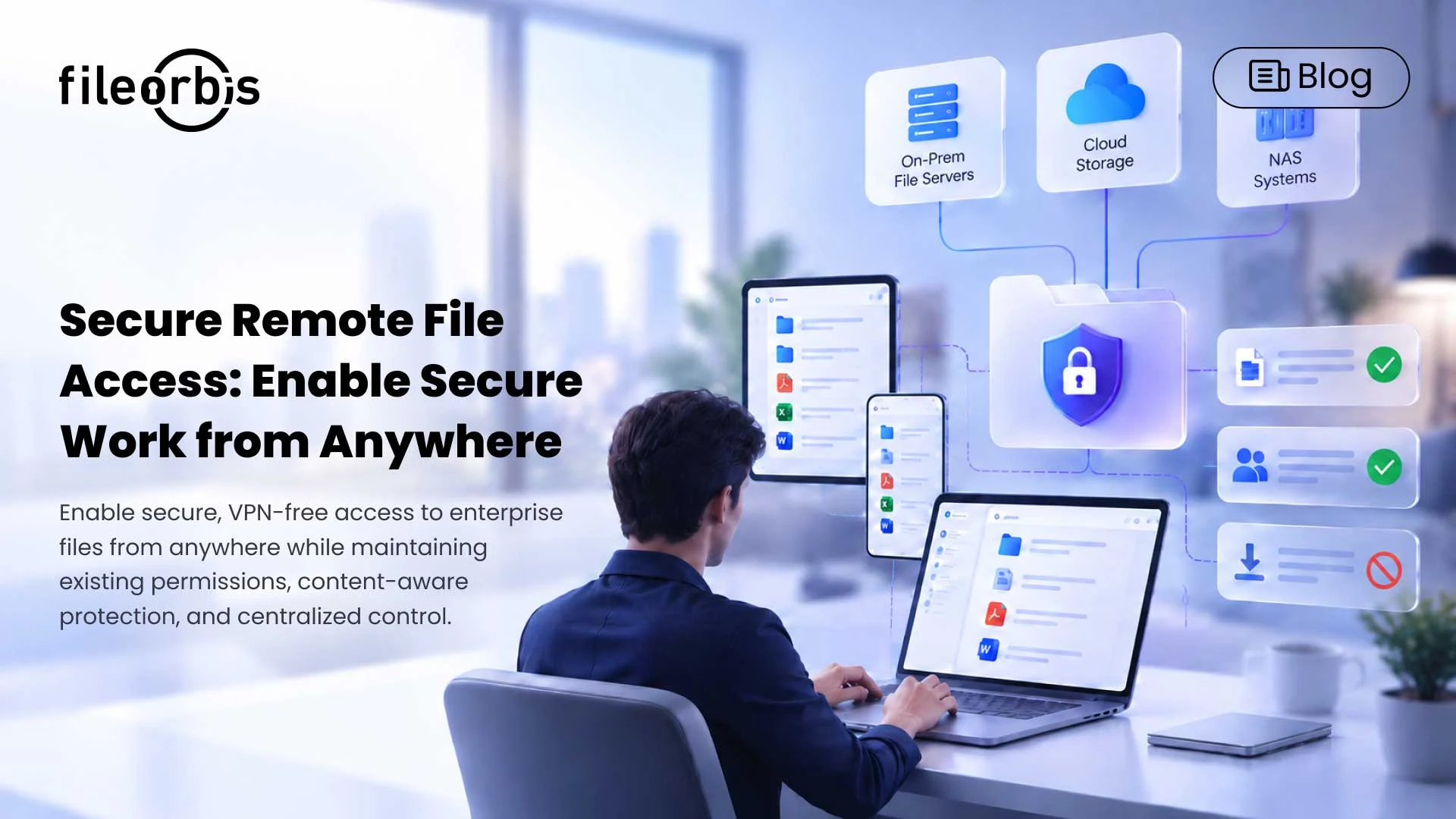
- Connect on-premises file servers, NAS, and cloud storage.
- Providing access via web browsers, mobile devices, and desktop clients.
- Maintain files in their existing storage without mandatory migration.
Content-Aware File Protection
Access permissions determine who can access a file, but organizations also need control over how sensitive content is handled.
Key protections include:
- Data loss prevention (DLP): Apply policies based on file content and sensitivity.
- Download restrictions: Limit local copies when access should remain controlled.
- Malware protection: Scan files to reduce the risk of malicious content.
- Dynamic watermarking: Prevent unauthorized redistribution of sensitive documents.
Permission-Aware Access Control
Remote access should respect existing identity and file permissions, rather than introducing a separate and inconsistent security model.
Organizations should:
- Integrate with existing identity systems and directory services.
- Provide support single sign-on (SSO) and multi-factor authentication (MFA).
- Enforce least privileged access based on user permissions.
- Apply centralized access policies to remote file operations.
Secure Collaboration and External Sharing
Remote employees frequently need to collaborate with partners, colleagues, and external stakeholders.
A secure file access platform should support:
- Expiration of links, download limits, and passwords.
- Approval workflows for sensitive sharing activities.
- Controlled file previews and document collaboration.
- Revocation of previously granted sharing access.
Centralized Visibility and Audit Logging
Security and IT teams need visibility into how enterprise files are accessed and shared.
Centralized audit logging helps organizations investigate suspicious activity, review user actions, and provide evidence for internal security and compliance processes.
How FileOrbis Helps
FileOrbis provides a unified environment for accessing and collaborating on enterprise files across on-premises, hybrid infrastructures, and cloud environments.
Instead of requiring organizations to migrate files to a new repository, FileOrbis manages data where it already resides.
Its capabilities include:
- Unified file management: Bring distributed storage environments into a consistent user experience.
- VPN-less remote access: Enable authorized users to access enterprise files without relying on traditional VPN connectivity.
- Existing permission enforcement: Respect established identity and file access controls.
- Content-aware security: Apply DLP, controlled sharing policies, and malware scanning.
- Secure desktop and mobile access: Support distributed employees through multiple access methods.
- Centralized governance: Maintain visibility and audit logging across file activities.
This approach helps organizations improve employee productivity while extending consistent security controls across their existing file infrastructure.
In Summary
Secure remote file access is about more than connecting employees to files. Enterprises need a consistent way to support distributed work without losing control over sensitive information.
By combining unified access, content protection, permission-aware security, and centralized governance, organizations can support flexible collaboration while reducing unnecessary data movement.
Frequently Asked Questions
What is secure remote file access?
Secure remote file access allows authorized users to reach enterprise files from outside the corporate network while maintaining identity verification, security controls, and access permissions.
Can enterprises provide secure remote file access without migrating data?
Yes. Solutions that connect to existing file servers, NAS, and cloud storage can provide remote access while keeping files in their original storage locations.
How does FileOrbis enable secure remote file access?
FileOrbis provides VPN-less access to enterprise files without data migration, while enforcing existing permissions, content-aware security, and centralized audit logging.

Gamze Karslı
Head of Marketing
Subscribe to our Newsletter
About FileOrbis
Aiming to manage the user and file relationship within an institutional framework, FileOrbis is constantly being developed in order to meet different industry and customer needs in terms of file management and sharing. Since 2018, FileOrbis continues to be developed with the excitement of the first day. FileOrbis focuses on high security, rich integration, ease of use and integrated management criteria.