
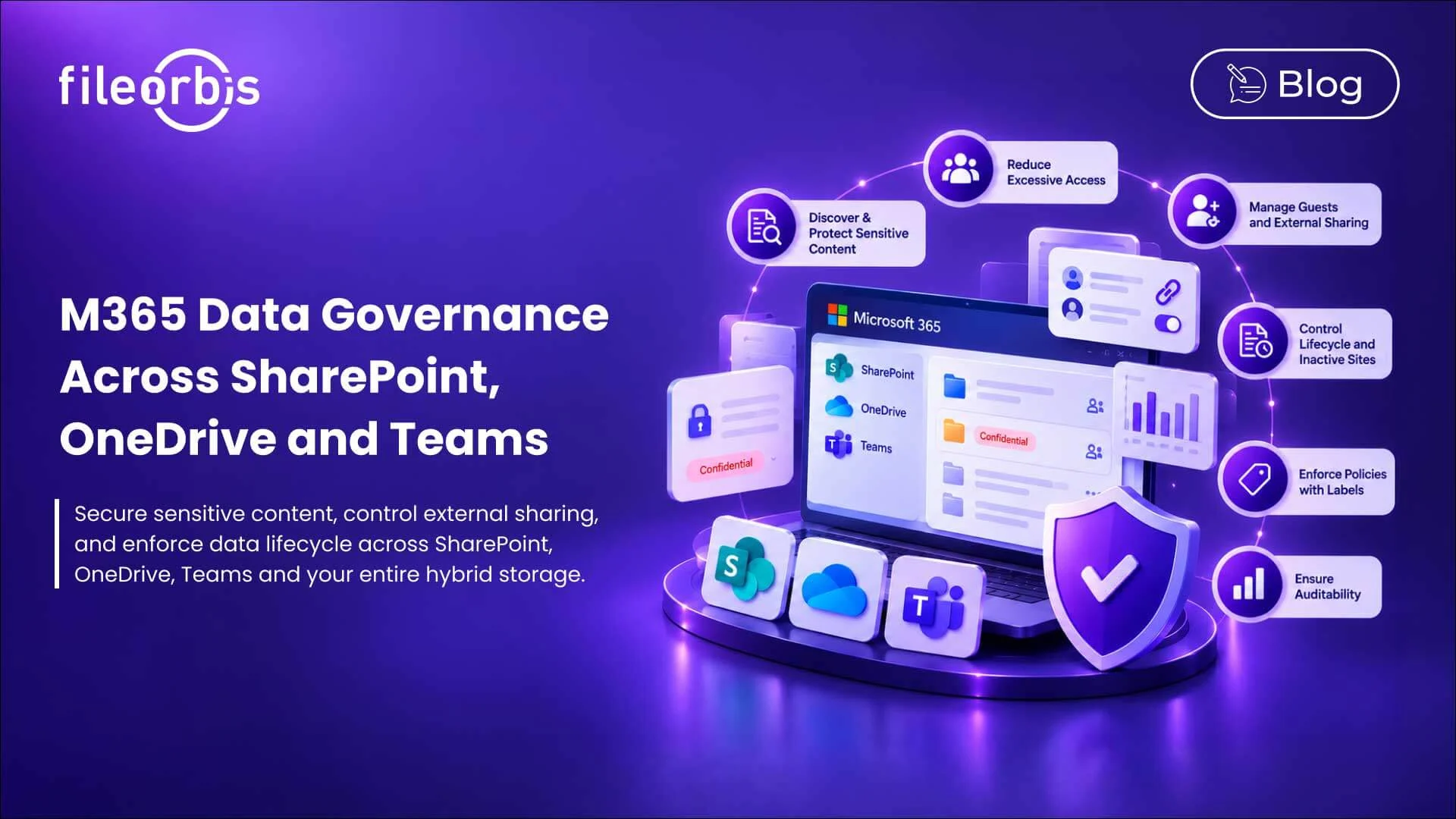
M365 Data Governance Across SharePoint, OneDrive and Teams
M365 makes it easy to create, share, and collaborate on files. However, as SharePoint sites, OneDrive accounts, Teams workspaces, and external sharing grow, maintaining consistent control becomes more challenging.
M365 data governance provides the policies and controls needed to manage sensitive content, permissions, lifecycle management, sharing, and auditability across M65.
For enterprises with hybrid environments, governance needs to extend to file servers, NAS, and other storage locations where business-critical data still resides.
Why M365 Data Governance Becomes More Difficult at Large Scale
Each new team, SharePoint site, shared folder, and guest account can expand an organization’s data footprint.
Over time, organizations may encounter:
- Sensitive files stored in inappropriate locations
- Excessive permissions and broad internal access
- Uncontrolled external sharing
- Inactive or ownerless sites
- Guest users retaining access longer than necessary
- Files stored beyond business or regulatory requirements
- Unlabeled or incorrectly labeled content
- Fragmented audit visibility
The challenge is maintaining governance as collaboration expands.
Discover and Protect Sensitive Content
Governance begins with knowing what data exists.
Sensitive information can be distributed across SharePoint document libraries, OneDrive folders, Teams-connected sites, and traditional enterprise storage.
Organizations should be able to:
- Discover sensitive information
- Apply appropriate sensitivity labels
- Classify files by content
- Enforce data loss prevention and security policies
- Identify sensitive files stored in inappropriate locations
Classification provides the context needed to apply the right controls to the right content.
Reduce Excessive Sharing and Excessive Access
A file may be protected from external users but still be internally accessible to too many people.
M365 environments can accumulate broad permissions through group memberships, site permissions, sharing links, and permission changes.
Organizations need visibility into:
- Files accessible by more users than necessary
- Sites with excessively large audiences
- Sensitive content with excessive permissions
- Sharing links across the organization
Reducing unnecessary access helps organizations maintain the principle of least privilege as M365 environments grow.
Governing External Guests and Sharing
SharePoint and Teams make collaboration with customers, suppliers, contractors, and partners easy. However, keeping track of guest access can become challenging over time.
Organizations need to control:
- What content can be shared
- Who can share externally
- Who can access sensitive files
- How long access remains available
- When guest access should be revoked
- Whether approval is required
Time-bound links, download restrictions, approval workflows, watermarking, and revocation can provide additional control for sensitive collaboration.
Controlling Legacy Sites and Content Lifecycle
Not every SharePoint site or Teams workspace should exist forever.
As projects end, employees leave, and departments reorganize, essential content and permissions may remain.
A mature M365 data governance program should address:
- Inactive and unowned sites
- Legacy of Teams workspaces
- Retention requirements
- Legacy of external access
- Archiving and controlled deletion
- Periodic access reviews
Lifecycle policies help reduce unnecessary data while preserving information required for legal, business, or regulatory purposes.
Make Labels Drive Governance
Sensitivity and retention labels become more valuable when they trigger policy decisions.
Depending on the classification, organizations can:
- Restrict external sharing
- Require approval
- Block downloads
- Apply watermarks
- Implement Data Loss Prevention (DLP)
- Enforce retention or archiving rules
This reduces reliance on users to make the right security decision each time they process sensitive information.
Ensure Auditability in Collaborative Environments
Security and compliance teams need to see what happens to sensitive files.
Relevant activities may include:
- File access
- External sharing
- Downloads
- Policy actions
- Administrative changes
- Permission changes
- Guest activity
Centralized audit visibility supports investigations and compliance reviews in distributed collaborative environments.
M365 Governance Should Not Be Limited to M365
M365 is not the organization’s only file environment.
Organizations may also rely on:
- Windows file servers
- NAS
- Private cloud storage
- Other cloud storages
When governance is limited to M365, classification, access, lifecycle, sharing, and audit policies may vary depending on where the file resides.
A broader approach applies consistent governance across the enterprise file asset while allowing data to remain in existing storage.
How FileOrbis Helps
FileOrbis provides a governance and security layer across M365 and existing enterprise file environments.
Organizations can use FileOrbis to:
- Discover and classify sensitive content
- Govern external sharing and guest access
- Enforce content-aware policies and DLP
- Enforce lifecycle policies
- Automate approval workflows
- Maintain audit logging and reporting
- Extend consistent controls to file servers, NAS, and hybrid storage
FileOrbis enables governance of data where it already resides, helping organizations build consistent controls across M365 and non-M365 storage without requiring a migration to a new central repository.
M365 Data Governance Checklist
When evaluating an M365 management strategy, ask yourself these questions:
- Can we identify sensitive content across M365?
- Can we detect excessive access and excessive sharing?
- Are inactive and ownerless sites identified?
- Are external guests and sharing links regularly reviewed?
- Can governance be extended to non-M365 repositories?
- Do labels trigger appropriate security and lifecycle policies?
If governance changes depending on where a file is stored, there may be a consistency gap within the organization.
In Summary
Effective M365 data governance keeps sensitive content, access, lifecycle, sharing, and auditability under control as M365 grows.
For hybrid businesses, governance should extend beyond SharePoint, OneDrive, and Teams. FileOrbis helps organizations implement consistent controls across M365 and existing enterprise file repositories, keeping data where it already is.
Frequently Asked Questions
What is M365 data governance?
M365 data governance refers to the policies and controls used across M365 to manage sensitive content, permissions, classification, lifecycle management, external sharing, and auditability.
How can organizations reduce excessive sharing on M365?
Organizations can review permissions and sharing links, control guest access, identify widely accessible sensitive content, and regularly review high-risk or inactive sites.
Can M365 governance also include on-premises file servers?
Yes. A unified management approach can extend consistent control across file servers, NAS, M365, and hybrid storage environments.

Gamze Karslı
Head of Marketing
Subscribe to our Newsletter
About FileOrbis
Aiming to manage the user and file relationship within an institutional framework, FileOrbis is constantly being developed in order to meet different industry and customer needs in terms of file management and sharing. Since 2018, FileOrbis continues to be developed with the excitement of the first day. FileOrbis focuses on high security, rich integration, ease of use and integrated management criteria.