
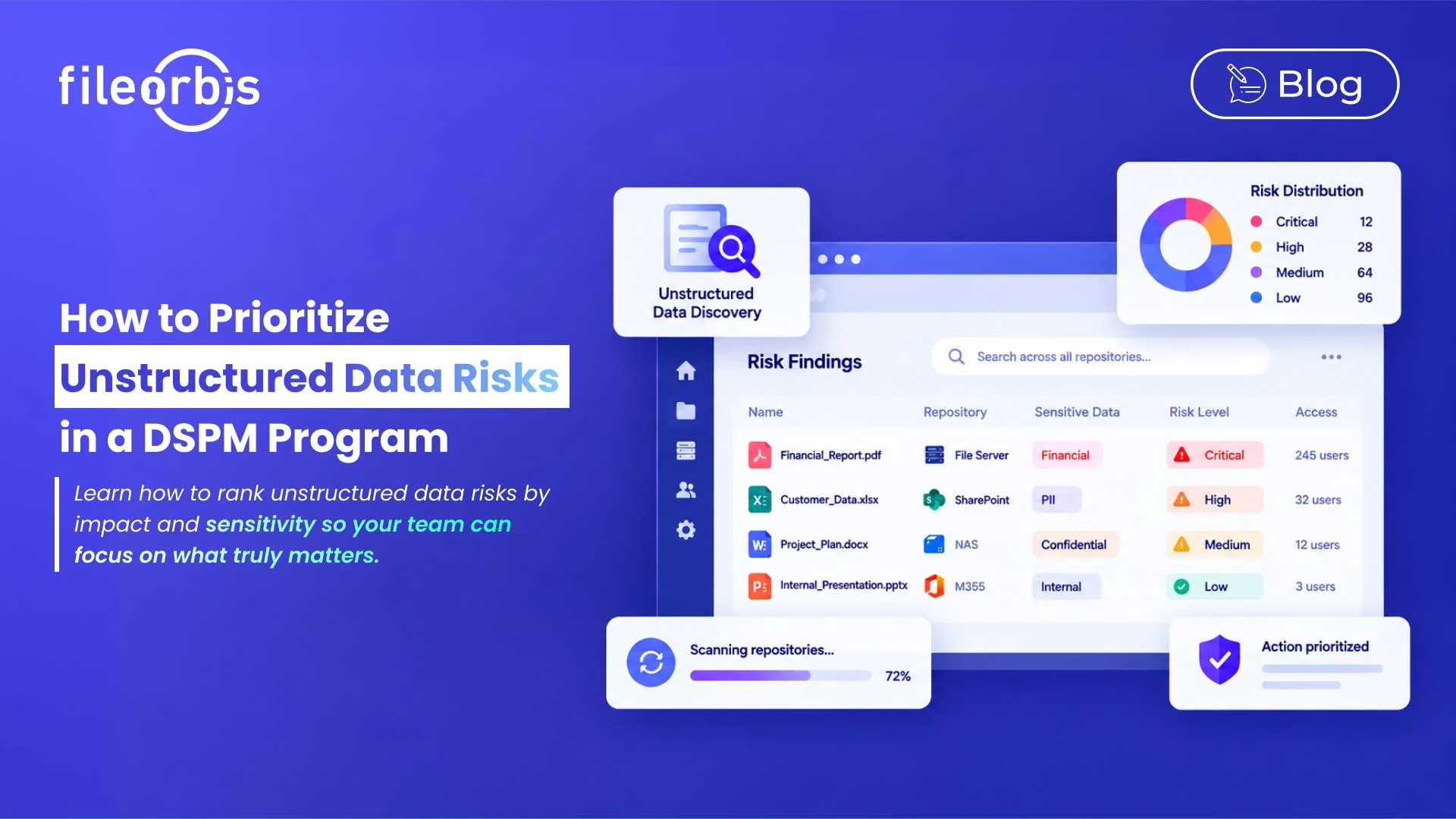
How to Prioritize Unstructured Data Risks in a DSPM Program
A DSPM program can identify thousands of risky files on file servers, NAS devices, M365, SharePoint, and cloud storage. But finding the risk is only the beginning.
Security teams need to determine which findings require immediate action and which can wait. Therefore, effective unstructured data risk mitigation requires a scoring model that combines elements of sensitivity, access, exposure, business context, ownership, age, and exploitability.
Why DSPM Findings Need Prioritization
Not every exposed file represents the same level of risk.
A confidential financial document accessible to thousands of users poses a very different risk than an old internal presentation accessible to only one employee. Treating both findings equally can lead to significant DSPM remediation delays and consume time that should be focused on critical risks.
The goal is to identify where the probability and business impact combine to create the greatest risk.
Build a Risk Score Based on Seven Factors
A practical DSPM risk model should combine multiple signals rather than relying solely on classification.
Data Sensitivity
Start with the file’s contents.
Sensitive information such as personal data, financial records, intellectual property, identity information, or contracts should increase the risk score.
Consider the following:
- Type and volume of sensitive information
- Classification or sensitivity label
- Regulatory or contractual requirements
The more sensitive the content, the greater the potential impact of unauthorized access.
Data Exposure
Determine how the data is exposed.
Pay attention to:
- Public or widely accessible folders
- External sharing
- Unrestricted connections
- Inappropriate storage locations
- Exposure outside of approved repositories
A sensitive file located within a controlled department presents a different risk than the same file being exposed outside its intended boundaries.
Access Breadth
Evaluate how many users or groups have access to the data and whether that access reflects business needs.
High-risk situations include:
- Broad groups
- Large numbers of authorized users
- Legacy users or groups
- Excessively inherited permissions
- Access inconsistent with the principle of least privilege
A highly sensitive file accessible to hundreds of users should normally have higher priority than an equivalent file restricted to a small privileged group.
Business Context
Technical knowledge alone does not determine business impact.
Consider:
- Department
- Repository purpose
- Business function
- Operational criticality
- Regulatory compliance
This context helps distinguish a minor permit issue from a risk affecting a critical business process.
Data Age and Activity
Age and activity can reveal data that is exposed without a clear business reason.
Points to consider:
- File age
- Retention status
- Last access or modification
- Whether the content is actively used
However, age alone should not determine priority. An old record under active retention may be legitimate, while an abandoned sensitive spreadsheet may require remediation.
Ownership
When there is no one responsible for the data, addressing the risk becomes difficult.
Attention should be paid in the following:
- No owner can be identified
- Responsibility is unclear
- The original owner has left
- Permissions remain from previous projects or teams
Clear ownership also helps direct remediation decisions to the right person.
Exploitable
Finally, consider how easily this exposure could lead to unauthorized data access.
Ask yourself:
- Ordinary users can reach the data
- Files can be downloaded or shared
- External users have access
- Existing permissions provide a direct exposure path
Exploitable helps separate theoretical weaknesses from the risks that could realistically lead to access.
Convert Risk Scores into Remediation Priorities
Once these factors are combined, findings can be grouped into practical tiers:
- High: Sensitive data with excessive permissions, inappropriate storage, legacy access, or significant business impact
- Medium: Governance weaknesses without immediate exposure
- Low: Minor ownership, lifecycle, classification, or permission issues with limited impact
- Critical: Highly sensitive data with extensive or external exposure and clear exploitability
This provides security teams and data owners with a manageable remediation queue instead of an undifferentiated list of findings.
Define Risk-Based Remediation SLAs
Remediation timelines should be appropriate to the severity level:
- High: Resolved within a few days
- Medium: Addressed within the normal governance cycle
- Low: Review during scheduled cleaning or access inspections.
- Critical: Immediate investigation and remediation
Specific timelines should reflect organizational risk tolerance, regulatory requirements, and available resources.
Avoid Overwhelming Data Owners
Data owners provide important business context, but sending hundreds of separate findings leads to alert fatigue.
A scalable process should:
- Group findings by owner, policy, or repository
- Identify the highest-risk issues first
- Explain why each issue is prioritized
- Recommend a remediation action
- Use approvals when business validation is required
- Automate repeatable actions where appropriate
- Report unresolved critical risks to higher levels
Data owners should make business decisions, not manually investigate every technical signal.
How FileOrbis Helps
FileOrbis combines sensitive data discovery, AI-based classification, policy enforcement, permission analysis, and DSPM remediation across enterprise file environments.
Organizations can use FileOrbis to the following:
- Discover and classify sensitive unstructured data
- Assess permission and exposure risks
- Identify over access and inappropriate storage
- Apply controlled remediation actions
- Prioritize high-risk findings
- Pass actions through approval workflows
- Verify remediation and maintain audit logging
Remediation may include tightening permissions, revoking old access, archiving content, moving or quarantining files, or deleting data according to policy.
FileOrbis governs data where it already resides, ensuring the risk of unstructured data is mitigated without requiring a repository migration.
In Summary
DSPM should help security teams reduce meaningful risks rather than simply generating more findings.
Bringing together factors such as sensitivity, risk, business context, access, ownership, age, and exploitability creates a risk-based remediation process. With clear priorities and SLAs, organizations can focus on the most important risks without overwhelming security teams or data owners.
Frequently Asked Questions
What is unstructured data risk remediation?
It is the process of prioritizing and remediating security and governance risks affecting unstructured data.
How should DSPM risks be prioritized?
Prioritize risks based on sensitivity, access, exposure, business context, ownership, age, and exploitability.
How can organizations reduce remediation backlogs?
Use risk-based SLAs, automate repeatable actions, group relevant findings, and involve data owners when necessary.

Gamze Karslı
Head of Marketing
Subscribe to our Newsletter
About FileOrbis
Aiming to manage the user and file relationship within an institutional framework, FileOrbis is constantly being developed in order to meet different industry and customer needs in terms of file management and sharing. Since 2018, FileOrbis continues to be developed with the excitement of the first day. FileOrbis focuses on high security, rich integration, ease of use and integrated management criteria.