
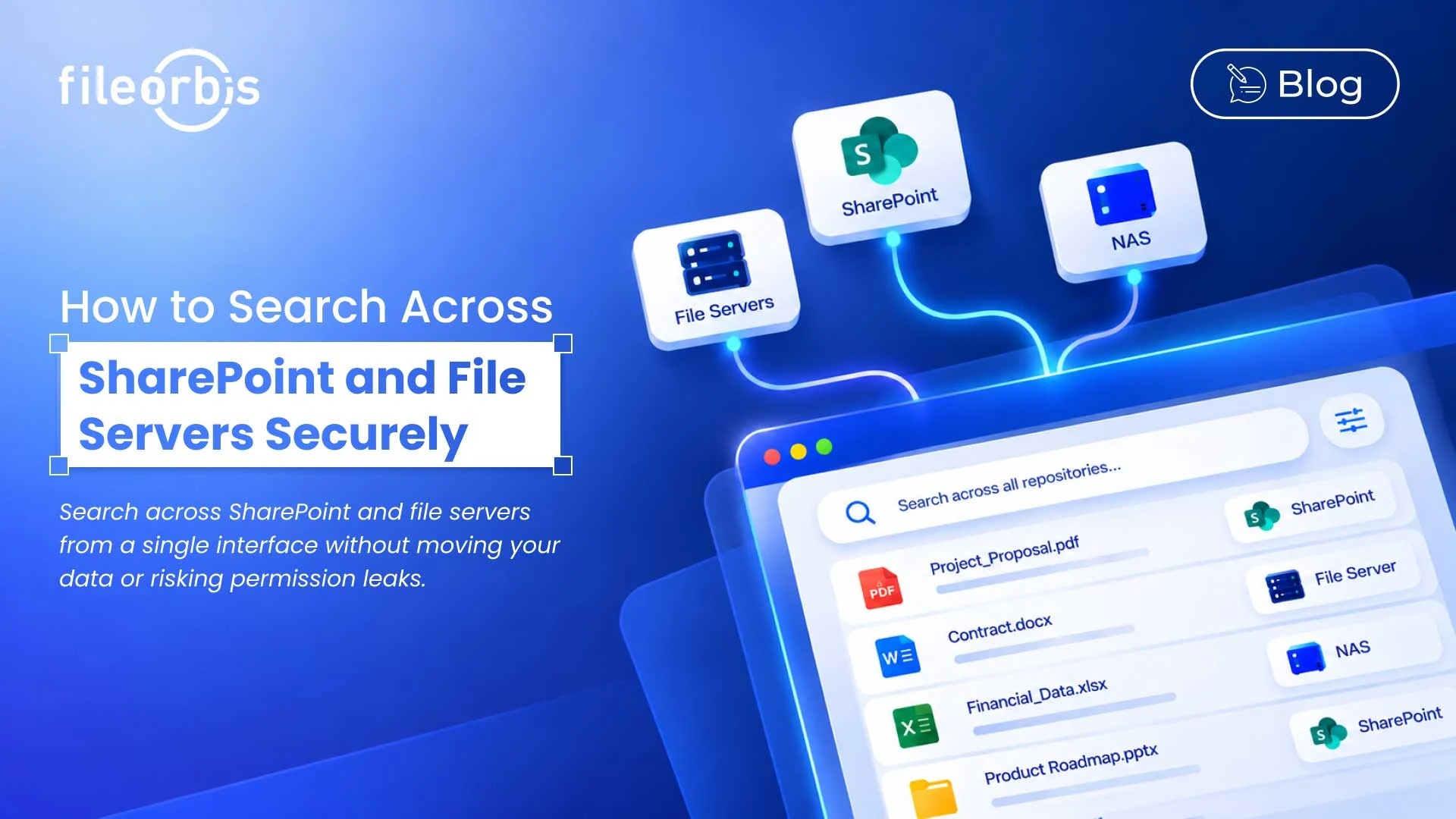
How to Search Across SharePoint and File Servers Securely
Enterprise content is rarely located in a single place. While teams store active project documents in SharePoint, contracts, archives, engineering files, and departmental data may remain on Windows file servers or NAS systems.
This presents a practical challenge: Users need to search between SharePoint and file servers without having to search each repository individually or uncovering content they are not permission to view.
A secure approach requires a unified search layer that understands identities, metadata, permissions, and content changes from each source.
The Difficulty of Searching on SharePoint and File Servers
SharePoint and traditional file systems use different structures and security models. SharePoint relies on sites, libraries, metadata, M365 identities, and SharePoint permissions. File servers, on the other hand, typically rely on folders, Active Directory identities, NTFS permissions, and file system properties.
A unified search platform should eliminate these differences while preserving existing security controls and storage architecture.
Map User Identity Across Repositories
Secure search begins with identity.
The search platform needs to understand who submitted the query and map that identity with the permissions applied to each repository. For example, access to a Windows file share might be tied to Active Directory groups, while SharePoint access might be managed through M365 identities and repository-specific permissions.
Organizations should evaluate whether the platform has the following:
- Matching identities across connected repositories
- Preserving existing access permissions
- Understanding user and group memberships
- Avoiding creating a separate search-only permission model
Without accurate identity mapping, consistently implementing permission-aware search becomes difficult.
Define the Correct Indexing Scope
Connecting a repository does not automatically mean every file becomes searchable.
Organizations need control over what the search platform indexes across document libraries, SharePoint sites, folders, and file shares.
Key considerations include:
- Locations and repositories included in the index
- Included or excluded libraries and folders
- Content and metadata fields
- Supported document types
- Classification and sensitivity requirements
The goal is to provide comprehensive enterprise discovery without uncontrolled indexing.
Normalizing Metadata Differences
SharePoint can include rich metadata such as department, project, document type, owner, and classification. Traditional file systems, on the other hand, can provide more basic attributes such as file name, path, creation date, owner, and modification date.
A unified search layer should normalize these differences so that users can filter content consistently.
Useful search attributes may include:
- File type
- Repository
- Department or project
- Owner
- Classification or sensitivity
- Creation or modification date
Combining metadata with full-text search helps users find information even when they don’t know the exact file name or storage location.
Apply Security Trimming to Every Result
A key requirement for organizations searching between SharePoint and file servers is to ensure the search does not weaken existing access controls.
Just because a file is indexed does not mean every user can find it.
The security trimming should evaluate user access before displaying results. If a user cannot access a document in the source store, the search should not show the following information:
- File names
- Metadata
- Previews
- Search summaries
- Content summaries
The search layer should respect existing ACL, NTFS, role-based, and cloud permissions, rather than introducing a weaker parallel access model.
Keep Content and Permission Fresh
Enterprise repositories are constantly changing. Documents are created, renamed, edited, moved, or deleted. Permissions and group memberships also change.
When evaluating a unified search platform, ask these questions:
- How quickly are new and modified documents reflected?
- How quickly are permission changes synchronized?
- What happens when a file is moved or deleted?
- Are group membership changes reflected in search access?
Content freshness and permission freshness are equally important. An outdated directory can return irrelevant information, while outdated permissions can create security risks.
What to Consider on a Unified Search Platform
For SharePoint and file server environments, prioritize platforms with the following:
- Search full text and metadata across repositories
- Preserve existing identities and source permissions
- Apply security trimming before displaying results
- Keep content and permission changes synchronized
- Normalize metadata across different systems
- Enable filtering without requiring repository merging
The goal is not to return more results, but to deliver the right results to the right user.
How FileOrbis Helps
FileOrbis provides a unified enterprise search layer across cloud content environments and distributed on-premises, without requiring organizations to move all files to a new repository.
FileOrbis supports:
- Federation search: Search connected repositories through a single interface.
- Metadata search: Search by attributes such as project, department, owner, classification, and dates.
- Full-text search: Find documents using words and phrases within files.
- Faceted filtering: Narrow down large result sets using document and business attributes.
- Security trimming: Display only results that the user has access to.
- Protected search results: Hide restricted titles, summaries, previews, and metadata.
This allows organizations to improve their document retrieval processes while maintaining their current storage and security limits.
In Summary
Organizations do not need to move every document to the same repository to create a unified search experience.
A secure search layer can connect SharePoint and traditional file systems while protecting resource permissions through identity mapping, metadata normalization, controlled indexing, security trimming, and continuous synchronization.
With FileOrbis, organizations can search across SharePoint and file servers through a unified experience, ensuring users find only the content they are authorized to access.
Frequently Asked Questions
Can users search SharePoint and file servers from a single interface?
Yes. A federated enterprise search layer can provide a single search experience across connected SharePoint environments and traditional file systems.
Do files need to be migrated for unified search?
No. A federated approach can index and search connected repositories while allowing content to remain in the existing storage environment.
How can restricted files be prevented from appearing in search results?
Security trimming evaluates user permissions and removes unauthorized documents, titles, summaries, metadata, and previews from the user’s results.

Gamze Mat
Product Manager
Subscribe to our Newsletter
About FileOrbis
Aiming to manage the user and file relationship within an institutional framework, FileOrbis is constantly being developed in order to meet different industry and customer needs in terms of file management and sharing. Since 2018, FileOrbis continues to be developed with the excitement of the first day. FileOrbis focuses on high security, rich integration, ease of use and integrated management criteria.