
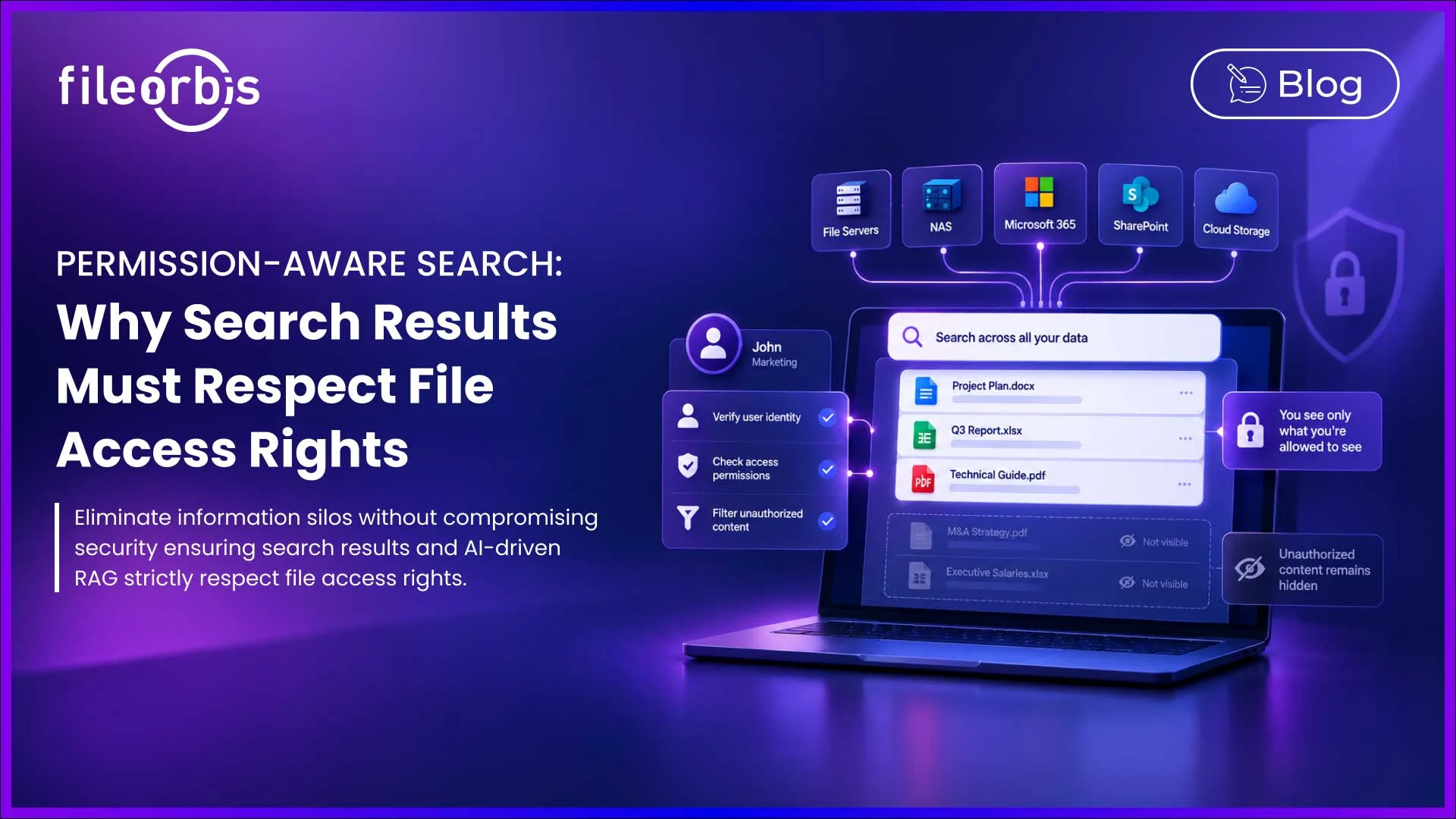
Permission-Aware Search: Why Search Results Must Respect File Access Rights
Enterprise search should help employees access information faster. However, finding a document should not mean discovering information the user is not authorized to see.
Permission-aware search ensures users only discover content they are permitted to access by applying existing file access rights to search results.
This is especially important when organizations search across file servers, NAS, M365, SharePoint, and cloud repositories from a single interface.
What Is Permission-Aware Search?
Permission-aware search filters search results based on the identity and access rights of the person performing the search.
It can consider controls such as:
- File and folder ACLs
- Active Directory identities and groups
- NTFS permissions
- Role-based access controls
- Repository-specific permissions
If a user cannot access a file in the source repository, that file should not be visible through search.
This policy is typically implemented through security trimming.
How Security Trimming Works at Query Time?
Enterprise search typically creates an index so users can quickly search large amounts of content. However, being indexed doesn’t mean a document is visible to every user.
When a user submits a query, permission-aware search should:
- Identify the requesting user.
- Evaluate the user’s current access rights.
- Retrieve potentially relevant results.
- Return only permitted results.
- Remove unauthorized content.
Relevance determines which results match the query. Permissions determine what the user is allowed to explore.
Why Outdated Permission Directories Create Risk
Company permissions are constantly changing.
Employees move between teams, contractors leave, project memberships change, and access is revoked. If a search relies on outdated permission information, users may continue to see content they should no longer be able to explore.
This can expose to the following:
- Recently restricted documents
- HR or financial information
- Confidential legal documents
- Files from projects the user has left
Therefore, permission changes should remain synchronized with the underlying source.
A search result should reflect current authorization, not a snapshot of current access rights.
Unauthorized Files Must Be Completely Invisible
Simply blocking access to a restricted file is not enough. The search results themselves can reveal sensitive information.
For example, a restricted file name can reveal confidential project, legal, financial, or M&A information even if the user cannot open the file.
Unauthorized users should not see:
- File names or document titles
- Search summaries
- Folder paths
- Metadata
- Content previews
- Highlighted matches
The safest search result for restricted content is no results.,
Permission-Sensitive Search in Hybrid Repositories
The challenge becomes greater when enterprise content is distributed across the following environments:
- Windows file servers
- NAS
- M365
- SharePoint
- Cloud storage
Each repository may use a different permission model.
A secure unified search layer must protect these security boundaries while providing users with a single place to find information.
The goal is simple: to unify discovery without flattening permissions.
Permission-Aware Search Is the Foundation of Secure RAG
The same principle becomes critical when enterprise search provides the access layer for AI.
Retrieval-Augmented Generation (RAG) searches enterprise information before providing relevant content to an AI model. If access permissions are ignored, restricted information can become part of a response generated by the AI.
A secure enterprise RAG should:
- Identify the requesting user.
- Retrieve relevant information.
- Enforce existing access rights.
- Send only permitted information to the model.
- Exclude unauthorized content.
This should include not only document content but also file names, metadata, citations, abstracts, and references.
Therefore, permission-aware search provides an important security foundation for enterprise RAG.
How FileOrbis Helps
FileOrbis enables enterprise search across distributed file environments while maintaining existing security boundaries.
- Organizations can combine:
- Full-text and metadata search
- Identity permissions and existing NTFS, ACL
- Unified cross-repository discovery
- Security-trimmed search results
- Permission-aware enterprise RAG
FileOrbis is designed to preserve file system permissions and existing identity rather than creating a separate permission model.
This same permission-aware approach extends to enterprise RAG, helping to prevent unauthorized data exposure through AI-generated responses.
In Summary
Enterprise search should eliminate information silos, not security boundaries.
Permission-aware search ensures users only access information their current permissions. This requires security restrictions at the time of querying, zero metadata leakage, synchronized permissions, and the same access controls as when enterprise search becomes the retrieval layer for AI.
Frequently Asked Questions
What is permission-aware search?
Permission-aware search filters results based on the access rights of the user requesting it, so users can only find files they have permission to access.
What is security trimming in enterprise searches?
Security trimming removes unauthorized documents and related information such as file names, summaries, metadata, and previews from search results.
Why is permission-aware search important for enterprise RAG?
RAG relies on searching and accessing information before generating responses. Permission-aware information access helps prevent restricted enterprise content from being revealed through AI responses.

Mert Topaloğlu
Senior Presales Consultant
Subscribe to our Newsletter
About FileOrbis
Aiming to manage the user and file relationship within an institutional framework, FileOrbis is constantly being developed in order to meet different industry and customer needs in terms of file management and sharing. Since 2018, FileOrbis continues to be developed with the excitement of the first day. FileOrbis focuses on high security, rich integration, ease of use and integrated management criteria.