
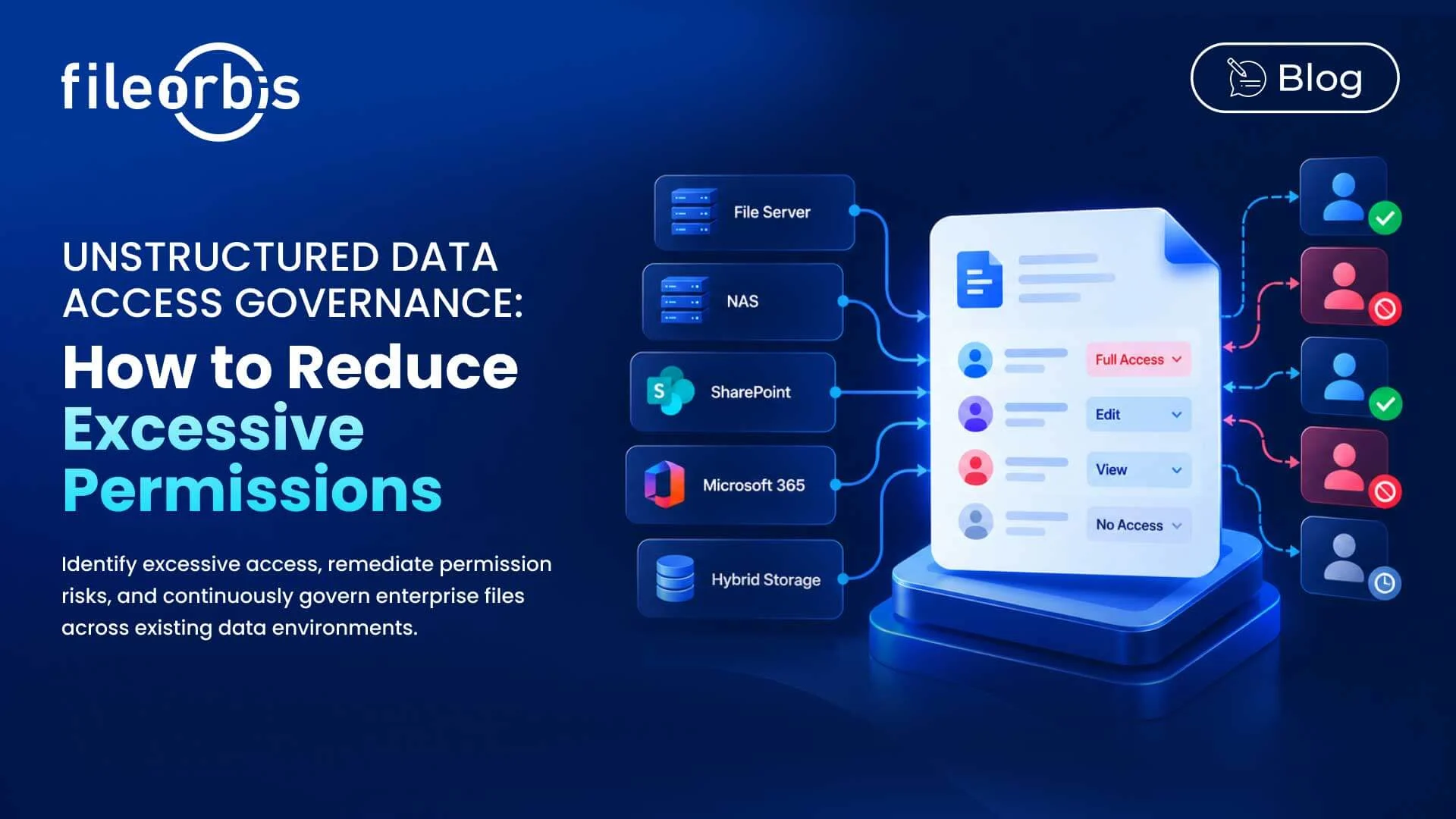
Unstructured Data Access Governance: How to Reduce Excessive Permissions
Enterprise file permissions rarely stay clean over time. Employee roles change, projects end, teams reorganize, groups expand, and folders take over access from parent directories.
The result is often the same: More people can access enterprise files than the business actually
Unstructured data access governance helps organizations identify and reduce over access across file servers, NAS, SharePoint, M365, and hybrid storage, while also protecting legitimate business access.
What is Unstructured Data Access Governance?
Unstructured data access governance is the process of continuously controlling and understanding who can access enterprise files.
It connects permissions with contexts such as:
- User and group membership
- File sensitivity
- Data ownership
- Access breadth
- Repository and location
- Business requirements
The goal is to maintain least privileged access as users, permissions, files, and business requirements change.
Why Do Excessive Permissions Accumulate?
Excessive access usually develops gradually rather than from a single configuration mistake.
Common causes include:
- Inherited permissions: Access granted in the parent folder extends to files and subfolders.
- Stale permissions: Users retain access even after changing roles, departments, or projects.
- Unclear ownership: No one is responsible for reviewing whether access is still needed.
- Legacy access: Legacy users, groups, and permissions remain attached to repositories.
- Temporary access: Project or contractor access remains active longer than necessary.
- Broad security groups: Large groups grant access to more users than necessary.
At an enterprise scale, manually defining these relationships across repositories becomes difficult.
1. Analyze Who Can Access What
Access governance begins with permission visibility.
Organizations should be able to analyze:
- Direct user permissions
- Group-based permissions
- Privileged access
- Inherited access
- External or guest access
This creates an effective view of access, rather than relying only on individual ACL entries.
The important question is not whether a permission exists, but who has access to the data through that permission.
2. Measuring Access Breadth
Not all permissions create the same level of exposure.
A sensitive file accessible to five authorized employees has a different exposure profile than the same file accessible to hundreds of users through a large group.
Therefore, access analysis should consider:
- Inherited permissions
- Number of users with access
- Sensitivity of accessible content
- Size and scope of authorized groups
- External access
Combining data sensitivity with access breadth helps security teams prioritize excessive permissions that create a greater exposure.
3. Establish Clear Data Ownership
Technical permissions alone cannot determine whether access is appropriate
Business owners can provide the context needed to determine if existing access is still justified. They can:
- Review existing access
- Verify business requirements
- Validate remediation decisions
- Approve or reject exceptions
This adds business responsibility to permission governance, rather than leaving every access decision to IT.
4. Enforce the Least Privileged Access Principle
The least privileged access principle means users should only have access necessary for their current responsibilities.
Permission analysis reveals where access no longer complies with this principle, allowing organizations to reduce unnecessary exposure without disrupting legitimate business processes.
This is especially important for sensitive files where broad or outdated access can significantly increase risk.
5. Remediate Excessive Permissions
Identifying excessive permissions is only useful if organizations can address them.
Remediation may include:
- Revoking unnecessary user access
- Tightening inherited permissions
- Adjusting group membership
- Correcting inappropriate access to sensitive data
- Expiring temporary access
Changes to sensitive or business-critical data should include proper ownership, verification, approval, and audit logging.
6. Continuously Monitor Permission Changes
One-off permission cleanups cannot uphold the principle of least privilege.
Files, users, groups, and business requirements are constantly changing. Therefore, access governance should monitor:
- New excessive permissions
- Newly exposed sensitive files
- Permission changes affecting critical repositories
- Significant increases in access breadth
- Remediated risks that reappear
Continuous monitoring turns permission governance from a periodic cleanup into an ongoing security process.
Unstructured Data Access Governance without Migration
Improving access governance should not require moving enterprise files to another repository.
A governance layer can analyze existing permissions and enforce controls as files remain across existing file servers, NAS, SharePoint, M365, and hybrid environments.
This allows organizations to reduce permission risk without introducing another permission model or a disruptive migration project.
How FileOrbis Helps
FileOrbis provides permission-aware governance across existing enterprise file environments.
Organizations can use FileOrbis to:
- Analyze existing file and folder permissions
- Associate sensitive content with permission exposure
- Identify excessive and legacy access
- Assign data ownership
- Evaluate access breadth
- Support least privileged access
- Remediate permission risks
- Verify remediation
- Continuously monitor permission exposure
- Maintain audit logs
FileOrbis enables governance of data where it already resides, allowing organizations to improve access governance without requiring repository migration.
In Summary
Excessive permissions develop as users, groups, repositories, and roles change.
Unstructured data access governance provides a continuous way to identify unnecessary access, prioritize risks, and mitigate permission risks while protecting legitimate business access.
Frequently Asked Questions
What is unstructured data access governance?
Unstructured data access governance is the process of analyzing, reviewing, and controlling access to enterprise files based on permissions, ownership, sensitivity, and business requirements.
What causes excessive file permissions?
Common causes include inherited permissions, role changes, broad groups, legacy access, persistent temporary access, and unclear data ownership.
How can organizations reduce excessive permissions?
Organizations can analyze effective access, determine data ownership, evaluate access breadth, apply the principle of least privilege, remediate unnecessary permissions, and continuously monitor changes.

Gamze Mat
Product Manager
Subscribe to our Newsletter
About FileOrbis
Aiming to manage the user and file relationship within an institutional framework, FileOrbis is constantly being developed in order to meet different industry and customer needs in terms of file management and sharing. Since 2018, FileOrbis continues to be developed with the excitement of the first day. FileOrbis focuses on high security, rich integration, ease of use and integrated management criteria.