
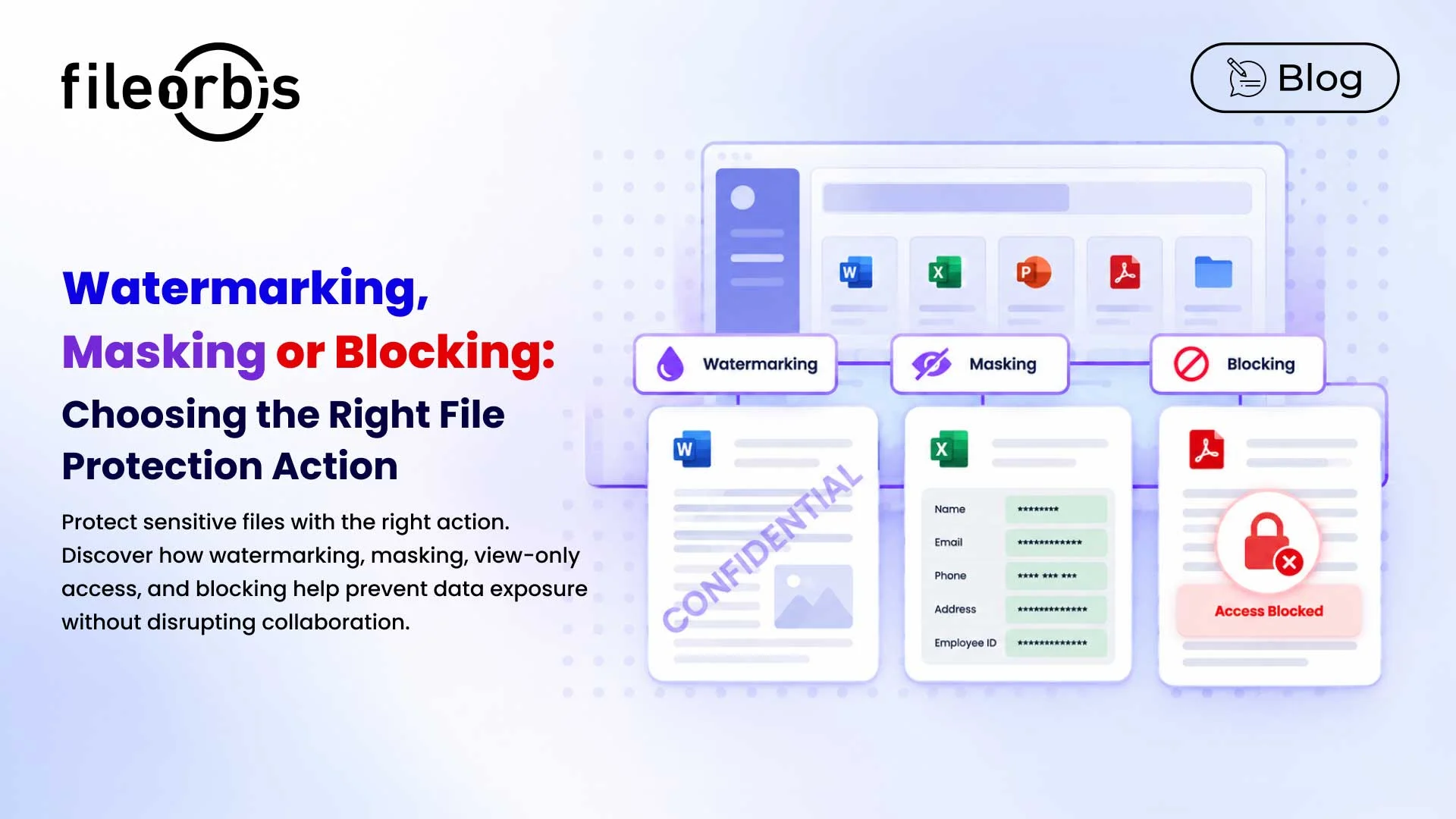
Watermarking, Masking or Blocking: Choosing the Right File Protection Action
Not all sensitive files need to be protected in the same way.
A financial report shared with an auditor may need to remain readable but traceable. A client document may need to have personal information redacted before being shared externally. A board presentation may require view-only access. Highly restricted intellectual property may need to be prevented from leaving the organization entirely. Document watermarking and masking, view-only access, and blocking address different risks. Choosing the right action depends on what the file contains, who is accessing it, and what they need to do with it.
Watermarking: When Sharing Is Allowed but Accountability Matters
Watermarking is appropriate when an authorized recipient needs the complete document, but the organization wants to discourage unauthorized redistribution and improve traceability.
Dynamic watermarks can include:
- IP address
- Recipient name or email
- Access date and time
- Unique user or session information
- Confidentiality notice
This makes watermarking useful for board materials, legal documents, financial reports, contracts, and intellectual property shared with trusted third parties.
For example, it might be a legitimate need for a board member to download a confidential strategy presentation. Blocking the download could unnecessarily hinder collaboration. A personalized watermark preserves the document’s usability while also indicating who each distributed copy belongs to.
Masking or Redaction: When Only Part of the Document Is Sensitive
Sometimes the entire document is not sensitive. Specific information inside it is.
Consider a spreadsheet containing:
- Customer names
- National identification numbers
- Employee information
- Credit card information
- Account numbers
An external service provider might need operational information without accessing every personal identifier. Instead of blocking the entire file, sensitive data can be hidden while the remaining information remains available.
Masking is particularly useful for PII, financial identifiers, customer records, HR information, and documents where specific data elements create the exposure.
View-Only Access: When Users Need the Information but Not a Copy
Some documents need to be seen but should not become uncontrolled files on another device.
View-only access is particularly useful for:
- Board and executive material
- M&A documentation
- Legal documents
- Sensitive project documentation
- Confidential financial reports
- Intellectual property
For example, an external consultant might need to review a purchase document without downloading and retaining a local copy.
For particularly sensitive materials, view-only access and watermarking can be combined to provide both usage restriction and accountability.
Blocking: When Sharing Creates Unacceptable Risk
Blocking is appropriate when sharing itself violates policy or creates unacceptable exposure.
Examples include:
- Highly restricted intellectual property sent to an unauthorized external domain
- Confidential source code shared outside an approved project
- Customer databases containing regulated information
- Files whose classification prohibits external sharing
- Sensitive financial records sent to an unauthorized recipient
Unlike watermarking or masking, blocking does not attempt to make the transfer more secure. It completely blocks the action.
Choosing the Right File Protection Action
The right action depends on how much information the recipient should be allowed to access and what they should be allowed to do with that information.
- Use watermarking when the complete document can be shared but accountability is required.
- Use masking or redaction when the document can be shared but specific sensitive information should remain hidden.
- Use view-only access when users need to read the document but should not retain a copy.
- Use blocking when the file or information should not leave the approved security boundary.
The goal is not to apply the strongest restriction to every file, but to apply the protection action appropriate to the actual risk.
How FileOrbis Helps: Automating File Protection with Content-Aware Policies
At enterprise scale, users should not have to decide manually which protection action a file requires.
FileOrbis can use file content, sharing context, classification, and policy conditions to trigger actions such as:
- Dynamic watermarking
- Masking sensitive information
- Restricting view-only access to the document
- Blocking unauthorized sharing
- Redirecting sharing for approval
- Logging the action for auditing
This allows organizations to apply protection based on the sensitivity and context of a file while governing data where it already lives, without requiring migration.
In Summary
Different files require different levels of protection. Watermarking increases accountability, masking hides certain sensitive data, view-only access limits how a document can be used, and blocking prevents unacceptable disclosure.
Content-aware policies help transform these decisions into consistent and automated controls, rather than relying on users to determine appropriate protection at the time of sharing.
Frequently Asked Questions
What is the difference between document watermarking and masking?
Watermarking adds identifying or contextual information to a document to prevent and track unauthorized distribution. Masking, on the other hand, hides sensitive information, such as personally identifiable information or financial identifiers, while leaving the rest of the document usable.
When should view-only access be used instead of a watermark?
Use view-only access when the recipient needs to read sensitive information but not keep a local copy. Use a watermarking when access or downloading is permitted but accountability is required.
When should sensitive file sharing be blocked?
Blocking is appropriate when the content, destination, recipient, or classification makes sharing unacceptable under the organization’s security policy.

Gamze Karslı
Head of Marketing
Subscribe to our Newsletter
About FileOrbis
Aiming to manage the user and file relationship within an institutional framework, FileOrbis is constantly being developed in order to meet different industry and customer needs in terms of file management and sharing. Since 2018, FileOrbis continues to be developed with the excitement of the first day. FileOrbis focuses on high security, rich integration, ease of use and integrated management criteria.