
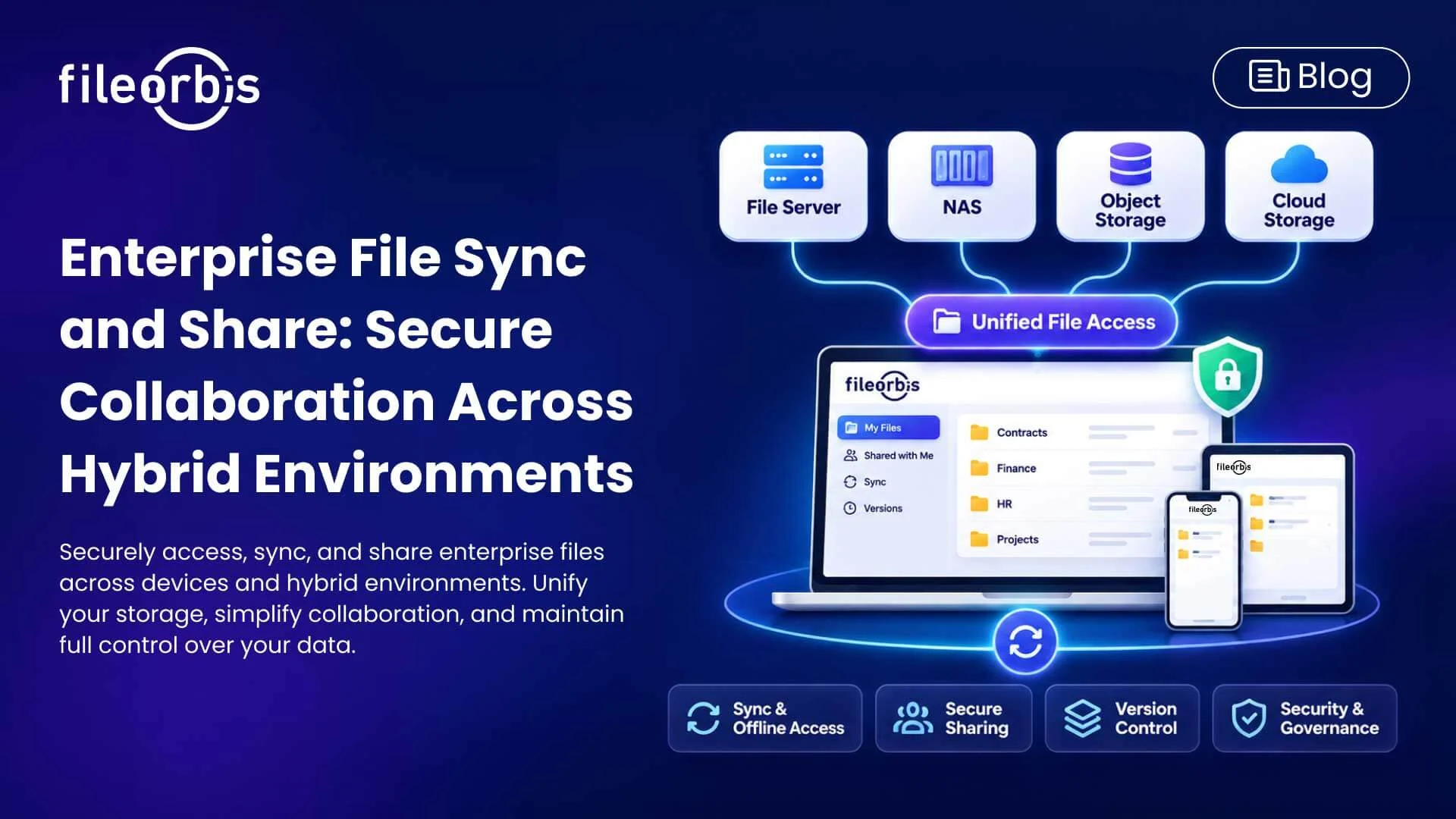
Enterprise File Sync and Share: Secure Collaboration Across Hybrid Environments
Enterprise teams need reliable access to enterprise files, seamless synchronization, and secure collaboration across locations and devices. However, traditional file servers and disconnected cloud storage services can complicate remote access, security oversight, and file management, Enterprise file sync and share (EFSS) brings together file synchronization, controlled sharing, and centralized management. For organizations with hybrid infrastructure, an effective EFSS strategy should also integrate with existing storage environments.
What is Enterprise File Sync and Share (EFSS)?
Enterprise file sync and share enables employees to access, synchronize, and share enterprise files across authorized devices and locations.
Unlike basic cloud storage, enterprise EFSS solutions provide capabilities designed for the organization’s security requirements:
- File synchronization: Keep documents updated across authorized devices.
- Secure sharing: Exchange files through controlled access.
- Granular permissions: Manage viewing, downloading, editing, and sharing rights.
- Version control: Track changes and restore previous versions.
- Audit logging: Record file activity for compliance, and security monitoring.
Why Traditional File Sharing Creates Enterprise Challenges
Many organizations rely on network drives, email attachments, and multiple cloud storage platforms. While these tools support daily operations, fragmented environments present several challenges:
- File duplication: Multiple copies of documents lead to version conflicts.
- Risks of external sharing: Email attachments provide limited control after distribution.
- Remote access limitations: Traditional file servers are often dependent on VPN connections.
- Permission complexity: Separate repositories complicate access management.
- Limited visibility: IT teams lack a unified view of file activity.
Addressing these challenges requires secure collaboration capabilities that work with existing infrastructure rather than another disconnected storage service.
Key Capabilities of a Secure Enterprise File Sync and Share Platform
Synchronization and Offline Access
Automatic synchronization helps employees work with current documents on different devices. Selective offline access supports productivity even when there is no connection, and changes synchronized after reconnection.
Centralized Access in Hybrid Storage Environments
Enterprise files are often reside on Windows file servers, NAS, object storage, and cloud storage.
Modern EFSS platforms can provide unified access across these environments while maintaining established identity and authorization controls.
Controlled External File Sharing
Secure EFSS platforms should provide controls over how files are distributed to clients, partners, and suppliers.
Key capabilities include:
- Time-limited and revocable sharing links
- Watermarking and view-only access
- Password protection and download restrictions
- Recipient-specific access permissions
- Approval workflows for sensitive documents
Document Collaboration and Version Management
Version history, check-in/check-out, and collaborative editing help teams manage shared documents, track changes, and reduce accidental overwriting.
Security Monitoring and Policy Enforcement
Content control, encryption, malware scanning, and audit logs help organizations investigate file activity, enforce security policies, and support compliance requirements.
How FileOrbis Helps
FileOrbis Secure Digital Workplace combines enterprise file sync and share with secure remote access and centralized file management across existing storage environments.
Its capabilities include:
- Unified file access: Connect file servers, NAS, object storage, and cloud storage through a single workspace.
- Permission enforcement: Respect existing Active Directory and NTFS permissions.
- Secure external collaboration: Control sharing through expiration dates, access revocation, and download restrictions.
- FileOrbis Drive: Enable desktop-based file access, selective offline caching, and synchronization.
- Content-aware security: Apply DLP inspection, encryption, malware scanning, and audit logging.
- Microsoft 365 collaboration: Support co-editing, version history, and check-in/check-out.
- Flexible deployment: Support on-premises, private cloud, and hybrid environments without data migration.
FileOrbis helps enterprises modernize file collaboration while maintaining control over their existing infrastructure.
In Summary
Enterprise file sync and share is no longer limited to document synchronization across devices. Organizations also need controlled collaboration, centralized visibility, and consistent security policies in hybrid environments.
FileOrbis Secure Digital Workplace brings these capabilities together, enabling secure file access and collaboration without requiring organizations to change their existing storage infrastructure.
Learn more about how FileOrbis Secure Digital Workplace enables secure enterprise file collaboration.
Frequently Asked Questions
What is the difference between EFSS and cloud storage?
Cloud storage primarily provides file hosting and access. Enterprise file sync and share adds synchronization, controlled collaboration, granular permissions, version management, and centralized security oversight.
Can enterprise file sync and share work with existing file servers?
Yes. Modern EFSS solutions can integrate with existing file servers and hybrid storage environments, enabling secure file access and collaboration without data migration.
How does FileOrbis help enterprises securely file sync and share files?
FileOrbis Secure Digital Workplace unifies file access across on-premises and cloud environments, combining synchronization, permission enforcement, secure sharing, and centralized security without data migration.

Mert Topaloğlu
Senior Presales Consultant
Subscribe to our Newsletter
About FileOrbis
Aiming to manage the user and file relationship within an institutional framework, FileOrbis is constantly being developed in order to meet different industry and customer needs in terms of file management and sharing. Since 2018, FileOrbis continues to be developed with the excitement of the first day. FileOrbis focuses on high security, rich integration, ease of use and integrated management criteria.