
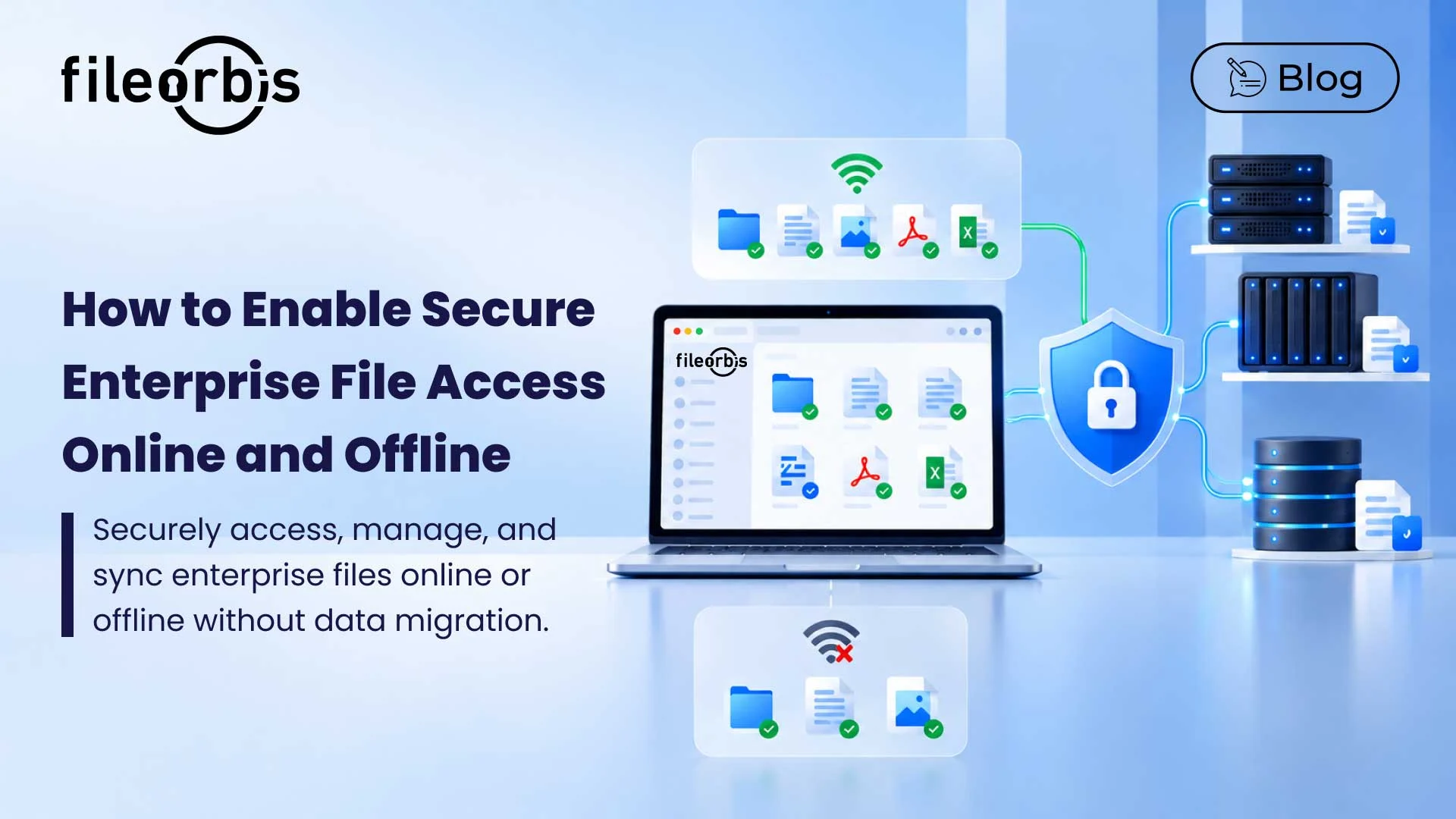
How to Enable Secure Enterprise File Access Online and Offline
Enterprise employees need reliable access to business-critical files, no matter where they work. From enterprise offices to remote industrial sites, productivity depends on secure and consistent file accessibility across different locations and network conditions.
However, traditional file access methods often rely on fragmented storage systems, manual file transfers, and constant connectivity. These limitations can disrupt operations and increase the risk of unmanaged data exposure.
Secure enterprise file access requires a unified approach that supports employee productivity while maintaining centralized security and governance.
Why Traditional Enterprise File Access Falls Short
Modern enterprises manage files across on-premises servers, distributed locations, and cloud repositories. Traditional access models can struggle to support employees working across these environments.
Common challenges include:
- Connectivity dependency: Network interruptions prevent access to critical documents.
- Uncontrolled local copies: Manual downloads increase the risk of unauthorized exposure.
- Fragmented storage: Multiple repositories complicate file access and administration.
- Synchronization gaps: Offline modifications create outdated or conflicting file versions.
- Limited visibility: Distributed workflows make policy enforcement and audit logging more difficult.
These challenges highlight the need for secure, consistent file access across enterprise environments.
5 Essential Capabilities for Security in Enterprise File Access
Unified Access in Enterprise Storage
Employees should be able to access authorized files without navigating between multiple applications or storage systems.
A unified file access layer simplifies access while protecting existing infrastructure by connecting existing file servers, NAS devices, object storage, and cloud storage.
Permission-Aware Access and Centralized Governance
File accessibility should not compromise security.
Organizations should enforce least-privilege access and apply centralized policies across supported file workflows.
Key controls include:
- Sensitive data protection: Reduce inappropriate storage and unauthorized access.
- Permission enforcement: Restrict file access to authorized users.
- Policy management: Enforce consistent security requirements.
- Audit logging: Maintain visibility into file activity.
Network connectivity is not always guaranteed, especially for field operations and remote facilities.
Secure local caching allows employees to access pre-synchronized documents while offline. Organizations should define which files can be cached and implement appropriate endpoint security controls.
Automatic File Synchronization
Offline modifications should be synchronized when connectivity returns to maintain document consistency.
Effective enterprise file synchronization should:
- Detect locally modified files.
- Synchronize changes with central repositories.
- Reduce manual file transfers.
- Identify and manage conflicting versions.
Native Desktop Integration
Employees should be able to work with enterprise files through familiar desktop applications.
Native file explorer integration simplifies file navigation, reduces reliance on separate portals, and supports built-in workflows without sacrificing centralized management.
Why Offline File Access Matters for Business Continuity
For distributed enterprises, unreliable connectivity can disrupt essential operations.
For example, an engineer at a remote energy facility might need access to technical drawings or maintenance procedures during a network outage. With secure offline file access, pre-cached documents remain available, allowing work to continue.
This approach helps organizations:
- Maintain operational continuity: Reduce disruptions caused by network interruptions.
- Reduce connectivity dependency: Keep essential workflows running in remote environments.
- Support field productivity: Enable employees to work with critical documentation.
Offline availability should remain part of a broader security strategy that includes endpoint protection and managed synchronization.
How FileOrbis Helps
FileOrbis Drive extends secure enterprise file access to existing storage environments, combining unified access, offline productivity, and centralized governance without requiring data migration.
FileOrbis Drive extends secure enterprise file access to existing storage environments by combining unified access, centralized governance, and offline productivity without requiring data migration.
Key capabilities include:
- Unified Enterprise File Access: Access authorized files across connected storage environments through a single virtual drive.
- Secure Local Caching: Keep selected documents available for offline work.
- Centralized Governance: Apply existing permissions, security policies, and audit logging.
- Automatic Synchronization: Synchronize modified files when connectivity is restored.
- Native Desktop Integration: Work directly through Windows File Explorer or macOS Finder.
- No Data Migration: Extend governed access without replacing existing storage infrastructure.
FileOrbis Drive helps engineering, manufacturing, construction, energy, and other distributed teams access business-critical documents while maintaining centralized control.
In Summary
Secure enterprise file access should support productivity without compromising data security.
By combining governed access with offline availability, organizations can reduce operational disruptions and maintain control over enterprise files in distributed environments.
FileOrbis Drive helps extend these capabilities to existing enterprise infrastructure without the need for unnecessary data migration.
Frequently Asked Questions
What is secure enterprise file access?
Secure enterprise file access allows authorized employees to access enterprise documents in different locations while maintaining appropriate permissions and security controls.
How does secure offline file access work?
Secure local caching ensures that selected documents are available without a continuous connection. When the connection is restored, changes are synchronized with central storage.
Can organizations enable secure file access without data migration?
Yes. FileOrbis Drive provides secure access to existing enterprise storage environments, supporting offline file availability, centralized management, and automatic synchronization without requiring data migration.

Mert Topaloğlu
Senior Presales Consultant
Subscribe to our Newsletter
About FileOrbis
Aiming to manage the user and file relationship within an institutional framework, FileOrbis is constantly being developed in order to meet different industry and customer needs in terms of file management and sharing. Since 2018, FileOrbis continues to be developed with the excitement of the first day. FileOrbis focuses on high security, rich integration, ease of use and integrated management criteria.