
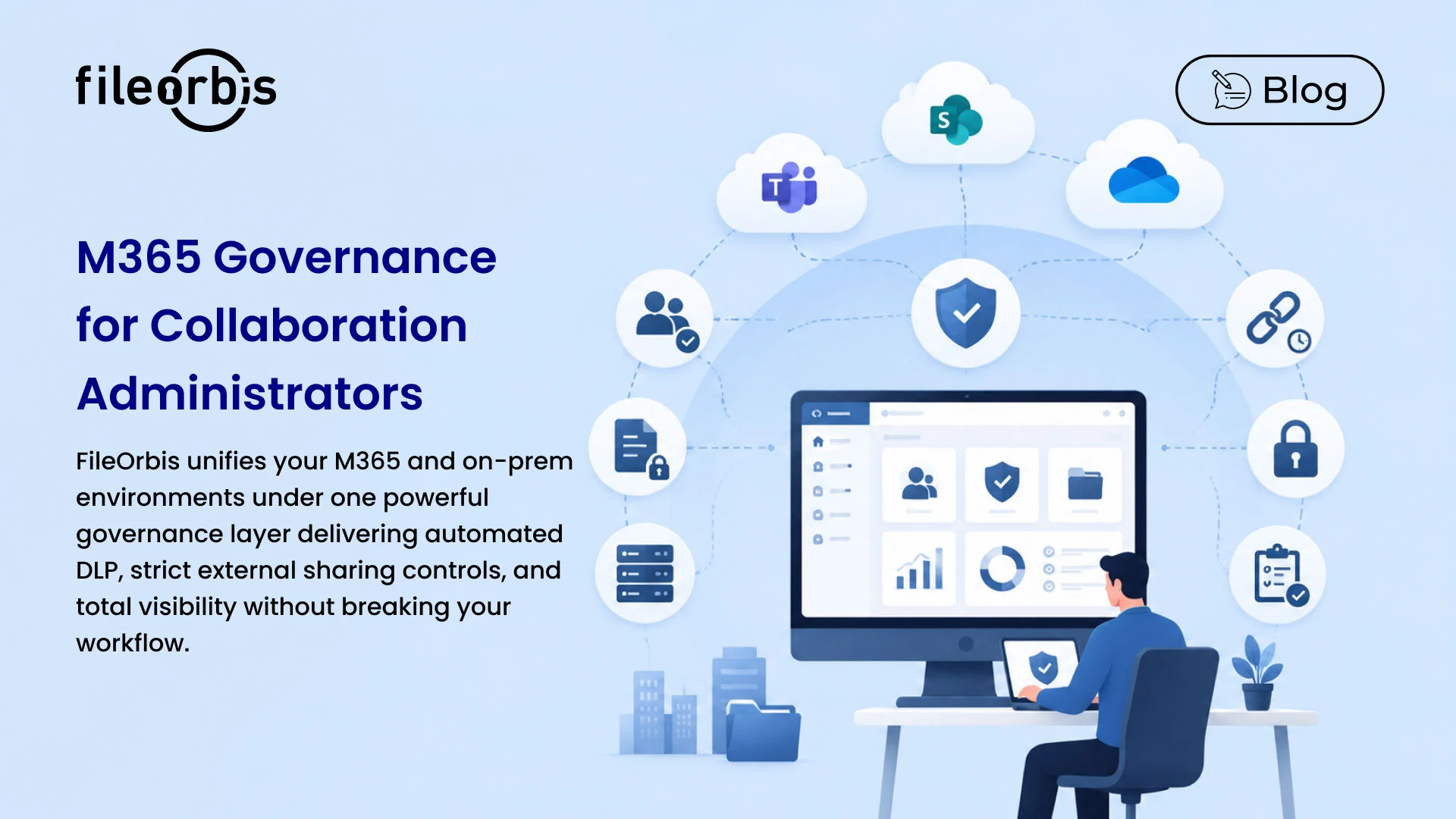
M365 Governance for Collaboration Administrators
M365 makes collaboration effortless but governance hard. FileOrbis gives M365 and collaboration administrators the controls native tooling lacks: robust external sharing and guest access governance, automated sensitivity labeling and DLP, and a single pane of control that unifies on-prem file environments with Teams, SharePoint, and OneDrive.
External Sharing & Guest Access Control
- Sharing Policies: Set and enforce who can share what, with whom, and for how long across M365.
- Guest Access Governance: Control and review external and guest access to prevent unmanaged exposure.
- Expiring & Revocable Links: Issue time-bound, revocable sharing links with full visibility.
Sensitivity Labeling & DLP
- Automated Classification: Apply sensitivity labels and classify data automatically based on content.
- Data Loss Prevention: Monitor and control sensitive information moving through Teams, SharePoint and OneDrive.
- Policy Enforcement: Apply consistent protection rules everywhere, without relying on end-user diligence.
Unified File Environment
- On-Prem + M365: Govern legacy file servers and M365 from one platform, with consistent policy.
- Single Pane of Control: Manage users, permissions and groups centrally to cut administrative overhead.
- Migration Without Disruption: Modernize file access without a risky big-bang migration.
Additional Capabilities
Automated Efficiency
- Access Reviews: Automate periodic reviews of sharing and guest access.
- Alerts & Notifications: Get notified on risky sharing or unusual access.
Compliance & Reporting
- Audit Trails: Detailed logs of all sharing and access for compliance.
- Regulatory Alignment: Support GDPR, KVKK, HIPAA and industry mandates in M365.
Seamless Integration
- Entra ID & Identity: Integrate with Microsoft Entra ID for consistent identity governance.
- API Access: Extend controls into your existing admin tooling.
Why choose FileOrbis for M365 & Collaboration Administrators?
- Sharing Control: Govern external sharing across all of M365.
- Guest Governance: Review and control guest access with ease.
- Auto Labeling: Sensitivity labels applied by content, automatically.
- Strong DLP: Stop sensitive data leaving Teams, SharePoint, OneDrive.
- Unified Estate: On-prem and M365 under one policy.
- Lower Overhead: Central management cuts admin effort.
- Audit Ready: Complete logs for every share and access.
- Regulated Ready: Meet compliance mandates inside M365.
- Identity Integrated: Works with Microsoft Entra ID.
- No Big-Bang Migration: Modernize file access without disruption.
Take Control of M365 Collaboration with FileOrbis
Give your M365 and collaboration administrators the governance layer native tooling misses. FileOrbis delivers external sharing and guest-access control, automated labeling and DLP, and a unified view across on-prem and M365, so collaboration stays open and secure.
Frequently Asked Questions
What are the best M365 governance tools for regulated industries?
Effective M365 governance tools for regulated industries combine external-sharing and guest-access control, automated sensitivity labeling, DLP and complete audit trails. FileOrbis delivers these across Teams, SharePoint and OneDrive while also unifying on-premises file environments under the same policy.
How does FileOrbis control external sharing and guest access in M365?
FileOrbis lets administrators define who can share what, with whom and for how long, issue time-bound and revocable links, and review or revoke guest access centrally. All sharing is logged, so external collaboration never becomes unmanaged exposure.
Does FileOrbis provide DLP for Microsoft 365?
Yes. FileOrbis monitors and controls sensitive information moving through Teams, SharePoint and OneDrive, applying data loss prevention policies consistently rather than relying on end-user diligence.
Can FileOrbis automate sensitivity labeling and data classification?
FileOrbis inspects file content and applies sensitivity labels and classifications automatically, so protection follows the data across M365 without manual tagging.
Does FileOrbis unify on-premises file servers with M365?
Yes. FileOrbis governs legacy file servers and M365 from a single platform with consistent policy, giving administrators one pane of control and enabling modernization without a disruptive big-bang migration.

Gamze Mat
Product Manager
Subscribe to our Newsletter
About FileOrbis
Aiming to manage the user and file relationship within an institutional framework, FileOrbis is constantly being developed in order to meet different industry and customer needs in terms of file management and sharing. Since 2018, FileOrbis continues to be developed with the excitement of the first day. FileOrbis focuses on high security, rich integration, ease of use and integrated management criteria.