
Secure File Sharing with Approval Workflows: When and How to Use Them
Secure file sharing does not mean putting every external transfer through an approval queue. If every document requires manual review, security becomes a bottleneck. If nothing requires approval, sensitive information can leave the organization without adequate oversight.
The goal of secure file sharing with an approval workflow is to seamlessly maintain routine, low-risk collaboration while introducing human authorization where the risk warrants judgment.
When Should File Sharing Require Approval?
Approval should focus on sharing events where the potential impact justifies additional oversight.
Typical high-risk scenarios include:
- Files containing PII, health information, financial data, intellectual property, or other sensitive content
- Sharing with external users, suppliers, contractors, or unknown domains
- Documents classified as Confidential or Restricted
- HR, Legal, finance, M&A, board, or executive documents
- Bulk transfers of sensitive files
- Transfers outside normal user, department, or location patterns
- Files subject to contractual, regulatory, or data residency requirements
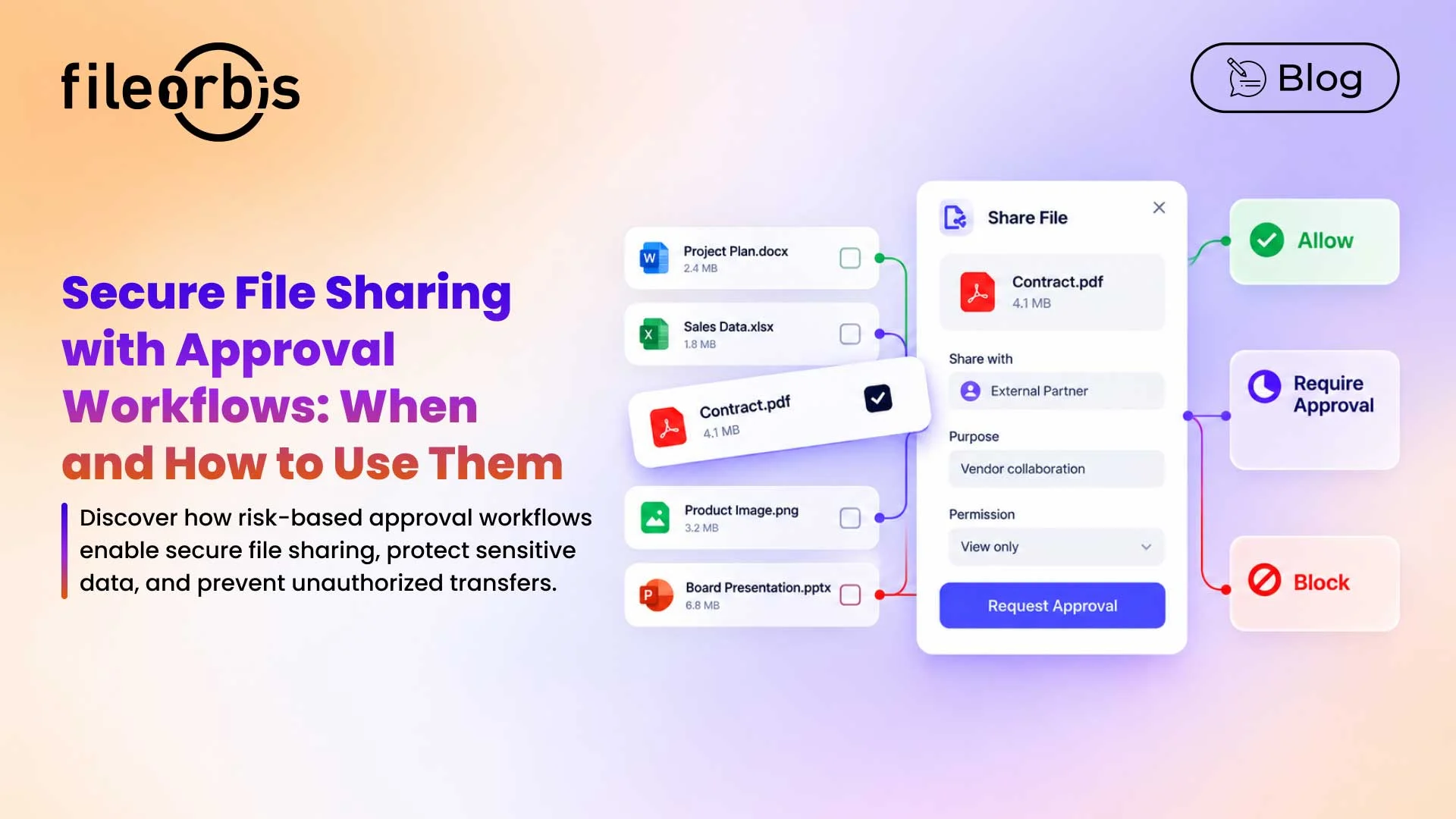
A practical policy model would be to automatically allow low-risk sharing, direct high-risk sharing for approval, and block prohibited transfers.
This allows human reviewers to focus on decisions that truly require judgment.
Select the Right Approver
The approver should understand the risk behind the sharing request.
Depending on the content and destination, that could be:
- Data owner for business-sensitive information
- Manager for departmental sharing
- Compliance or DPO for regulated personal data
- Legal for contracts or privileged documents
- Security for unusual or high-risk transfers
Highly sensitive transactions may require sequential approval involving the manager, compliance, data owner, or security teams before the file can be shared.
Give Approvers Enough Context
An approval request without context forces reviewers to investigate manually or make decisions with incomplete information.
The request should clearly show:
- File classification and detected sensitive content
- Who is sharing the file
- Who will receive it
- Whether the recipient is internal or external
- Requested permissions
- Destination domain
- Reason for sharing
- Expiration period
The goal is simple: give the approver enough information to make an informed decision quickly.
Define Approval SLAs and Escalation
Approval without a response target can delay business processes indefinitely.
Enterprises should define SLAs according to risk and business impact. For example:
- Standard external sharing: 4 business hours
- High-risk or regulated content: 1 business hour
- Sensitive customer data: 2 business hours
- Critical operational transfer: accelerated review
If the SLA expires, the request can move to a backup approver, data owner, manager, security team, or predefined approval group.
This prevents controlled sharing from becoming blocked sharing.
Maintain a Complete Audit Trail
Every approval decision should become part of the file’s audit history.
The audit tracking record should include:
- Requester and approver
- Sharing destination
- Decision and timestamp
- Applied policy
- Subsequent access or download activity
- Approval or rejection
Approval workflows and complete audit trails are established controls in FileOrbis’ secure collaboration model.
This provides evidence for investigations, audits, and internal governance reviews.
Design Emergency Exceptions Carefully
Critical operations sometimes cannot wait for the standard approval chain.
A controlled emergency exception can allow authorized users to bypass the normal workflow under predefined conditions. Exceptions should require:
- Explicit business justification
- Additional authentication where appropriate
- Restricted eligible users
- Automatic notification to security or compliance
- Post-event review
- Complete audit logging
- Automatic expiration
The emergency path should bypass the delay, not the management.
Sample Secure File Sharing Approval Workflows
- Sensitive External Sharing
When sensitive content is detected, the request can be routed to the data owner for approval before secure sharing.
- Routine External Sharing
For routine collaboration where policy conditions are already satisfied, low-risk content can be shared automatically with approved recipients.
- Highly Restricted Sharing
Restricted or highly confidential content may require multiple levels of approval, such as compliance, manager, and security review.
- Emergency Sharing
For predefined critical situations, an authorized exception can allow immediate sharing while notifying security and requiring a post-event review.
- Prohibited Sharing
Some transfers should never enter an approval queue. If restricted content is being sent to a prohibited destination, policy should block the transfer.
How FileOrbis Helps
FileOrbis combines content-aware classification, secure sharing, policy enforcement, and approval workflows to control sensitive file transfers.
Policies can evaluate factors such as:
- User or department
- File content and classification
- Recipient and destination
- File location
- Internal vs. external sharing
Depending on the policy, a transfer may be allowed, routed for approval, protected with additional controls, or blocked. FileOrbis supports context-aware controls and audit logs, as well as approval workflows, when governing existing file environments.
In Summary
Effective and secure file sharing with an approval workflow is about enforcing approval where human judgment adds value, without slowing down routine collaboration.
The most robust approach combines risk-based triggers, appropriate approvers, SLAs and escalation, decision-ready context, audit logs, and controlled emergency exceptions.
FileOrbis integrates these controls into secure file sharing, enabling organizations to govern sensitive transfers without creating unnecessary friction.
Frequently Asked Questions
Does every external file share need approval?
No. Low-risk transfers that meet predefined policies should remain frictionless. Approval should focus on sensitive or unusual sharing scenarios that require human judgment.
Can secure file sharing approvals be automated?
Yes. Policies can allow low-risk sharing, route higher-risk transfers for approval, and block prohibited transfers.
What information should an approver see?
Approvers should see the requester, file sensitivity, destination, recipient, expiration, requested access, and business justification.

Emre Demiray
Founder – FileOrbis
Subscribe to our Newsletter
About FileOrbis
Aiming to manage the user and file relationship within an institutional framework, FileOrbis is constantly being developed in order to meet different industry and customer needs in terms of file management and sharing. Since 2018, FileOrbis continues to be developed with the excitement of the first day. FileOrbis focuses on high security, rich integration, ease of use and integrated management criteria.