
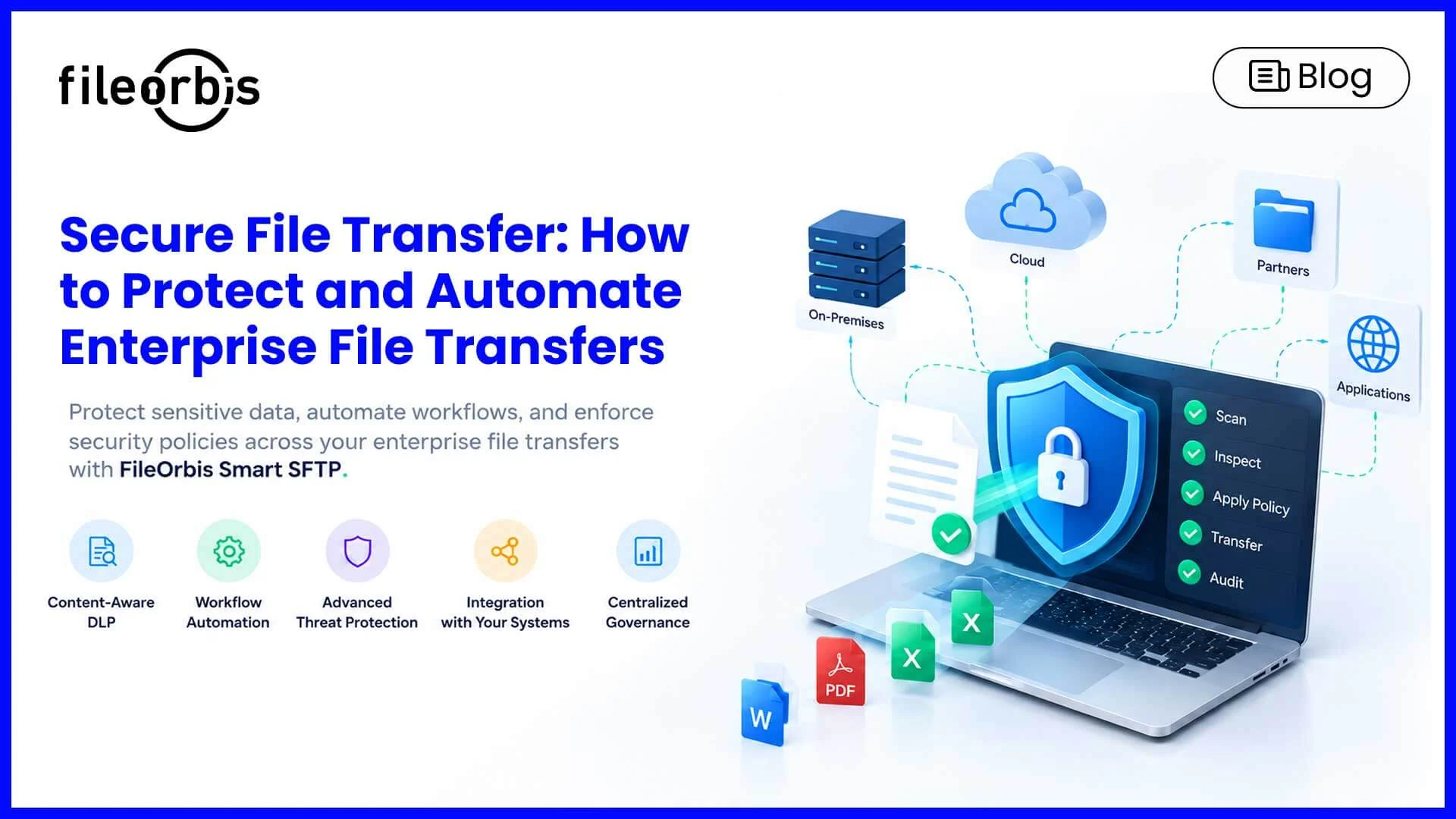
Secure File Transfer: How to Protect and Automate Enterprise File Transfers
Enterprise file transfers connect business-critical systems, external partners, and applications. From financial transactions to supplier data exchange, organizations rely on secure file transfer to move sensitive information between different environments.
However, encryption alone cannot determine whether a file contains malware, sensitive information, or violates security policies. Businesses need additional controls to protect file movement without disrupting business operations.
What is Secure File Transfer?
Secure file transfer is the process of exchanging files between systems or users through protected communication channels using authentication, encryption, and access controls.
Common protocols include:
- SFTP (SSH File Transfer Protocol): Transfers files over an encrypted SSH connection.
- HTTPS (Hyper Text Transfer Protocol Secure): Enables encrypted file exchange through web-based applications and APIs.
- FTPS (FTP Secure): Uses TLS to protect FTP communications.
These protocols protect data in transit but do not inspect file contents or enforce enterprise security policies.
Why Traditional Secure File Transfer Is Not Enough
Enterprise file transfers often involve legacy applications, external partners, automated scripts, and multiple storage environments.
This creates several security and operational challenges:
- Limited content visibility: Sensitive or malicious files may pass through encrypted connections without inspection.
- Unauthorized data disclosure: Confidential information may be transferred to unauthorized destinations.
- Fragmented management: Multiple transfer systems make monitoring and policy enforcement difficult.
- Unmanaged automation: Custom scripts can introduce operational complexity and inconsistent security controls.
- Audit gaps: Incomplete transfer records complicate investigations and regulatory reporting.
Modern secure file transfer solutions overcome these challenges by combining encrypted connectivity with automation, auditing, and centralized management.
Key Capabilities of a Modern Secure File Transfer Solution
Content-Aware Inspection and DLP
Content-aware controls evaluate file contents before transfer and enforce security policies based on sensitivity.
Organizations can:
Identify personally identifiable information (PII), confidential documents, and financial records.
- Apply data loss prevention (DLP) policies.
- Require approval for sensitive transfers.
- Block or quarantine files that violate security rules.
Secure File Transfer Automation
Automating file exchanges reduces manual intervention and reliance on custom scripts.
Key capabilities include:
- Scheduled and event-triggered transfers.
- Approval workflows for sensitive files.
- Automated file routing between approved destinations.
- Notifications and post-transfer actions.
Automation enables consistent execution of file transfer workflows.
Advanced Threat Protection
Encrypted connections do not prevent malware from entering enterprise environments.
Advanced file inspection may include:
- Sandbox analysis: Examine suspicious files for harmful behavior.
- Antivirus scanning: Detect known malicious files.
- Content Disarm and Reconstruction (CDR): Remove potentially dangerous active content from supported file types.
These controls help reduce the risk of malicious files reaching enterprise systems.
Integration with Existing Infrastructure
Enterprise file transfer solutions should connect file servers, NAS, legacy applications, and cloud storage through supported protocols and connectors.
This allows organizations to modernize their transfer workflows while maintaining their existing storage environments.
Centralized Monitoring and Audit Logging
Organizations need visibility into file transfers for security investigations and compliance reporting.
Centralized monitoring provides the following logs:
- File transfer status and security inspection results.
- Transfer initiators, timestamps, and destinations.
- Policy decisions, blocked transfers, and approvals.
How FileOrbis Helps
FileOrbis Smart SFTP extends traditional SFTP with content-aware security, threat inspection, and automated file transfer workflows.
It operates as a governed file transfer gateway that integrates with existing enterprise infrastructure.
Key capabilities include:
- Multi-protocol support: SFTP, HTTPS, FTPS, and WebDAV connectivity.
- Advanced threat inspection: Integrate sandbox, antivirus, CDR, and ICAP-based security controls.
- Content-aware DLP: Inspect sensitive information and enforce transfer policies.
- Workflow automation: Manage file routing, approvals, and automated transfer processes.
- Centralized governance: Maintain audit logging and connect transfer activity with SIEM systems.
- Storage connectivity: Integrate NAS, OneDrive, SharePoint, Azure Blob, and Amazon S3.
- Flexible deployment: Support on-premises and hybrid environments without requiring data migration.
Smart SFTP helps enterprises replace fragmented transfer processes with centrally governed workflows while preserving their existing infrastructure.
In Summary
Secure file transfer requires more than encrypted communication. Organizations need content inspection, automation, threat protection, and centralized visibility to securely manage their file exchanges.
FileOrbis Smart SFTP combines these capabilities in a governed file transfer gateway, helping enterprises strengthen security and modernize workflows without replacing their existing storage infrastructure.
Frequently Asked Questions
1. What is the most secure way to transfer files between enterprise systems?
Use encrypted protocols such as SFTP or FTPS with strong authentication, malware inspection, content-aware security controls, and audit logging.
2. Can secure file transfers be automated?
Yes. Secure file transfer automation supports scheduled transfers, policy-based approvals, automated routing, and event-triggered workflows.
3. How does FileOrbis Smart SFTP improve traditional file transfers?
FileOrbis Smart SFTP adds content-aware DLP, workflow automation, advanced threat inspection, and centralized governance to existing file transfer environments without requiring storage migration.

Emre Demiray
Founder – FileOrbis
Subscribe to our Newsletter
About FileOrbis
Aiming to manage the user and file relationship within an institutional framework, FileOrbis is constantly being developed in order to meet different industry and customer needs in terms of file management and sharing. Since 2018, FileOrbis continues to be developed with the excitement of the first day. FileOrbis focuses on high security, rich integration, ease of use and integrated management criteria.