
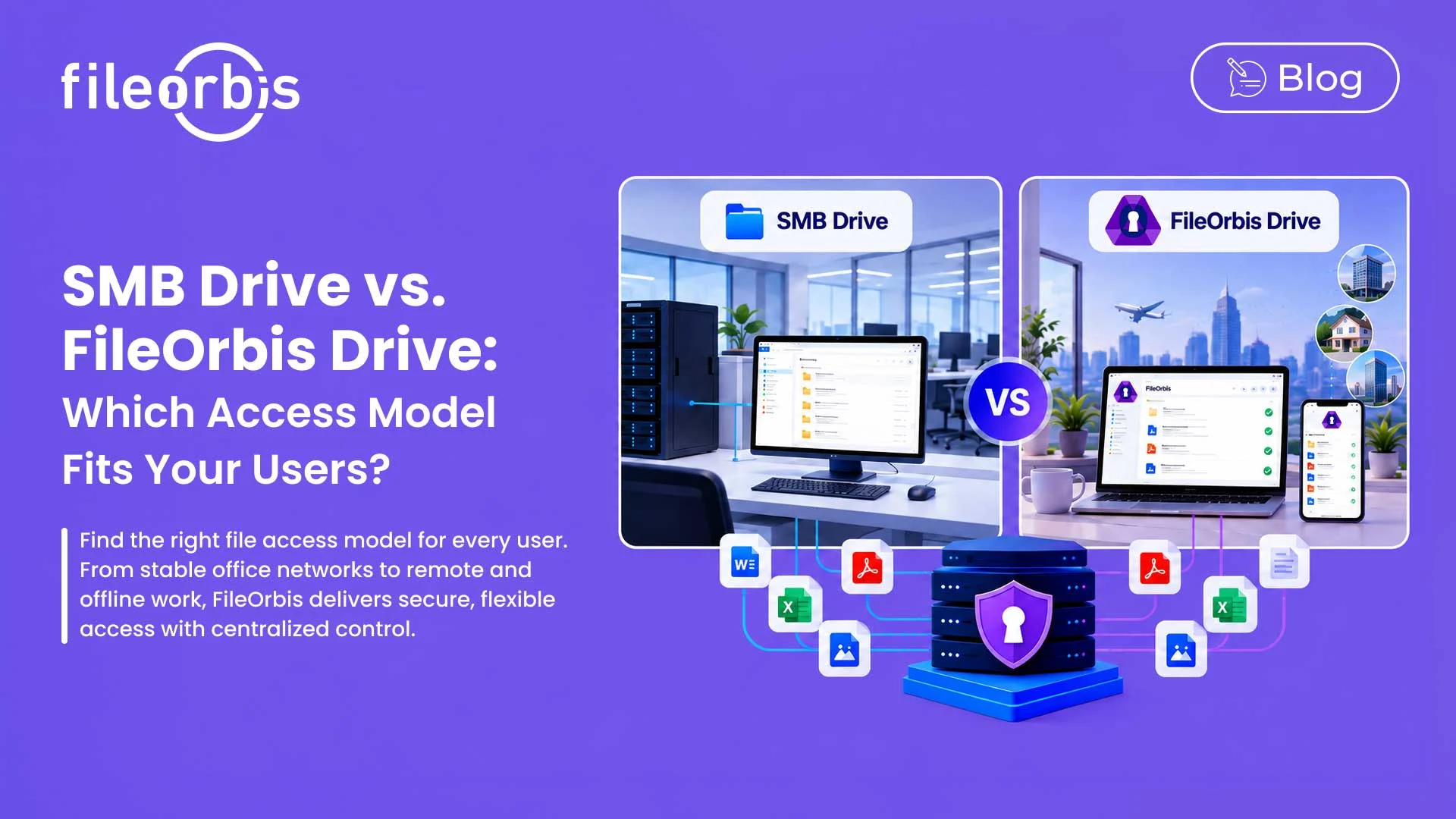
SMB Drive vs. FileOrbis Drive: Which Access Model Fits Your Users?
Enterprise users have different file access needs depending on where and how they work.
The requirements of a user working over a stable corporate LAN at headquarters differ from those of a remote employee, a traveling manager, or a team working from a branch office with inconsistent connectivity.
The key question when comparing SMB Drive and FileOrbis Drive: Which access model should IT provide for each user group?
FileOrbis offers both access models within the same managed environment, allowing organizations to tailor file access to different user and network profiles.
Start with the User, Not the Protocol
Choosing an enterprise file access model should begin with how employees actually work.
IT teams should consider:
- Where does the user normally work?
- Does the user need to work offline?
- How reliable is the network connection?
- Does the user frequently move between networks?
- Is SMB connectivity available?
- Is background synchronization required?
These questions help determine which access model better fits each user.
When Does SMB Drive Fit Better?
SMB Drive is designed for users who primarily work within stable enterprise network environments.
It uses the SMB protocol over port 445 and provides direct, on-demand access to centrally managed files. Instead of continuous background content synchronization, files are retrieved as users need them.
SMB Drive is a strong fit for:
- Headquarters employees
- Office-based teams
- Employees who primarily work online
- Users connected to a stable corporate LAN
- Users who prefer traditional network drive behavior
- Environments where SMB/445 connectivity is available
For these users, continuous offline synchronization may not be a priority.
When Does FileOrbis Drive Fit Better?
FileOrbis Drive uses HTTPS over port 443 and combines local caching with background synchronization.
Files and folders can be made available locally, allowing users to continue working when connectivity is temporarily unavailable. Changes can synchronize with the central environment when the connection returns.
FileOrbis Drive is ideal for:
- Remote and hybrid employees
- Travelling and mobile employees
- Branch-office teams
- Employees with intermittent connectivity
- Users connecting through restricted networks
- Users who need offline access
The key decision is whether users need access beyond a stable enterprise network and whether selected files must remain available when connectivity changes.
Different Users Can Use Different Access Models
Enterprises do not need to standardize every employee to a single drive model.
For example, headquarters employees working over a reliable corporate LAN may use SMB Drive, while mobile, remote, or branch employees may use FileOrbis Drive.
This allows IT to make access choices based on actual working conditions, rather than imposing a single model on every user and location.
How FileOrbis Helps
Using different access models does not require separate governance environments.
SMB Drive and FileOrbis Drive can operate within the broader FileOrbis architecture while organizations maintain:
- Existing permission structures
- Content-aware security controls
- Centralized access policies
- Activity visibility
- Consistent governance across repositories
- Audit logging
FileOrbis can govern existing file environments without requiring organizations to move their data to a new repository. It can also work with existing file servers, respecting existing AD and NTFS permissions.
Therefore, while the access experience may vary from user to user, the central administration remains.
SMB Drive vs FileOrbis Drive: A Simple Decision Framework
When assigning an access model, IT teams can work through four questions:
- Is the user primarily connected to a stable corporate LAN?
SMB Drive may be the better fit.
- Does the user need offline access and background synchronization?
FileOrbis Drive is designed for this working model.
- Does the user regularly work across remote or restricted networks?
Consider FileOrbis Drive.
- Do different teams have different requirements?
Both access models can be used within the same FileOrbis environment.
The goal is not to determine which drive is universally better. It is to provide the right access experience for each user profile.
In Summary
The SMB Drive vs FileOrbis Drive decision should be based on how users work.
SMB Drive is suitable for stable enterprise network environments and direct, on-demand access. FileOrbis Drive, on the other hand, is suitable for users who need greater flexibility across locations, networks, and offline scenarios.
With FileOrbis, organizations can utilize both access models while centralizing management.
Frequently Asked Questions
What is the main difference between SMB Drive and FileOrbis Drive?
SMB Drive provides direct, on-demand file access over SMB, while FileOrbis Drive uses HTTPS and supports background synchronization and offline workflows.
Can organizations use both?
Yes. SMB Drive and FileOrbis Drive can serve different user groups while being centrally managed through FileOrbis.
Which option is better for remote workers?
FileOrbis Drive is better suited for users working in changing network conditions and requiring synchronization or offline access.

Mert Topaloğlu
Senior Presales Consultant
Subscribe to our Newsletter
About FileOrbis
Aiming to manage the user and file relationship within an institutional framework, FileOrbis is constantly being developed in order to meet different industry and customer needs in terms of file management and sharing. Since 2018, FileOrbis continues to be developed with the excitement of the first day. FileOrbis focuses on high security, rich integration, ease of use and integrated management criteria.