
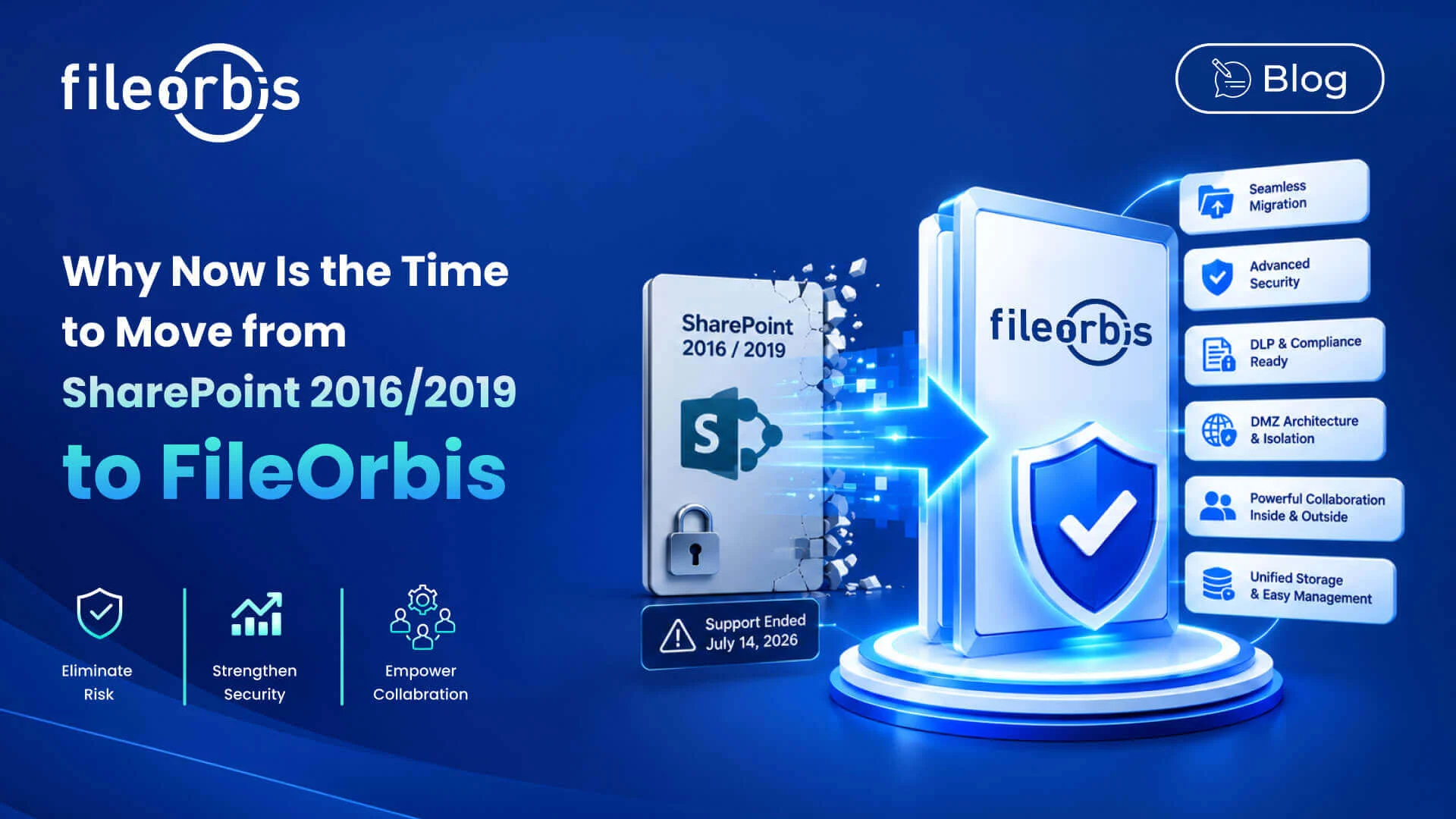
Why Now Is the Time to Move from SharePoint 2016/2019 to FileOrbis
With SharePoint Server 2016 and SharePoint Server 2019 approaching their end-of-support dates in July 2026, organizations relying on these on-premises platforms face significant security risks, operational challenges, and cost pressures. The need for a secure, modern, and feature-rich document management solution has never been more urgent.
FileOrbis provides a next-generation, on-premises solution that not only replaces legacy platforms like SharePoint 2016/2019, but surpasses them in migration capabilities, security integrations, content governance, and user collaboration.
Key Advantages Over SharePoint 2016/2019
Effortless Migration with Permissions Preservation
FileOrbis includes a built-in Migration Tool that makes transitioning from SharePoint 2016 or 2019 straightforward and secure:
- Automatic Permissions Mapping: Existing file and folder permissions are migrated seamlessly.
- Home & Team Folder Creation: FileOrbis automatically generates home folders for individual users and team folders for group collaboration.
- Minimal Downtime: Migration can be performed without disrupting daily operations.
This eliminates the complexity of manual export/import processes and ensures that access control is preserved during the migration.
Superior Multi-Layered Threat Analysis
Unlike traditional on-premises SharePoint deployments, FileOrbis integrates with multiple layers of cybersecurity tools:
- Antivirus & Anti-malware Engines: Multi-vendor support for comprehensive detection.
- Content Disarm and Reconstruction (CDR): Automatically neutralizes potentially malicious content in documents without altering usability.
- Sandboxing for Suspicious Files: Isolates unknown threats safely.
- Custom Security Workflows: Dynamic security triggers based on specific file activities.
This multi-layered threat analysis ensures that every file—whether uploaded internally or shared externally—is scanned, sanitized, and validated before it is accessible.
Advanced Content Analysis and Data Loss Prevention
FileOrbis offers deep content inspection far beyond standard metadata scanning:
- Sensitive Data Detection: Automatically identifies files containing personal data, financial records, or regulated content.
- Sensitive Data–Based Approval: Route files containing certain classifications for managerial or compliance approval before sharing or download.
- Dynamic Watermarking: Apply user-specific or content-based watermarks automatically to sensitive documents.
- Custom Classification Policies: Define your own rules to tag, restrict, or quarantine content in real time.
These capabilities help organizations comply with GDPR, HIPAA, and other regulatory frameworks without complex third-party integrations.
Enhanced Isolation with DMZ Architecture
FileOrbis supports dedicated DMZ deployments, creating an additional security buffer between internal storage systems and external access points:
- Reduces the risk of direct attacks on your internal network.
- Enables controlled, secure file exchange with external partners.
- Works seamlessly with reverse proxy and WAF solutions.
- Powerful Internal & External User Collaboration
Unlike SharePoint 2016/2019’s more rigid sharing model, FileOrbis allows:
- Granular External User Controls: Define exactly what external parties can view, edit, or download.
- One-Time Secure Links: Expire automatically after use or after a set period.
- Integrated Secure Messaging: Attach notes or instructions directly to shared files.
This ensures business agility without compromising security.
Additional Advantages Over SharePoint 2016/2019
Beyond migration, security, and compliance, FileOrbis brings several key advantages:
- Unified Storage Federation: Access files across on-premises, cloud, and object storage from a single platform.
- Centralized Metadata Layer: Search and manage files across all connected systems with consistent metadata.
- BranchCache-like Acceleration: Improves file access speed for distributed teams.
- Simplified Administration: A single web-based console to manage users, storage, and security policies.
The Risk of Delaying Migration
Microsoft’s support for SharePoint 2016 and 2019 will end on July 14, 2026. After this date:
- No Security Patches: Critical vulnerabilities will remain unpatched.
- Increased Attack Surface: Known exploits can be weaponized by threat actors.
- Compliance Failures: Operating unsupported software can breach regulatory requirements.
- Operational Overheads: Maintaining outdated systems requires more manual intervention and specialized resources.
The cost of maintaining an end-of-life system often far exceeds the investment in a modern replacement.
Conclusion
Migrating from SharePoint 2016/2019 to FileOrbis is not just a platform upgrade. It’s a strategic move toward stronger security, better compliance, and more efficient collaboration.
With its migration-ready toolkit, multi-layer threat defense with CDR, sensitive data–based approval and watermarking, and flexible user collaboration features, FileOrbis ensures that your organization is ready for the next decade of secure, on-premises file management.

Emre Demiray
Founder – FileOrbis
Subscribe to our Newsletter
About FileOrbis
Aiming to manage the user and file relationship within an institutional framework, FileOrbis is constantly being developed in order to meet different industry and customer needs in terms of file management and sharing. Since 2018, FileOrbis continues to be developed with the excitement of the first day. FileOrbis focuses on high security, rich integration, ease of use and integrated management criteria.