
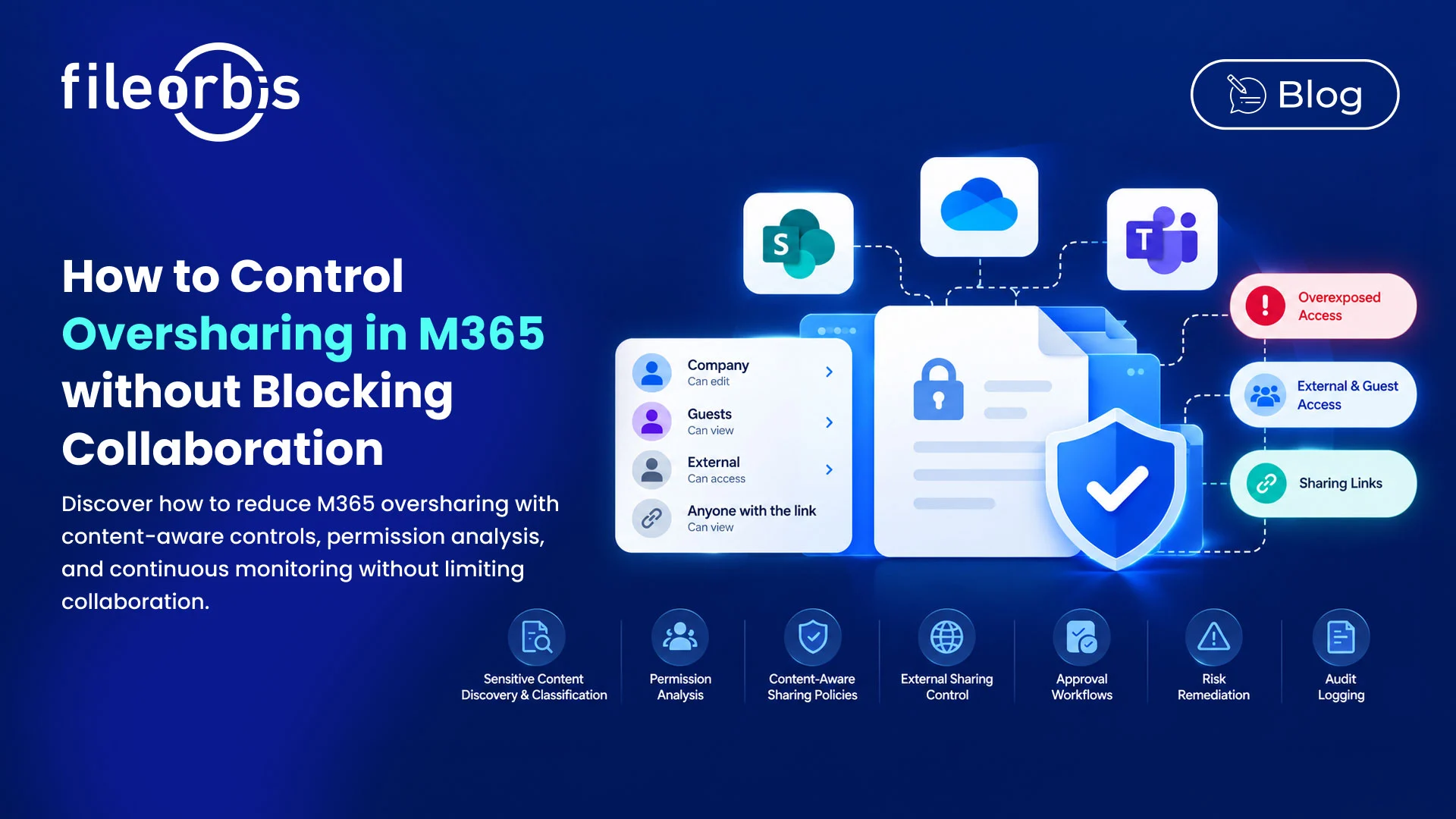
How to Control Oversharing in M365 without Blocking Collaboration
M365 makes it easy to collaborate across SharePoint, OneDrive, and Teams. However, as users create sites, share files, generate links, and invite guests, access can gradually extend beyond the original business purpose.
This creates to M365 oversharing, where folders, files, or sites are accessible to more people than necessary.
The goal is not to restrict collaboration, but to identify unnecessary access and apply controls based on content sensitivity, sharing context, and user permissions.
What is M365 Oversharing?
M365 oversharing occurs when content becomes accessible beyond the intended audience.
Common examples include:
- SharePoint sites with excessively broad memberships
- Sensitive files accessible by large internal groups
- Files shared externally longer than necessary
- Broad or anonymous sharing links
- Permissions accumulating over time
- Guest users retaining access after projects end
- OneDrive files that remain to be shared externally
- Teams-connected content with outdated access
The challenge is that each permission may be legitimate at the time it is created. The risk develops when access is no longer reviewed or aligned with the sensitivity of the content.
Why M365 Oversharing Is Difficult to Control
M365 access can be distributed across SharePoint sites, OneDrive accounts, Teams, guest users, M365 groups, and sharing links.
This makes it difficult to answer basic governance questions:
- Where is sensitive content stored?
- Which files are exposed to broad groups?
- Which external users still need access?
- Who can currently access it?
- Who owns the decision to remove access?
- Which sharing links remain active?
Therefore, controlling excessive sharing requires more than just restrictive sharing settings. Organizations need visibility into both content and access.
Discover Where Oversharing Exists
The first step is to provide visibility across M365.
Organizations should identify:
- Sites with broad permissions
- External sharing
- Sensitive files accessible to large groups
- Broadly accessible sharing links
- Active guest access
- Unusual or unnecessary permission assignments
Permission data alone does not always indicate risk. A public policy document with broad access and a payroll file with broad access present very different security concerns.
Combining content sensitivity with access information helps teams prioritize risks that require attention.
Review External and Guest Access
External collaboration is often necessary, but access should remain relevant to an active business purpose.
Review:
- Active guest users
- Files shared with third parties
- External site memberships
- External accounts that are no longer active
- Access associated with completed projects
Instead of disabling external collaboration, organizations can make access controlled, revocable, and time-bound.
Apply Policies Based on File Content
Not all files require the same level of protection.
Content-aware policies can identify sensitive information such as:
- Personal information
- Financial records
- Contracts
- Customer data
- Confidential business documents
- Intellectual property
Depending on the content, organizations may require approval, apply additional protection, restrict external sharing, or prevent inappropriate actions.
This allows for continued low-risk collaboration while ensuring stronger controls are applied where they are truly needed.
Involve Content Owners in the Review Process
IT and security teams can identify risky access, but they may not always know if that access is still necessary.
Content and site owners can help determine the business context.
Owner workflows can be used to:
- Verify if users still require access
- Validate external collaboration
- Review broad site membership
- Remove unnecessary permissions
- Approve sensitive sharing requests
This distributes governance decisions without giving up centralized security policies.
Governing Sharing Links
Sharing links are useful, but they can expand access quickly if they are not governed.
Organizations should define:
- Which link types are allowed
- Whether anonymous links are allowed
- Link expiration periods
- Default sharing options
- Recipient authentication requirements
- Revocation controls
- Download restrictions where appropriate
For sensitive information, named and authenticated recipients provide stronger accountability than broad accessible links.
Include Access in the Content Lifecycle
Oversharing is not just a sharing problem, it is also a lifecycle problem.
Projects end, sites become inactive, teams change, and documents lose their original business purpose.
Therefore, governance processes should include:
- Site ownership reviews
- Periodic access reviews
- Retention and disposition policies
- Removing unnecessary permissions
- Archiving inactive content
Connecting access management to the content lifecycle prevents legacy collaboration structures from being at risk in the long term.
Continuously Monitor for New Exposure
One-time permission cleanups cannot prevent future M365 oversharing.
Organizations should continuously monitor:
- New broad access
- Sensitive content to large audiences
- Permission changes
- Policy violations
- New external sharing activity
Microsoft provides data access governance capabilities to identify potentially overshared content and monitor sharing activity. Continuous visibility helps organizations detect new exposure before they become part of the normal collaborative environment.
How FileOrbis Helps
FileOrbis adds content-aware governance and security controls to M365 collaboration.
Organizations can use FileOrbis to:
- Discover and classify sensitive content
- Enforce content-aware sharing policies
- Analyze permissions and access
- Control external sharing
- Trigger approval workflows for sensitive files
- Identify and remediate risky exposure
- Keep an audit log for governed actions
FileOrbis Governance for M365 integrates directly with SharePoint Online and OneDrive workflows, allowing organizations to apply additional controls without forcing users through a separate collaboration process.
The goal is not to block M365 collaboration, but to apply stronger governance when recipient, content, or sharing action introduces an additional risk.
In Summary
The problem of excessive sharing in M365 cannot be solved simply by restricting sharing.
Effective governance requires organizations to understand what content is, how it is shared, who has access to it, and whether that access is still necessary.
By combining discovery, permission analysis, content-aware controls, owner workflows, lifecycle management, link governance, and continuous monitoring, organizations can reduce unnecessary exposure while keeping M365 collaboration efficient.

Gamze Karslı
Head of Marketing
Subscribe to our Newsletter
About FileOrbis
Aiming to manage the user and file relationship within an institutional framework, FileOrbis is constantly being developed in order to meet different industry and customer needs in terms of file management and sharing. Since 2018, FileOrbis continues to be developed with the excitement of the first day. FileOrbis focuses on high security, rich integration, ease of use and integrated management criteria.