RAG Data Access Control: How to Enforce File Permissions in Enterprise AI
Retrieval-Augmented Generation (RAG) enables enterprise AI systems to generate answers using internal documents. However, connecting AI to enterprise data repositories presents a security challenge: ensuring users cannot access information beyond their existing access rights.
RAG data access control addresses this problem by enforcing user permissions throughout the access process and preventing AI from becoming an alternative path to restricted information.
What is RAG Data Access Control?
RAG data access control determines which enterprise documents an AI system can retrieve and use for a specific user.
Unlike traditional document retrieval, RAG integrates the retrieved content into AI-generated responses. Therefore, access controls should extend from the original file repository to the retrieval workflow.
Effective controls include:
- Permission enforcement: Enforce existing file and folder access rights.
- Identity verification: Authenticate the user submitting an AI request.
- Content-aware policies: Restrict sensitive information based on classification.
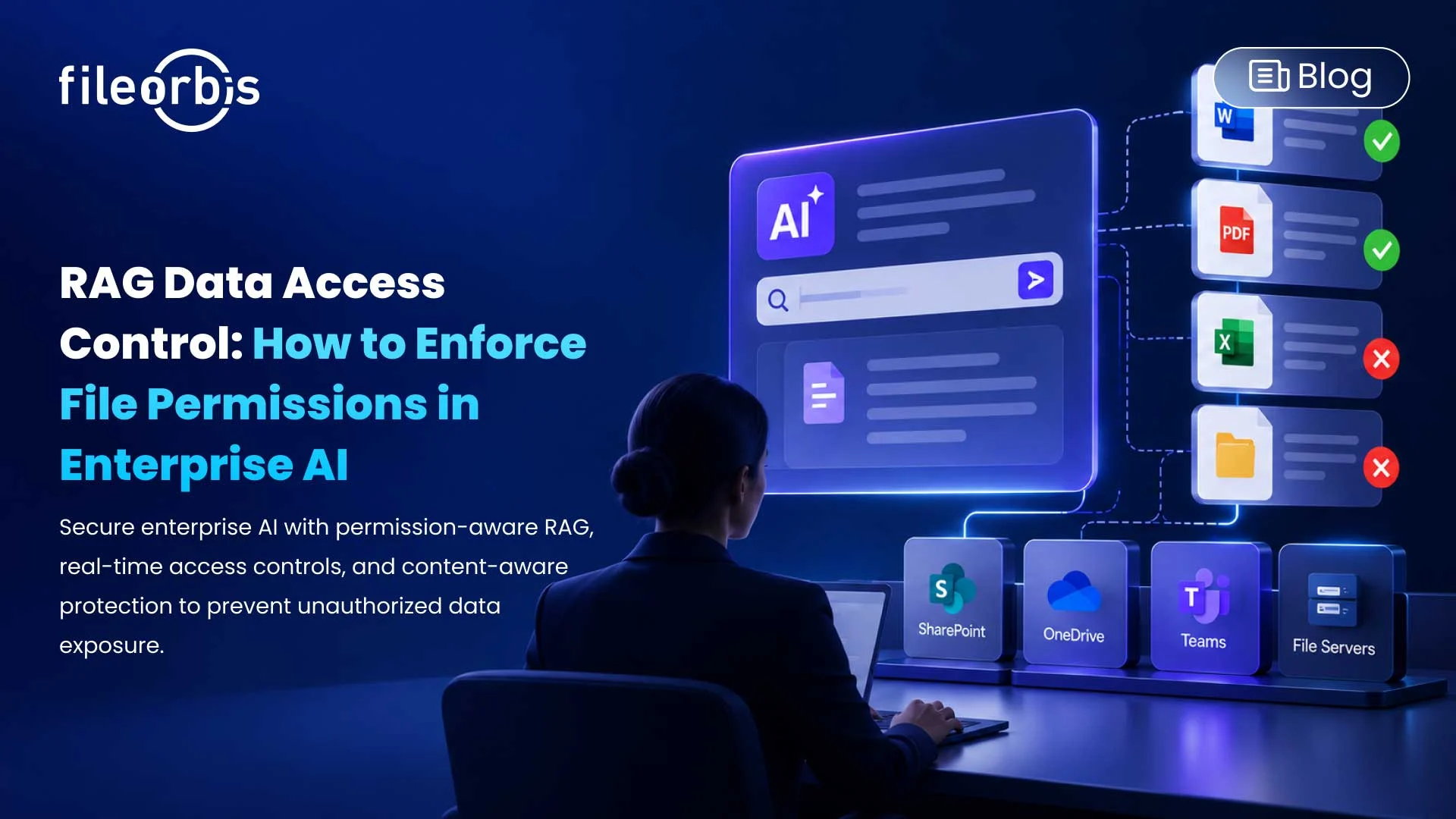
- Security-trimmed retrieval: Exclude unauthorized documents before they reach the language model.
- Audit logging: Record relevant retrieval activity and access decisions.
Why Traditional File Permissions Are Not Enough for RAG
Enterprise file servers typically enforce permissions through NTFS access control lists (ACLs), Active Directory, and other identity systems.
When documents are indexed for RAG, their contents become searchable through a separate retrieval layer. If this layer doesn’t enforce the original permissions, it can expose several risks:
- Excessive access: Overly broad permissions expose confidential information.
- Permission bypass: AI retrieves documents outside a user’s authorized scope.
- Outdated permissions: Revoked access rights are not reflected in retrieval decisions.
- Sensitive data disclosure: AI responses reveal information that should be filtered or protected.
- Cross-user exposure: Restricted information appears in responses to unauthorized users.
The goal is to ensure that document relevance never overrides access authorization.
How to Implement RAG Data Access Control?
Organizations should establish controls across the enterprise AI data retrieval workflow.
Integrate Existing Identity and Permission Systems
RAG systems should use established enterprise identity infrastructure rather than maintaining a separate authorization model.
Integration with LDAP, Active Directory, and file system ACLs helps determine which documents each user can access.
Enforce Permissions at Retrieval Time
Access rights should be evaluated when a user submits a query.
Permission-aware access reduces the risk of restricted information appearing in generated responses by filtering unauthorized documents before their content enters the context of the language model.
Keep Access Rights Synchronized
Employee roles, file permissions, and group memberships change regularly.
RAG systems should reflect these changes so that revoked access or updated restrictions can be applied during subsequent retrieval requests.
Apply Content-Aware Security Policies
File permissions alone may not address every AI-related data protection requirement.
Classification-based controls can:
- Restrict sensitive file types or repositories.
- Mask personally identifiable information (PII).
- Exclude confidential documents from AI retrieval.
- Apply additional policies to regulated content.
Maintain Audit Visibility
Security teams need visibility into how AI systems access enterprise information.
Audit logs should capture relevant queries, access decisions, acquisition activities, and policy enforcement events to support investigations and management reviews.
RAG Data Access Control in Practice
Consider an enterprise AI assistant connected to finance, HR, and general corporate documents.
An employee asks about salary adjustments across the organization. The RAG system identifies the relevant payroll documents, but the employee doesn’t have access to them.
With appropriate access controls:
- The system identifies the requesting employee.
- Unauthorized payroll files are excluded from retrieval.
- Existing permissions are checked against relevant documents.
- The AI responds using permitted information or indicates that the requested information is unavailable.
This allows employees to use enterprise AI without expanding their access to restricted documents.
How FileOrbis Helps
FileOrbis extends enterprise file security into AI and RAG workflows without requiring source data migration or changes to existing permission structures.
Its capabilities include:
- Existing permission enforcement: Extend NTFS, Active Directory, and file system ACLs to AI retrieval.
- Security-trimmed retrieval: Prevent unauthorized documents from reaching the language model.
- Real-time access checks: Evaluate user permissions during AI interactions.
- Policy-driven protection: Block, anonymize, or filter restricted information before AI processing.
- AI-based classification: Identify sensitive content and support classification-based restrictions.
- Audit logging: Provide visibility into document access, AI queries, and policy decisions.
By governing data where it already lives, FileOrbis supports permission-aware and content-aware RAG across existing enterprise file infrastructure.
In Summary
RAG data access control helps enterprises prevent AI systems from bypassing established file permissions.
A secure approach integrates existing identity controls, content-aware policies, synchronized permissions, retrieval-time authorization, and audit logging.
FileOrbis brings these controls into enterprise AI workflows, helping organizations securely use existing corporate knowledge without data migration.

Emre Demiray
Founder – FileOrbis
Subscribe to our Newsletter
About FileOrbis
Aiming to manage the user and file relationship within an institutional framework, FileOrbis is constantly being developed in order to meet different industry and customer needs in terms of file management and sharing. Since 2018, FileOrbis continues to be developed with the excitement of the first day. FileOrbis focuses on high security, rich integration, ease of use and integrated management criteria.